User’s Manual
20
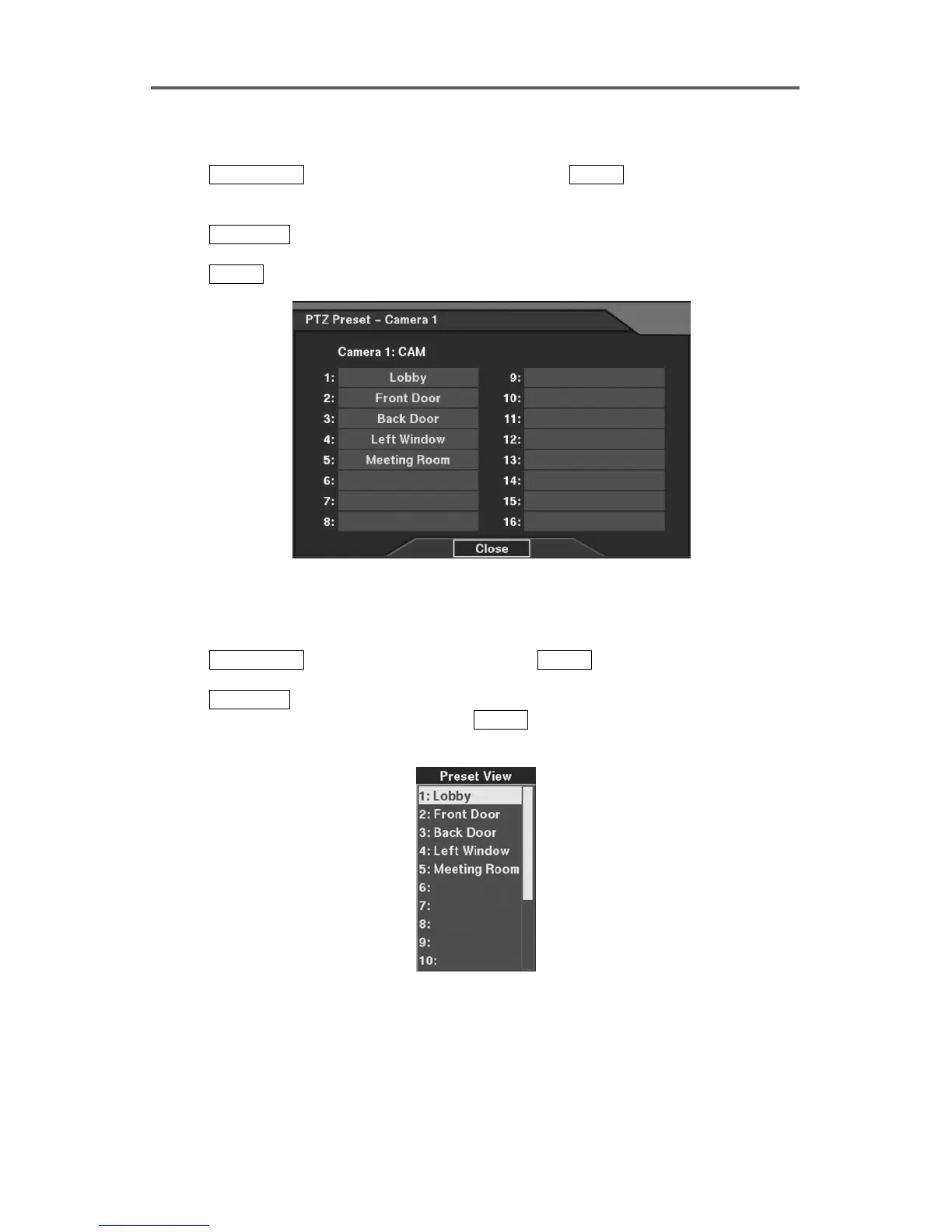
Set up PTZ Preset
1. Press CAMERA 1-4 to preset on the front panel, and press ENTER to enter the PTZ mode.
2. Control the PTZ of the selected camera to desired preset condition. The camera button
LED will blink.
3. Press
CAMERA 3 to display the PTZ Preset dialog box.
4. Move to the target preset number (1~16).
5. Press
ENTER to display software keyboard, and enter a description for the PTZ preset.
Figure 12 PTZ Preset Setup Dialog
Load PTZ Preset
1. Press CAMERA 1-4
to load the PTZ preset, and press
ENTER to enter the PTZ mode. The
camera button LED will blink.
2. Press
CAMERA 4 to display the Preset View dialog box.
3. Move to the target preset number, and press ENTER to load the PTZ preset of the selected
camera.
Figure 13 PTZ Preset View Dialog







 To Next Page