Four-Channel Digital Video Recorder
51
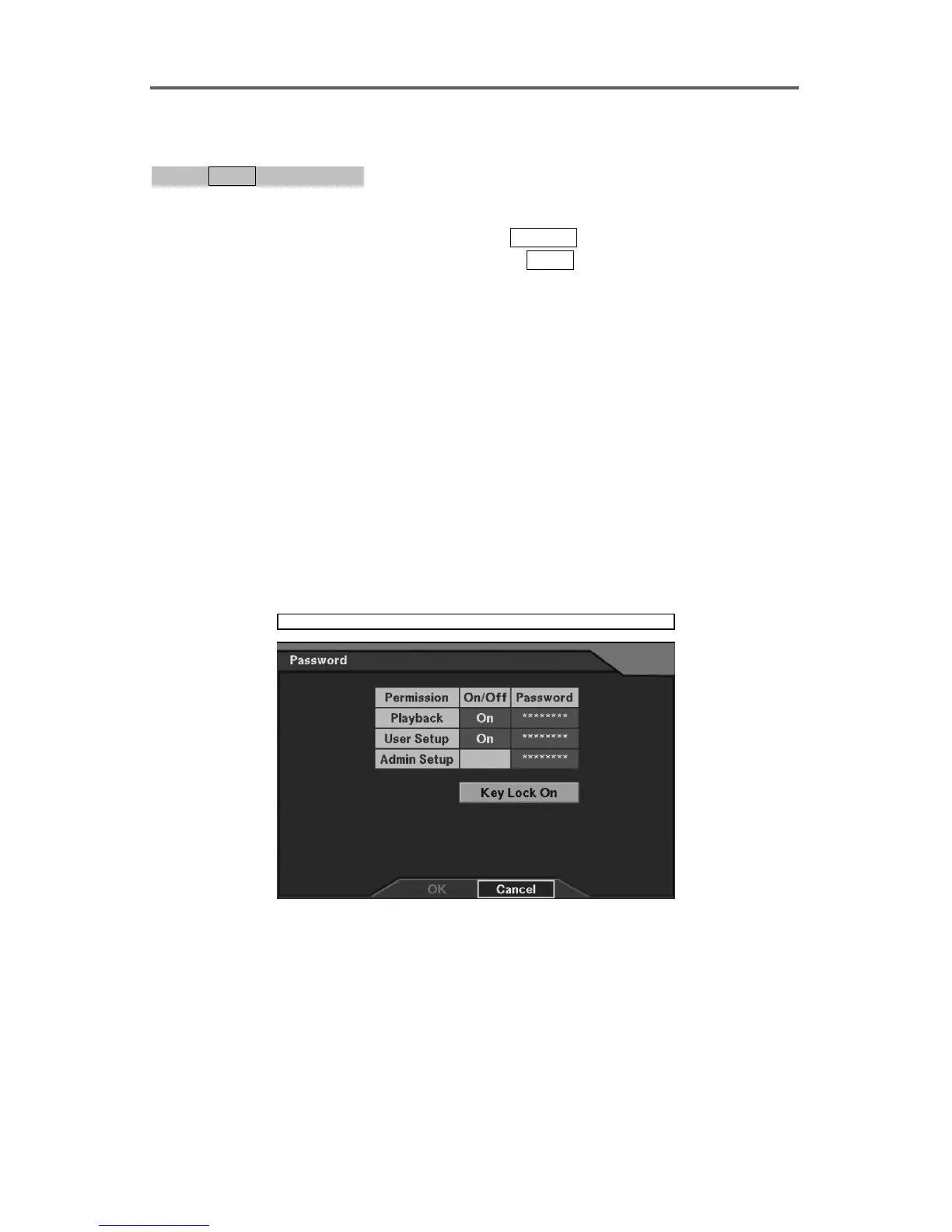
Enable/Disable Password
0PATH: MENU ▶ Password0
1. Move to the target permission field and select either On or Off.
• Playback: A password is required when pressing
SEARCH.
• User Setup: A password is required when pressing
MENU.
• Admin Setup: A password is required before performing the following setup.
Loading default setup
Clearing all data
Changing system date/time
2. The dialog boxes asking the current and new password and then confirming the new
password will appear when selecting On.
3. The dialog box asking the current password appears when selecting Off. If the password
does not match, selecting Off will not be applied.
NOTE: A password can be composed of up to eight digits, and is entered using
camera buttons (1-4).
NOTE: The factory default of Playback password and User Setup password is 1234
and Admin Setup password is 4321 that have been entered by camera buttons.
NOTE: The password will NOT be changed when the Old password does not match, or
the New password and Confirm do not match.
Password
Figure 46 Password Setup Dialog







 To Next Page