Four-Channel Digital Video Recorder
47
NOTE: Changing Notify on the title bar applies the change to all channels of the target
event.
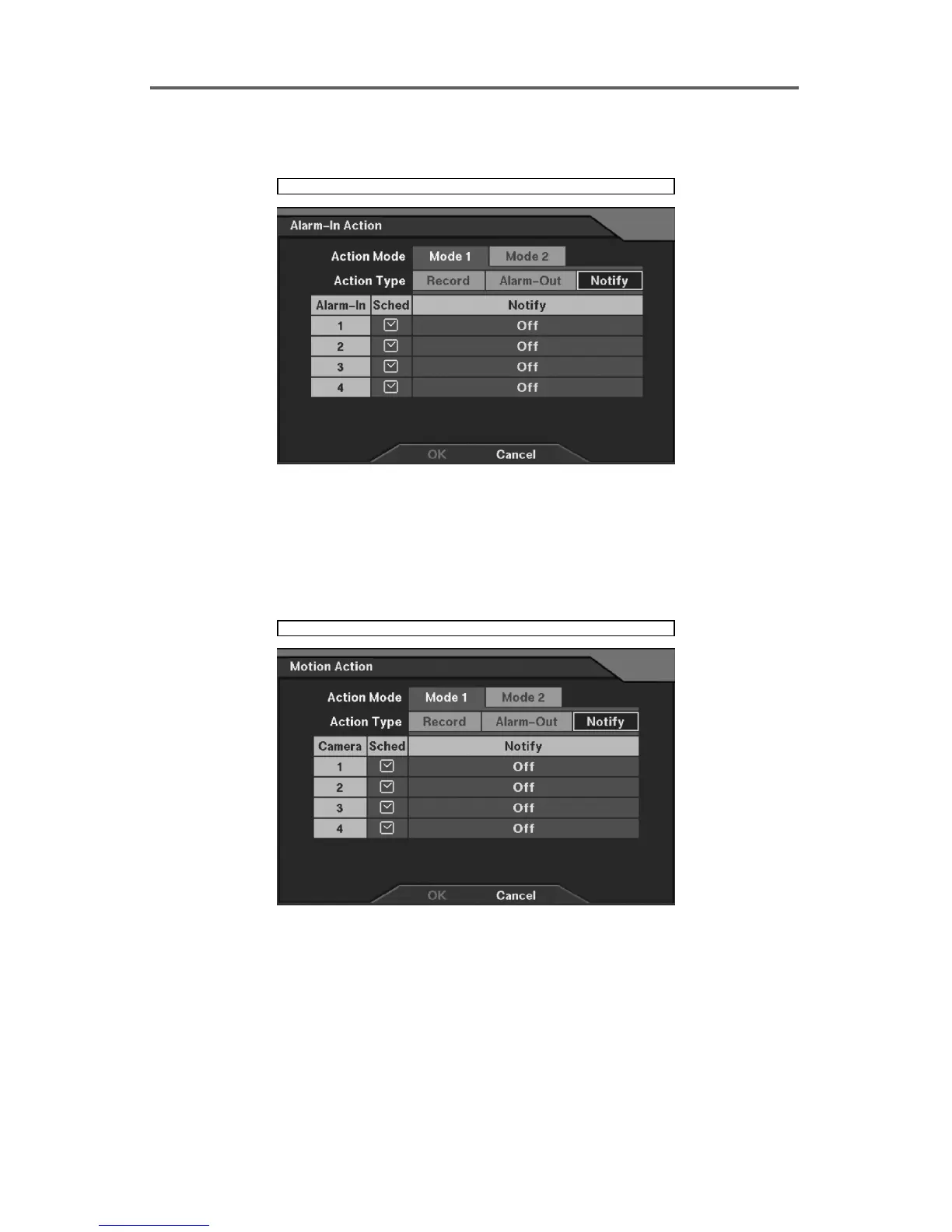
Event Action ► Alarm-In Action ► Notify
Figure 40 Alarm-In Action ─ Notify Setup Dialog
Set up the Notify function in case of alarm-in detection.
• Sched: Set the operating mode of the target alarm-out by time in case of alarm-in detection
(Refer to Figure 21 Alarm-In Action Schedule Setup Dialog.).
• Notify: Enable or disable the Notify function.
Event Action ► Motion Action ► Notify
Figure 41 Motion Action ─ Notify Setup Dialog







 To Next Page