Four-Channel Digital Video Recorder
61
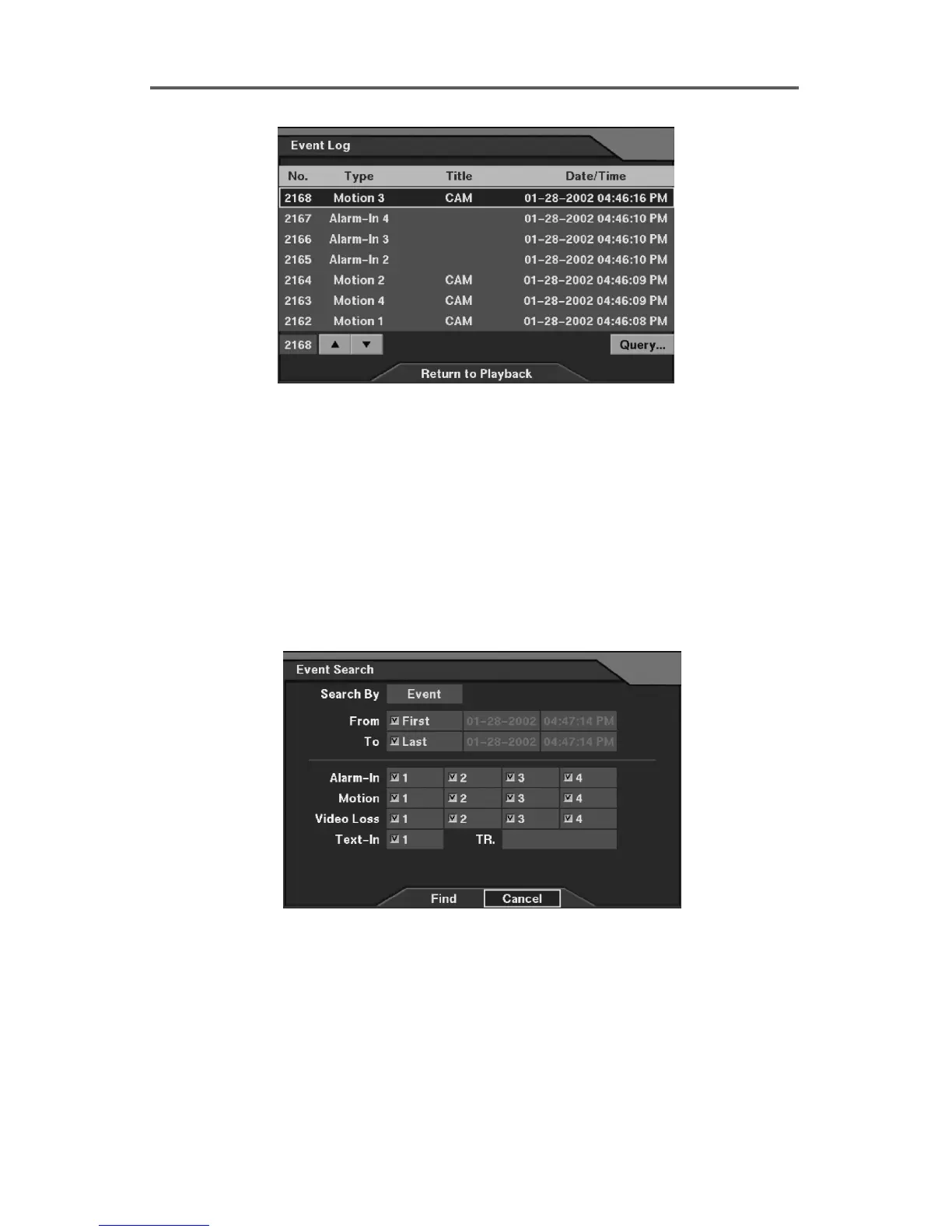
Figure 52 Event Log Dialog
4.3.5 Query Dialog
Set up the event search information in this dialog box. The DVR provides searching by
event or camera. First, move to the Search By field and select either Event or Camera.
Press Find button after setting search period and target events. The search results will be
displayed in the Event Log dialog box.
NOTE: When selecting Search By Event, search text-in events that have the identical
value to any specific transaction number entered in the TR field. Otherwise, search all
text-in events when the TR field is empty.
Figure 53 Event Search Dialog (1)







 To Next Page