– 28 –
Chapter 3 Part Names and Functions — Menu Panel AV‑HS60C3
Display position Display content
Upper left Images selected in the DISP bus are displayed.
Upper right The WFM (waveform monitor) or VECTOR (vectorscope) for the video selected in the DISP bus is displayed.
Bottom The menu will be displayed.
2 <WFM VECT> button
Each time the button is pressed when the menu display is split, the WFM (waveform monitor) and VECTOR (vectorscope) displayed at the upper
right of the screen are switched.
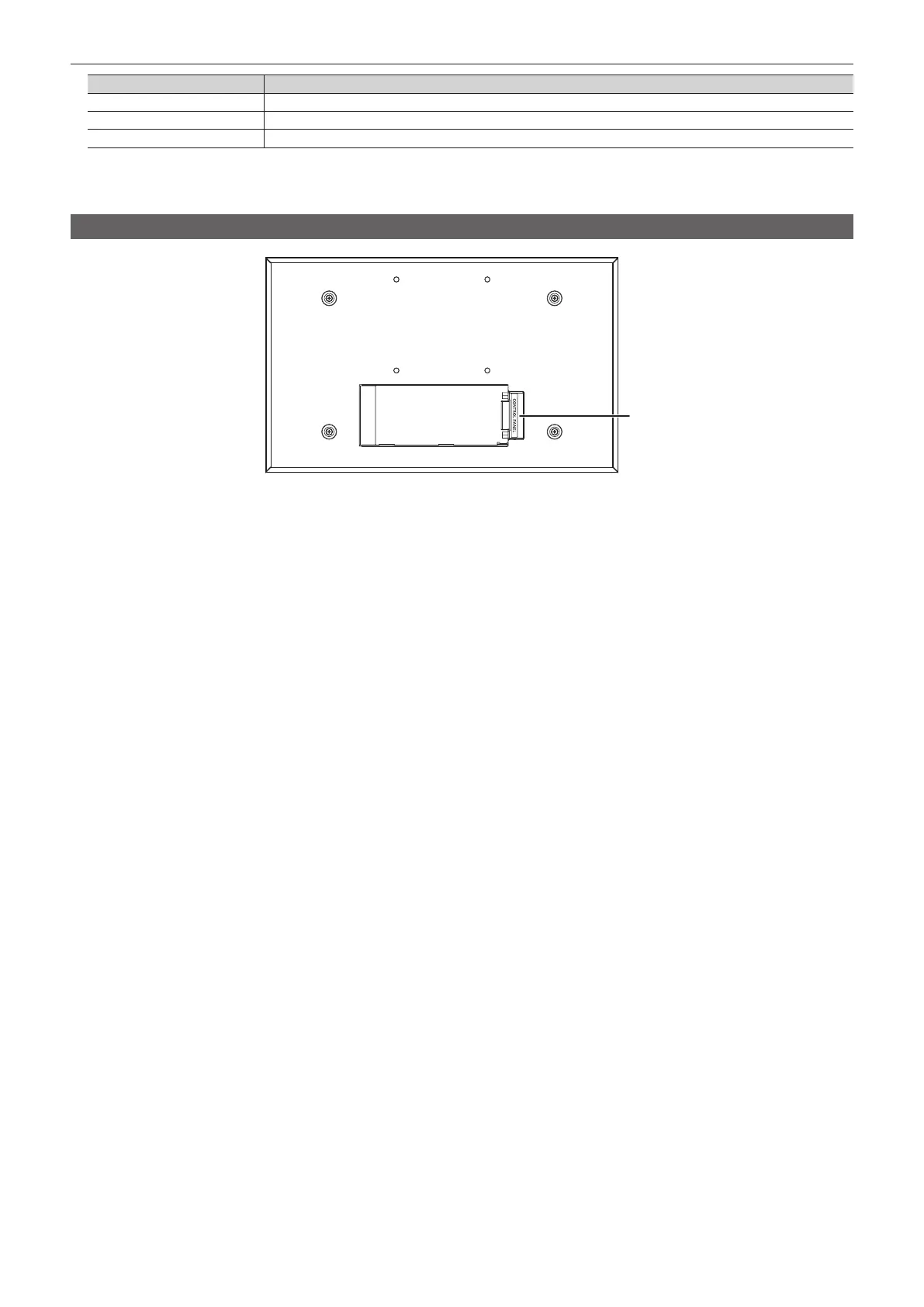
Rear panel
1
1 <CONTROL PANEL> terminal (connector: DVI‑D/signal: independent signal)
Connects the Control Panel AV-HS60C1/AV-HS60C2.
f This is the dedicated interface for connection with the Control Panel AV-HS60C1/AV-HS60C2 (optional). Do not connect with DVI output devices.













 To Next Page