– 99 –
Chapter 5 Basic Operations — Video memory
2 Register memory number
3 Protection mark
Indicates that the moving image le is protected.
4 Number of frames in the moving image le
5 Time stamp when saved
6 Image le size
7 Source with key mark
Indicates a source with key. This mark is displayed only for sources with key.
r File icon for SD card
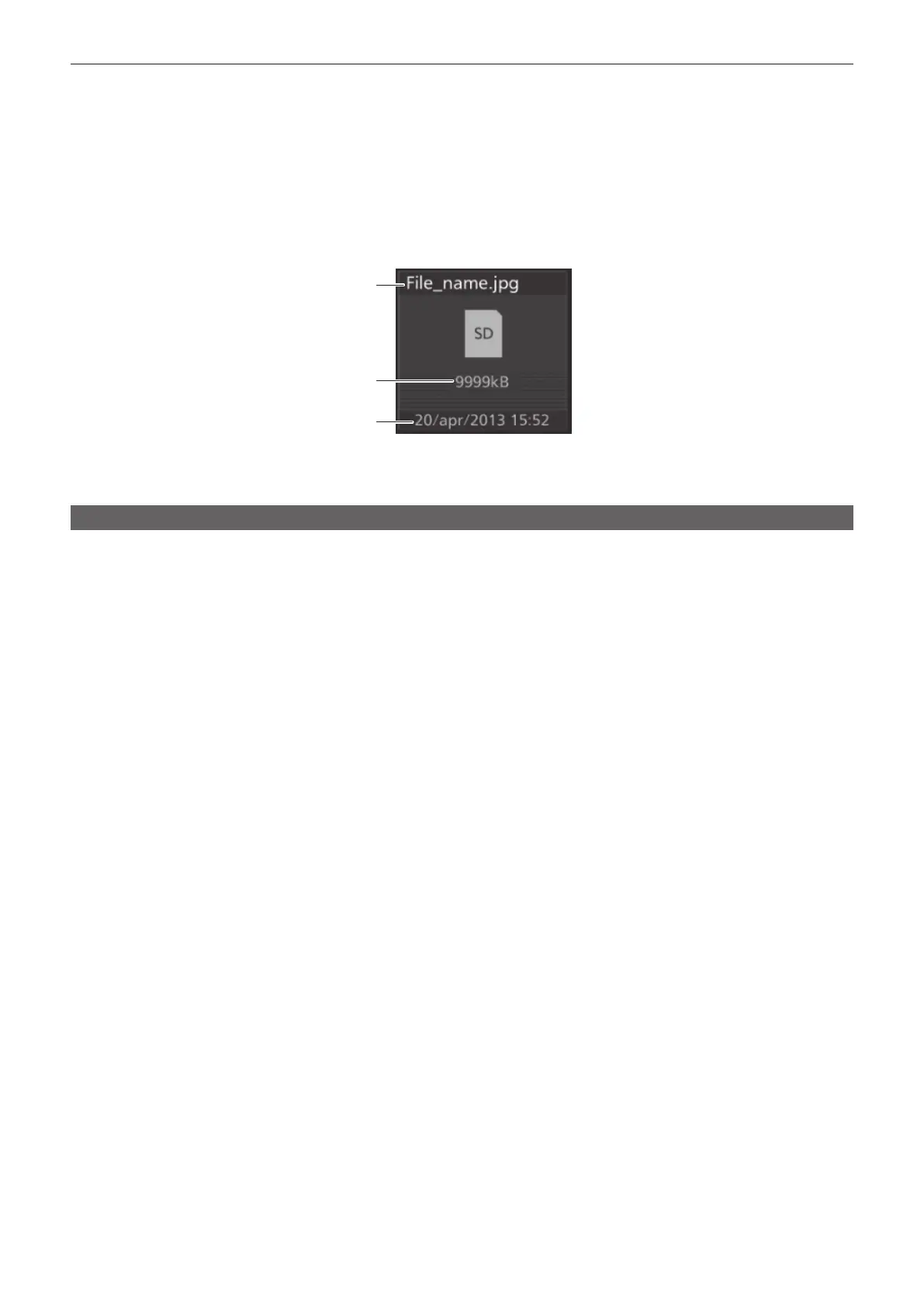
Select the <MEM> button on the top menu → [CLIP]/[STILL] → [Register] tab, and then the following le icon is displayed on the le selection screen.
3
2
1
1 File name and extension
2 Image le size
3 Time stamp when saved in SD memory card
Operating in the multi‑selection panel area
Record or play back the moving image memories (Clip) and still image memories (Still), and save or recall register memories.
For details, refer to “Video memory menu” (page 39).













 To Next Page