– 35 –
Chapter 4 Preparations — Basic menu operations
Other buttons
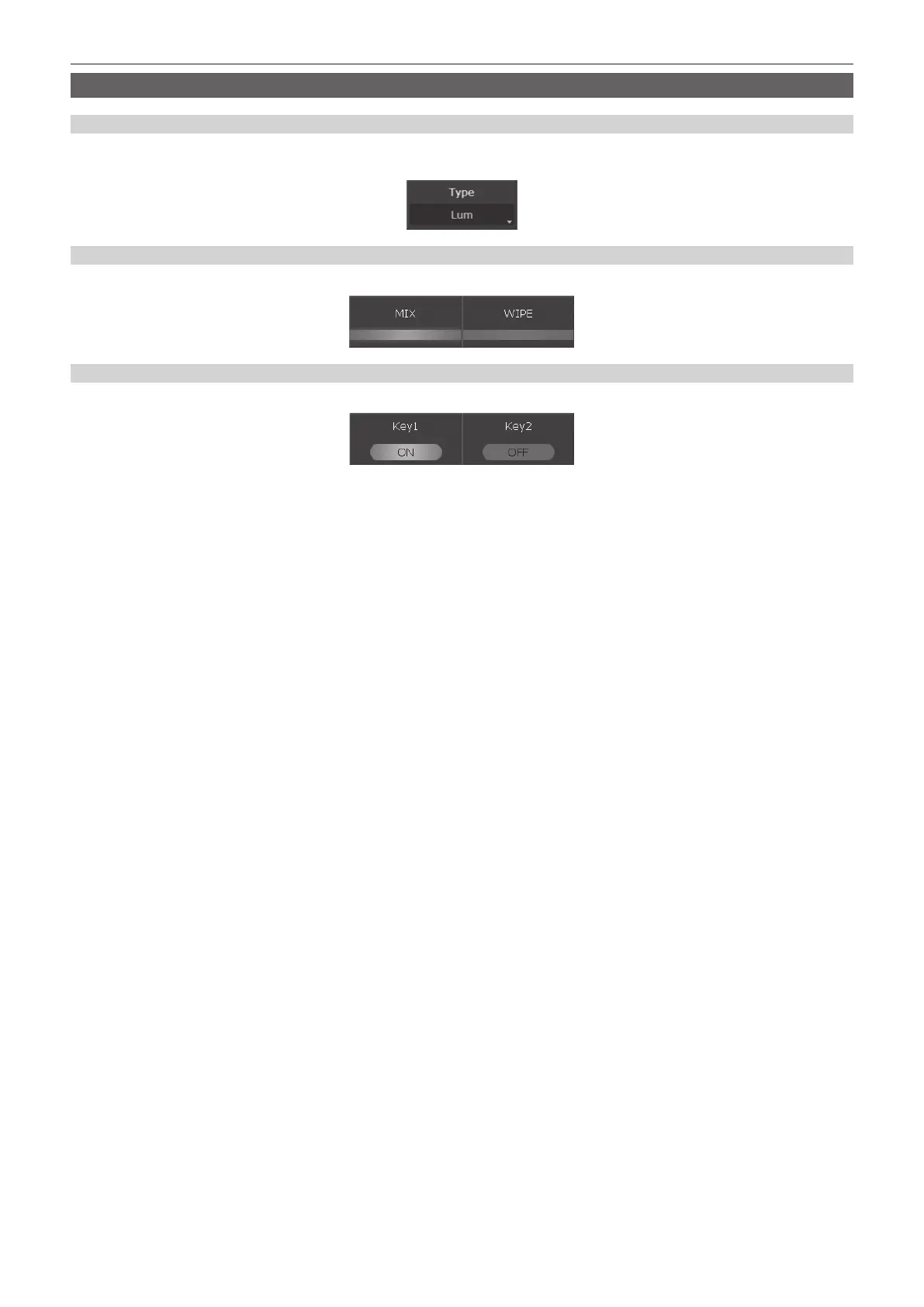
List box
The selection screen opens. When the item is selected, the screen closes, and the item is displayed at the lower part of the list box. Depending on the
function, after selecting the item, select [OK] to close the screen.
Radio button
Select an item from multiple options.
Check button
Set items to on/off. On and off will switch whenever selected.













 To Next Page