– 102 –
Chapter 5 Basic Operations — Storage
Storage
The settings of the unit can be saved or loaded in/from three types of storage.
f Memory card (optional) inserted in the memory card slot of the Control Panel AV-HS60C1/AV-HS60C2
f Storage Module AV-HS60D1 (optional) which can be mounted inside the Main Frame AV-HS60U1/AV-HS60U2
f Internal storage of the local computer connected to the <LAN> terminal of the Main Frame AV-HS60U1/AV-HS60U2 (This function will be available in
V2.00.00 or higher.)
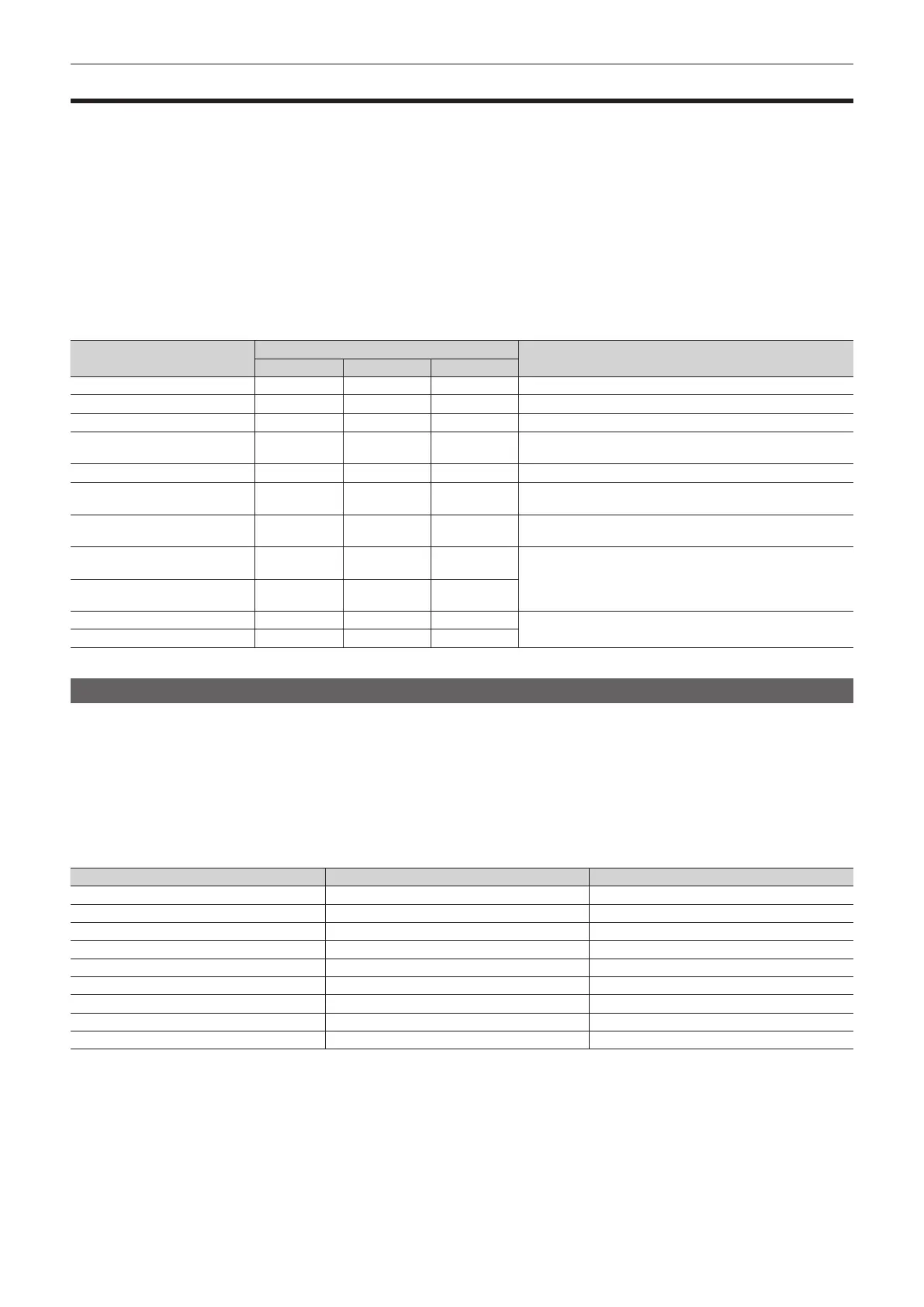
r Table of savable and loadable les
f The meanings of the symbols indicating save and load targets are as follows.
- 1: Memory card (optional)
- 2: Storage Module AV-HS60D1 (optional)
- 3: Local computer
- R: Loadable
- W: Savable
- ―: No save, no load
File
Save and load targets
Operation menu
1 2 3
Project le R/W R/W R/W
The <PRJ> button on the top menu → [PROJECT] → [SD/SSD] tab
Video memory (Still le) R/W R/W R/W
The <MEM> button on the top menu → [STILL] → [Register] tab
Video memory (Clip le) R/W R/W R/W
The <MEM> button on the top menu → [CLIP] → [Register] tab
Bitmap data of source name R ― ―
The <CONF> button on the top menu → [SOURCE NAME] →
[Panel Name] tab
Plug-in software* R ― ―
The <PLUG IN> button on the top menu → [PLUGIN] → [List] tab
Update le R ― ―
The <SYS> button on the top menu → [MAINTENANCE] →
[Status] tab
Log le W ― ―
The <SYS> button on the top menu → [MAINTENANCE] → [Alarm]
tab
Activation le
(Serial)*
W ― ―
The <SYS> button on the top menu → [MAINTENANCE] →
[Option] tab
Activation le
(Activate)*
R ― ―
Backup data* ― ― R
The <SYS> button on the top menu → [MAINTENANCE] →
[Mainte] tab
Restore data* ― ― W
* This function will be available in V2.00.00 or higher.
Memory card
Data can be saved and loaded in/from a memory card inserted in the memory card slot of the Control Panel AV-HS60C1/AV-HS60C2.
f It may take up to 25 minutes to load moving images of a long recording time from a memory card or save them to a memory card.
f While loading them from a memory card or saving them to a memory card, the menu operation is disabled. Operations other than switching
crosspoints may be affected.
r Data folder conguration
Data is saved in the following folders on the memory card.
When data is to be loaded, rst save the data in the respective folders, and then load the les.
f The number of les that can be saved in each folder is limited to a maximum 100 les.
File Extension Storage folder
Project le*
1
prj HS\COMM\PROJECT
Video memory (Still le)*
2
bmp, png, jpg (jpeg), tga, tiff (tif), gif HS\COMM\IMAGE
Video memory (Clip le) clp HS\COMM\CLIP
Bitmap data of source name png HS\COMM\PANEL
Plug-in software*
3
plg HS\COMM\PLUGIN
Update le 60d HS\HS6000\UPDATE
Log le log HS\HS6000\LOG
Activation le (Serial)*
3
― ―
Activation le (Activate)*
3
― ―
*1 For project les, folders with File Name are created under the HS\COMM\PROJECT top folder, and the data items are saved in the respective folders.
The data items are saved with the following le names.
Still1.***, Still2.***, Clip1.clp, Clip2.clp, Shot.s41, Event.e41, Setup.h41
f The le formats of bitmap (bmp), JPEG (jpg), TARGA (tga), TIFF (tif), and GIF (gif) will be available in V2.00.00 or higher.
*2 When the still image data with key signals attached is saved into the video memory, select “tga” or “png” as the le format. Still image data in any other le
format cannot be saved with key signals attached.
*3 This function will be available in V2.00.00 or higher.
r Handling precautions for memory card
f Do not turn off the power of the unit or eject the memory card while the memory card access LED is lighting. The memory card or data in the memory
card may be damaged.













 To Next Page