17-00001-C Page | 22
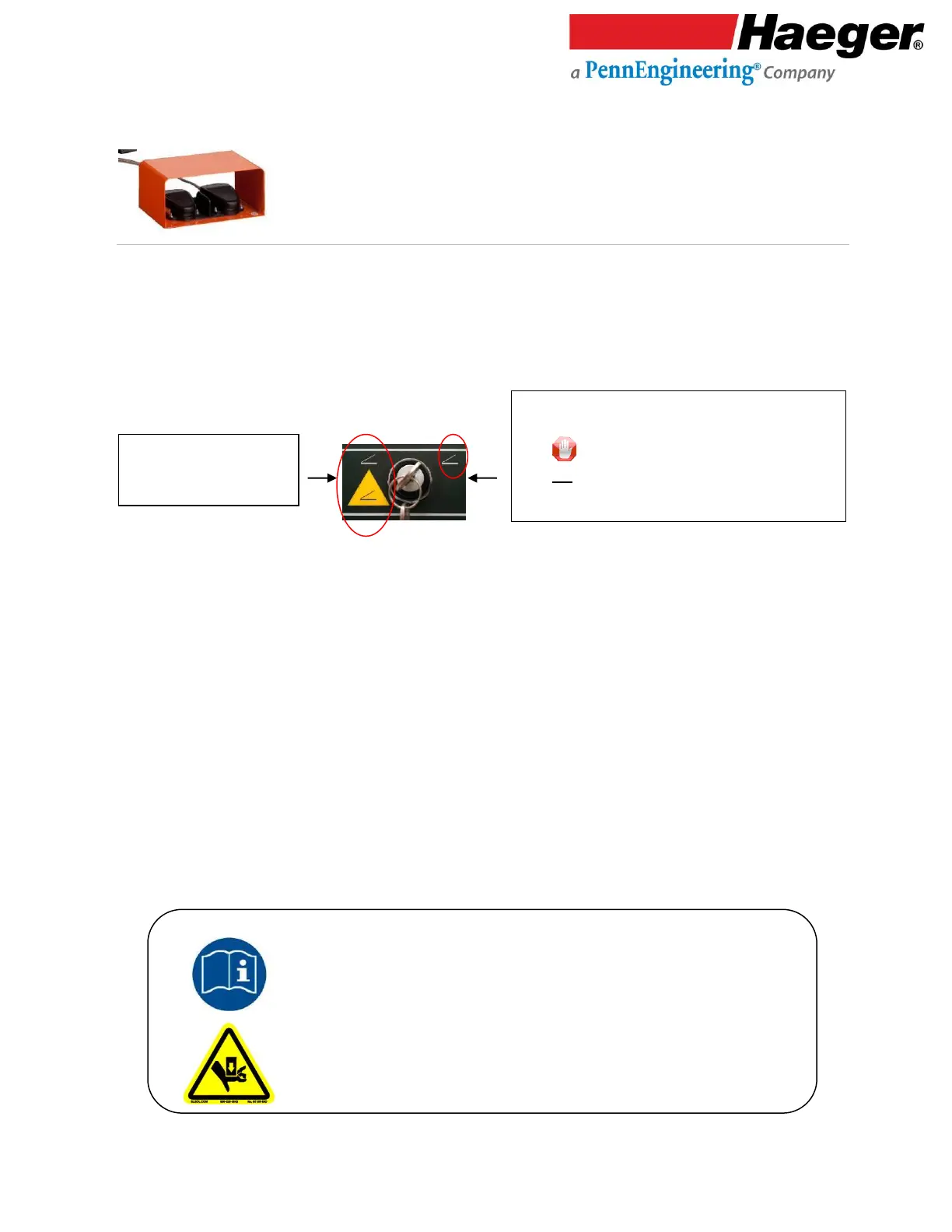
Down/Up Footswitch
The Down/Up Footswitch is shielded and connected to the Haeger Hardware Insertion Machine by a
heavy duty cable. It contains both the Down and Up Footswitches.
When the Down Footswitch is depressed, the Upper Tool Holder moves down. If you remove your foot
from the Down Footswitch, the Upper Tool Holder will stop. If you depress the Down Footswitch again,
the downward motion will start again.
In Conductive Mode, the Hardware Insertion Machine will complete one normal cycle of the insertion
process when the Down Footswitch is depressed and held down. Hold the Down Footswitch until the
Upper Tool Holder starts to go up again.
In the Non-Conductive Mode, when the Down Footswitch is depressed, the Hardware Insertion
Machine will lower the Upper Tool until it contacts the workpiece and then stop. The Down Footswitch
must then be released. When the Down Footswitch is depressed a second time, the Hardware
Insertion Machine will exert the preset force and then return to its Up position. Once the upward
travel starts, release the Down Footswitch.
When the Up Footswitch is depressed, the Upper Tool Holder moves up. If you remove your foot from
the Up Footswitch, the Upper Tool Holder will stop. If you depress the Up Footswitch again, the
upward motion will start again.
Make sure you read and understand the Warning and
Safety Instructions in the Introduction section of this manual and follow the
instructions for testing the Safety System in the
Safety System section before attempting to operate this Hardware
Insertion Machine.
Conductive Mode:
• Turn key to the Right.
• Key is removable in this position and should
not stay with the machine – key should be kept
by a trained setup person or shop owner.



 To Next Page