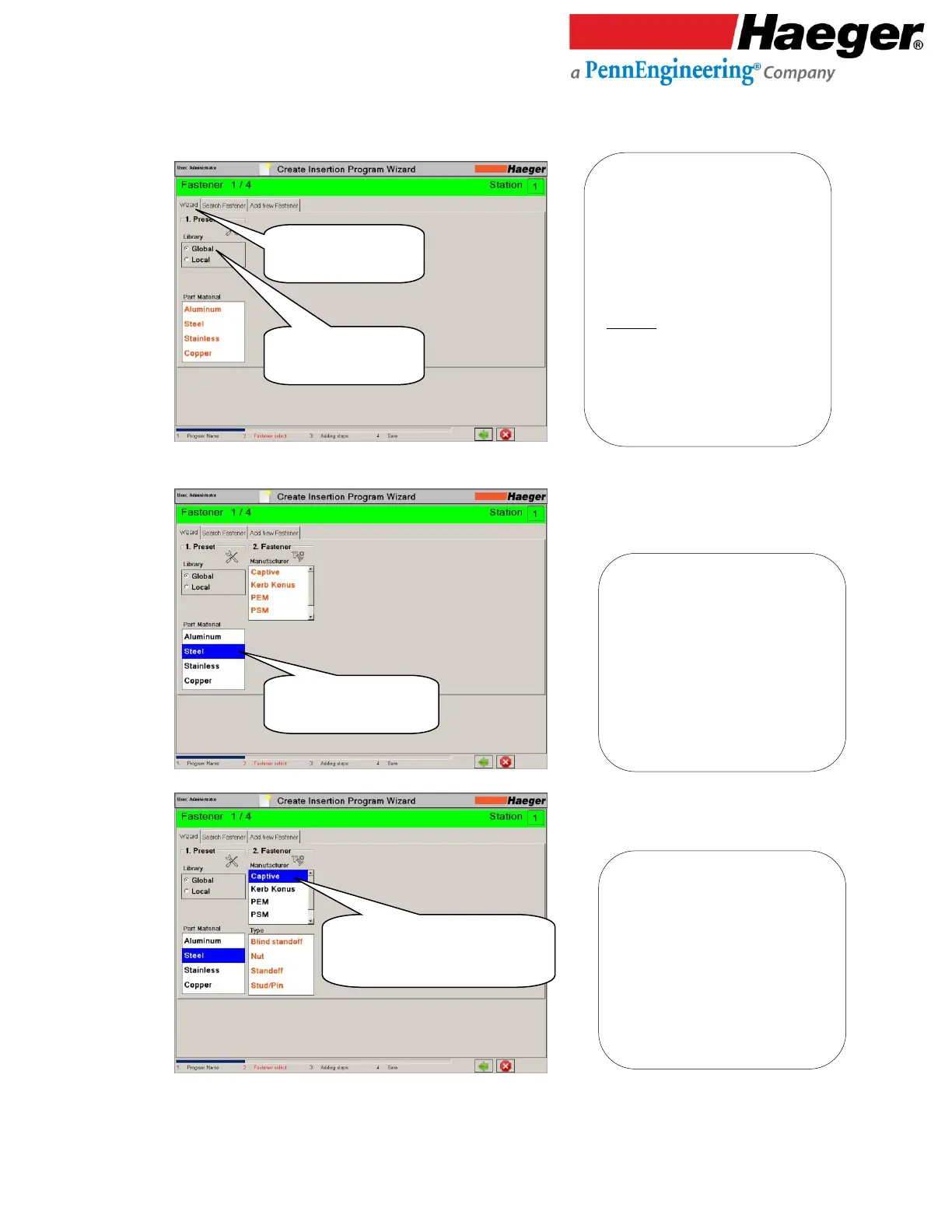
1. Preset:
➢ Wizard Tab: Typically used to guide
you through setup
➢ Search Fastener Tab: Takes you to
your list of saved fastener types in
both Global and Local databases
➢ Add New Fastener Tab: Gives the
local user the ability to added their
own fasteners
LIBRARY:
➢ Global: Includes Pre-loaded fasteners
from different manufactures in
software database.
➢ Local: User added fasteners to their
machine via the ADD NEW FASTENER
tab on this screen.
2. Manufacturer:
➢ Captive
➢ Kerb Konus
➢ PEM
➢ PSM
* We will be selecting a Steel Captive
Standoff CFSO-632-10 for our
Automatic Insertion fastener 1 of 4.



 To Next Page