17-00001-C Page | 62
19.
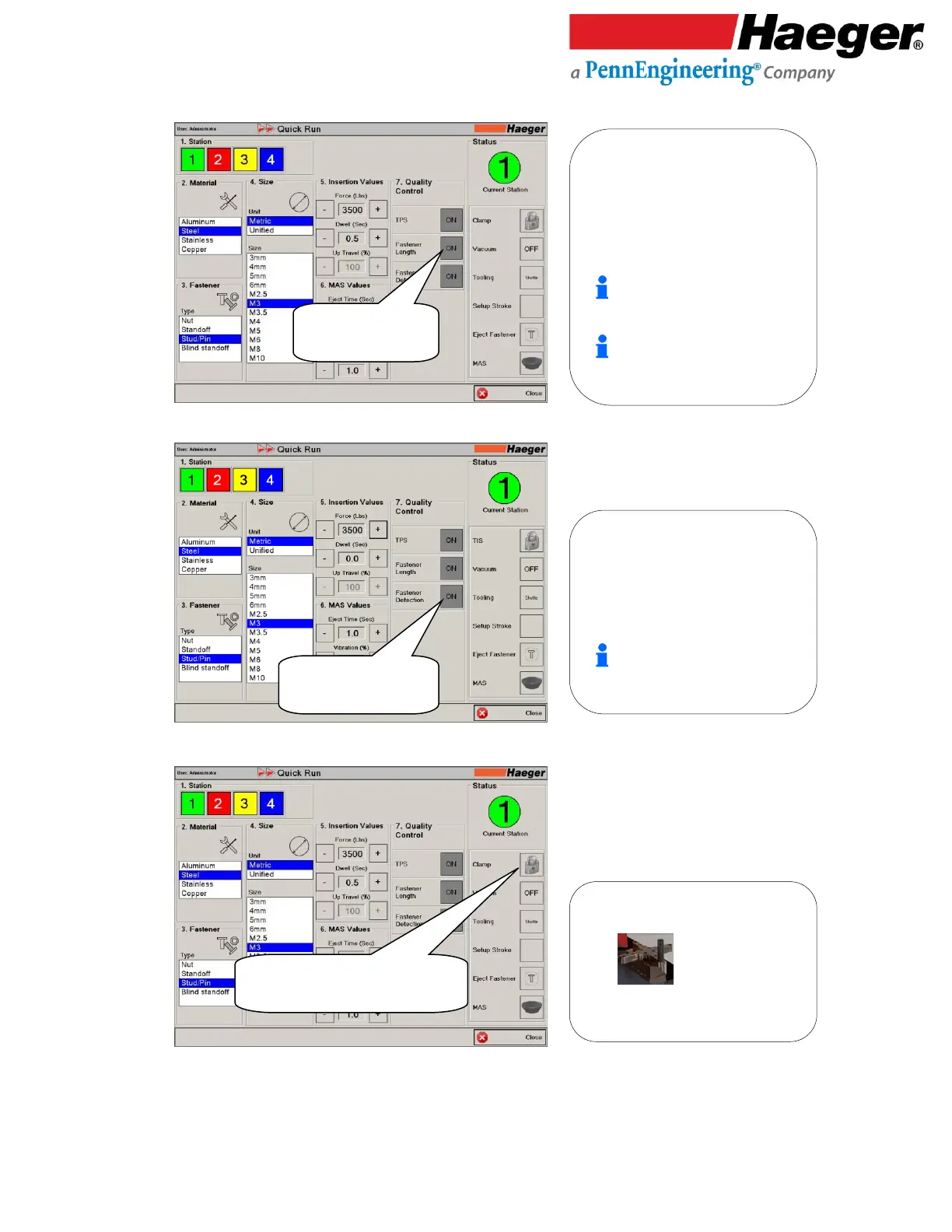
Fastener Length
20.
Fastener Detection
21.
Input: Status
Clamp
• Fastener Length
• Set to ON
Turret Insertion System (TIS): This
feature allows for the operator to unlock
the TIS allowing it to rotate
for the installation and alignment of the
lower tools.
• Fastener Detection
• Set to ON
7. Fastener Detection: This will instruct
the machine to perform detection of a
fastener at the fastener pickup point
of the Shuttle Tooling Jaws. The Fastener
Detection can be activated or
deactivated by touching the Fastener
Length ON/OFF button.
This feature is not active when
the “Tooling” selection is set to
Manual or Bottom Feed modes.
• TIS (Turret Insertion System)
• Set to LOCKED
7. Fastener Length: This will instruct
the machine to perform length
verification of a fastener when the
fastener contacts the lower tool. The
Fastener Length can be activated or
deactivated by touching the Fastener
Length ON/OFF button.
This feature is particularly helpful
with the insertion of studs, assuring
the correct length is being inserted.
This feature is not active when the
“Tooling” selection is set to Manual or
Bottom Feed modes.



 To Next Page