17-00001-C Page | 21
Machine operator basic controls
All the operator controls are located on the front and right side of machine front cover, except the foot
pedal, this includes the Touch Screen, the E-Stop button/Stop button and Power ON button.
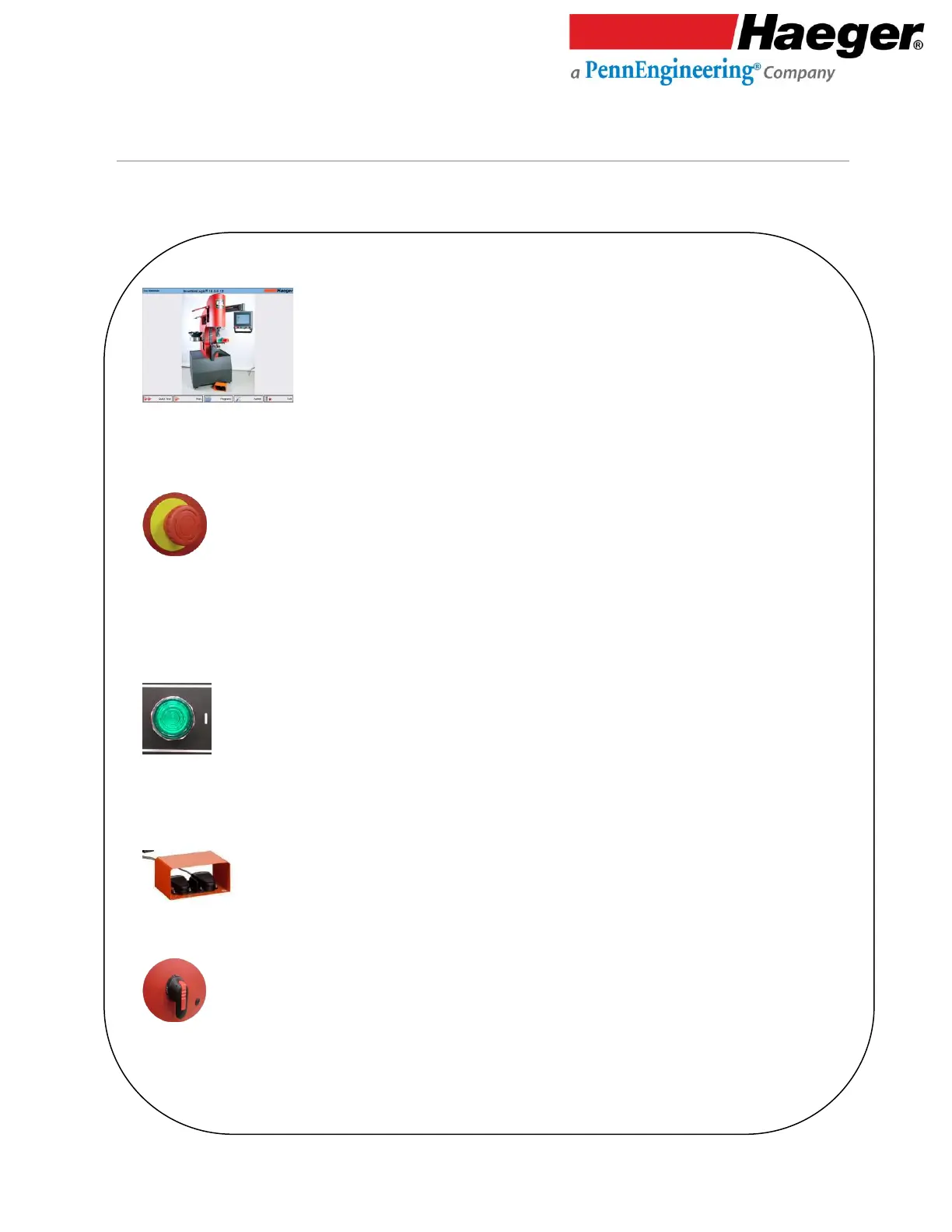
Touch Screen Control Panel
This is the primary interface to the operation control system. It is used for most of the machine’s settings and functions.
You will use the touch screen to enter information. The screen displays text and graphical information and allows the
operator to make selections by touching different parts of the screen as indicated by what is displayed on the screen.
E-Stop Push Button
The E-Stop Push Button switch is used to shut the machine off in all situations. It is a two position switch with a red
mushroom button. When pushed in, it latches, turns the machine’s controls off and shuts down the machine’s motor.
In the In position, the machine cannot be restarted. To restart the machine, twist the red mushroom button
clockwise. There is an arrow showing the direction on the mushroom button. The mushroom button will snap out and
the machine can be restarted.
Machine Power ON Switch
The On Switch is a momentary contact push button switch with a light in it . When the On Switch is pushed, the
machine’s controls are turned on and the motor starts. The green light in the switch will also turn on. When the light is
off, the machine’s controls are off and the motor is stopped.
The Foot Pedal
Switches are used by the operator to control the start of an insertion.
Main Disconnect
Switch
This switch controls power for all machine components (including the touch screen). Rotate clockwise to switch ON and
counterclockwise to switch OFF.



 To Next Page