17-00001-C Page | 23
Testing of the electrical set-up
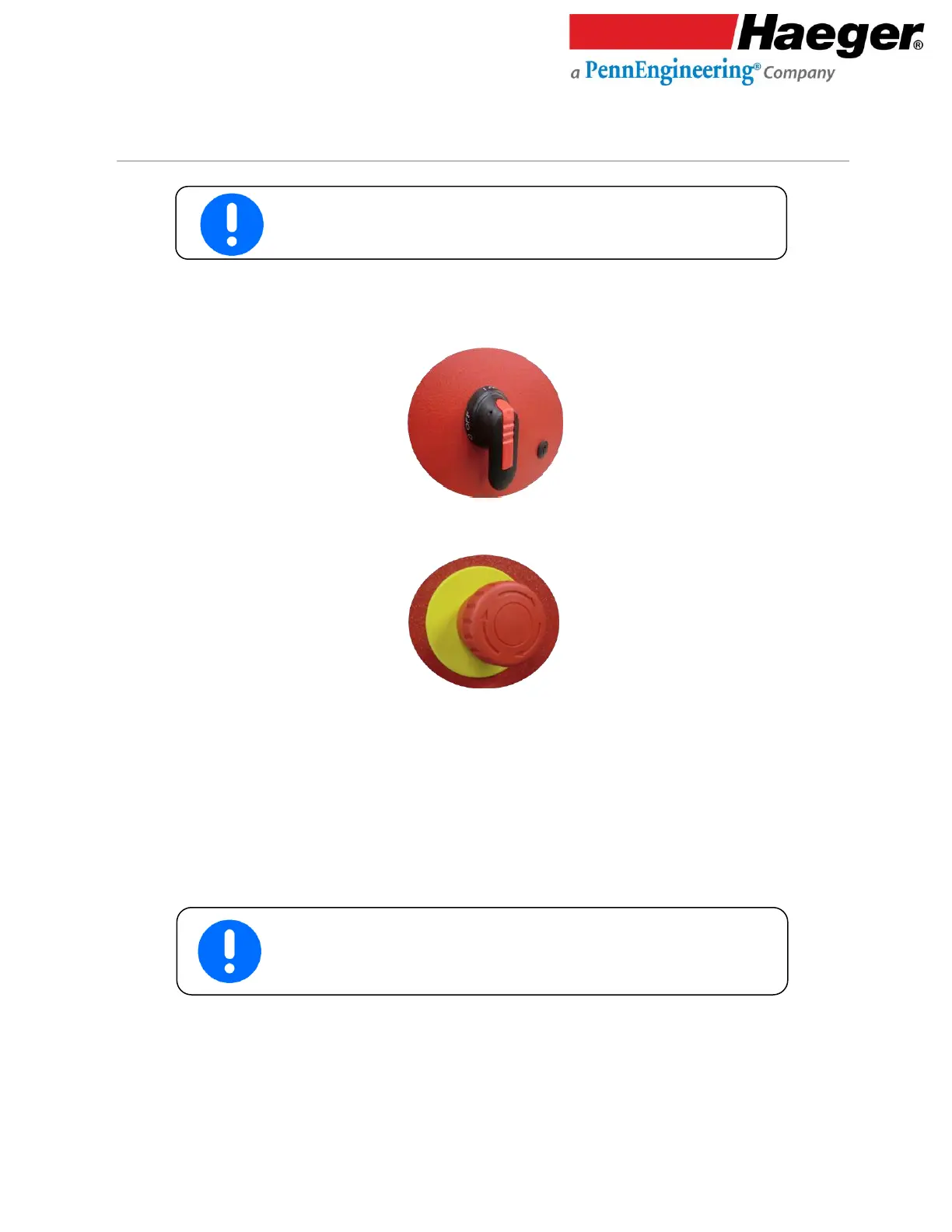
1. Turn the machine’s Main Disconnect Switch to the On position
2. Twist the Red Mushroom Button clockwise to unlatch the off switch.
3. Have someone watch the motor rotation in the base of the machine; the motor has an orange
arrow indicating the correct rotation direction. Press the On Button. The green light in the switch
will turn on and the machine’s motor will start.
4. If the motor rotates the same direction as the arrow, install the Side Panels on the Machine Base.
The machine is now ready for use go to the Upper Tool Holder section.
If the motor did not turn in the same direction as the arrow, follow
to the next series of steps.



 To Next Page