17-00001-C Page | 94
The InsertionLogic banner screen will appear on the computer, signifying that the computer is starting
up. Once the system environment is fully started, the Log In screen will be displayed.
Access Level Reminder:
108.
User Login
Advanced Haegar
Administrator Administrator Operator Level Machine User Technician
Run
Run Programs Yes Yes Yes Yes Yes
Programs
Filter Yes Yes Yes -- Yes
Select Programs Yes Yes -- -- Yes
Create New Program Yes Yes -- -- Yes
Edit Loaded Program Yes Yes Yes -- Yes
Preview Program Yes Yes Yes -- Yes
Start/Load Program Yes Yes Yes -- Yes
Edit Selected Program Yes Yes -- -- Yes
Delete Program Yes Yes -- -- Yes
Access Level Reminder:
Machine User does not have access to LOAD
a Program. Admin/Operator must Load it
first – Then the Machine User can RUN it.
➢ Administrator/Operator
o Log-in, Load Program, Close Program, Log-out
➢ Machine User
o Log-in, RUN previously Loaded Program
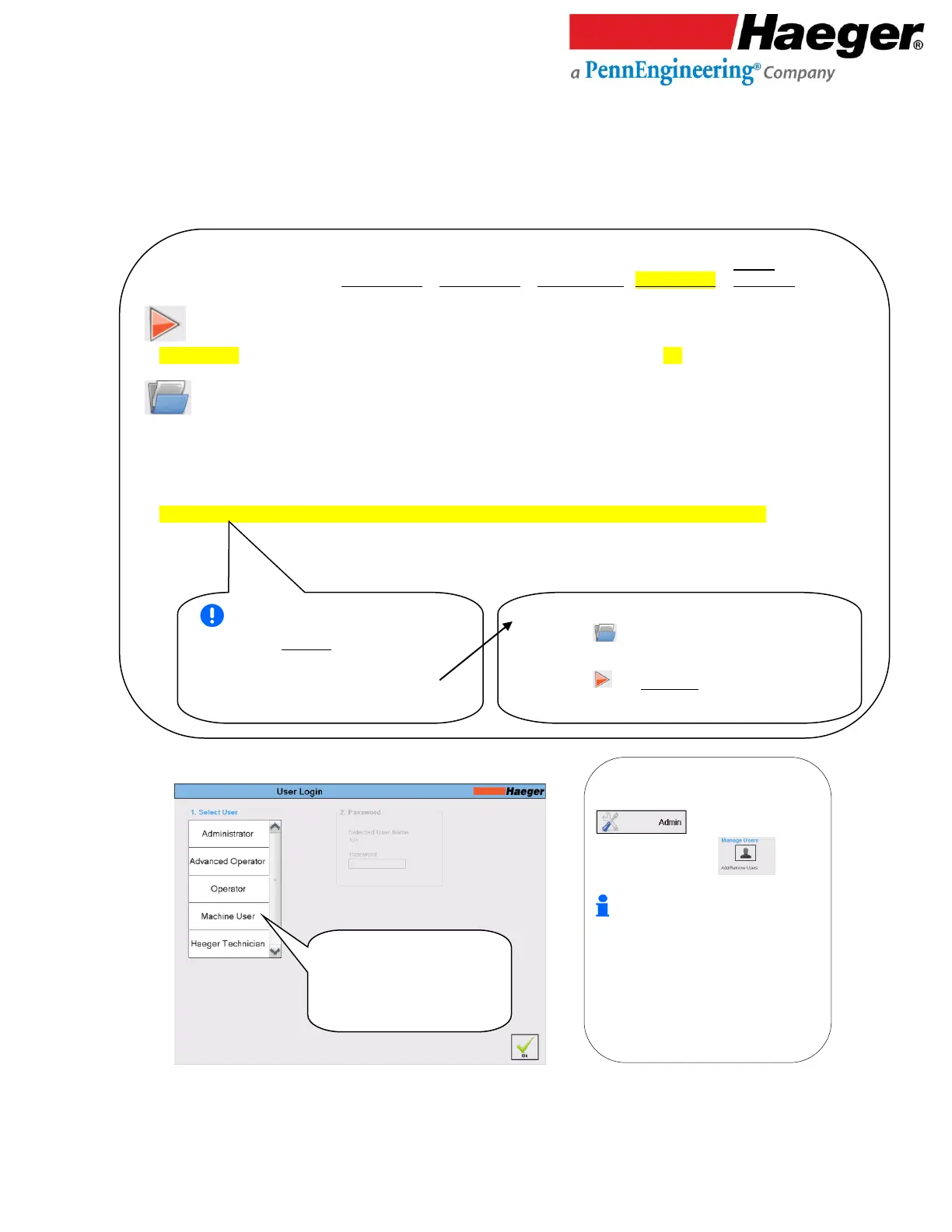
• Select your access level
(for this example, we will
select MACHINE USER)
• Then touch on OK
1. Select User: This screen allows you to
select from a list of users established in the
on the main screen then
touch on Manage Users to
add/remove a user.
The Administrator, Advanced Operator,
Operator, Machine User and Haeger
Technician users come pre-set in the
InsertionLogic software and cannot be
deleted. It is recommended to use them as
a template for adding users. For a quick
reference on the differences between user
and access levels, see User level security
access, page 16 of this manual.



 To Next Page