17-00001-C Page | 56
Quick Run Step by Step Demo
The 824 WindowTouch-4 Insertion Machine is equipped with a computer running InsertionLogic
software. This computer controls most of the machine’s settings and functions and is equipped with a
touch screen. You will use the touch screen to enter information into the computer.
Using the touch screen
The touch screen is the main method of entering information into the software and controlling the
computer. To use a button on the touch screen, press firmly on the center of the button.
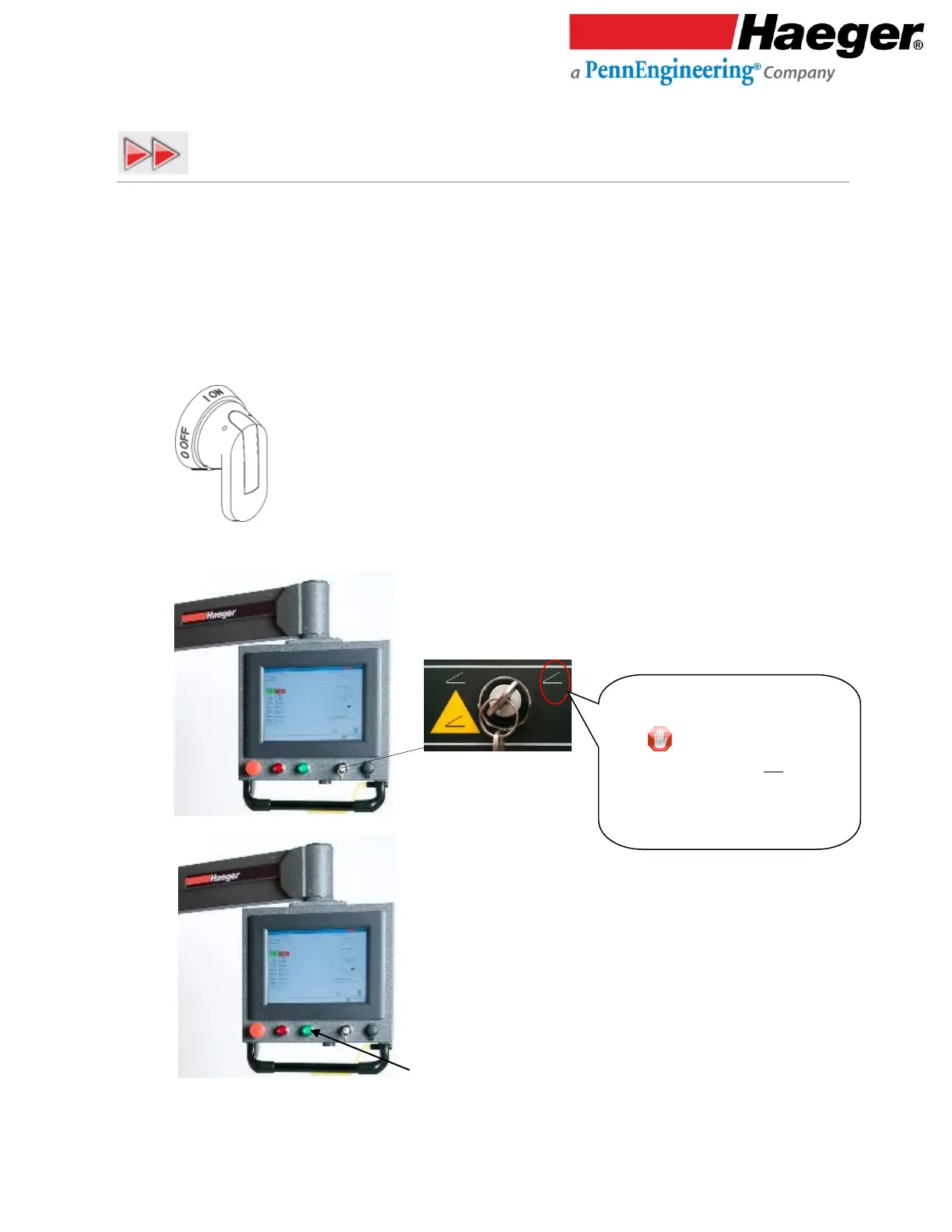
1. Turn on the machine by turning the main disconnect switch to the ON
position
2.
3. Push Machine ON Switch
Conductive Mode:
• Turn key to the Right.
• Key is removable in this
position and should not stay with
the machine – key should be kept
by a trained setup person or shop
owner.



 To Next Page