17-00001-C Page | 35
Non-conductive mode set-up procedure (continued)
2. Keep your hands away from the tooling area. Without positioning the hardware or work piece
for insertion, depress the Down Footswitch. The Upper Tool Holder will move down, the Upper
and Lower Tools will contact and stop. Release the Down Footswitch. Depress the Down
Footswitch a second time. The machine will immediately apply the force to the Lower Tool, and
the Upper Tool will return to the Up position
3. Check the position where the Upper Tool stopped. Is it adequate to permit the work piece to be
positioned easily while fasteners are installed? If not, adjust the Ram Up travel control accordingly. If
an adjustment is necessary, check the new setting by cycling the machine again.
4. Keep your hands away from the tooling area. Insert the first piece of hardware into the work piece.
5. Examine the insertion. Is the hardware properly seated? Is the work piece deformed? Adjust the
insertion force accordingly and insert another fastener.
6. Once the hardware is properly inserted, start the production run.
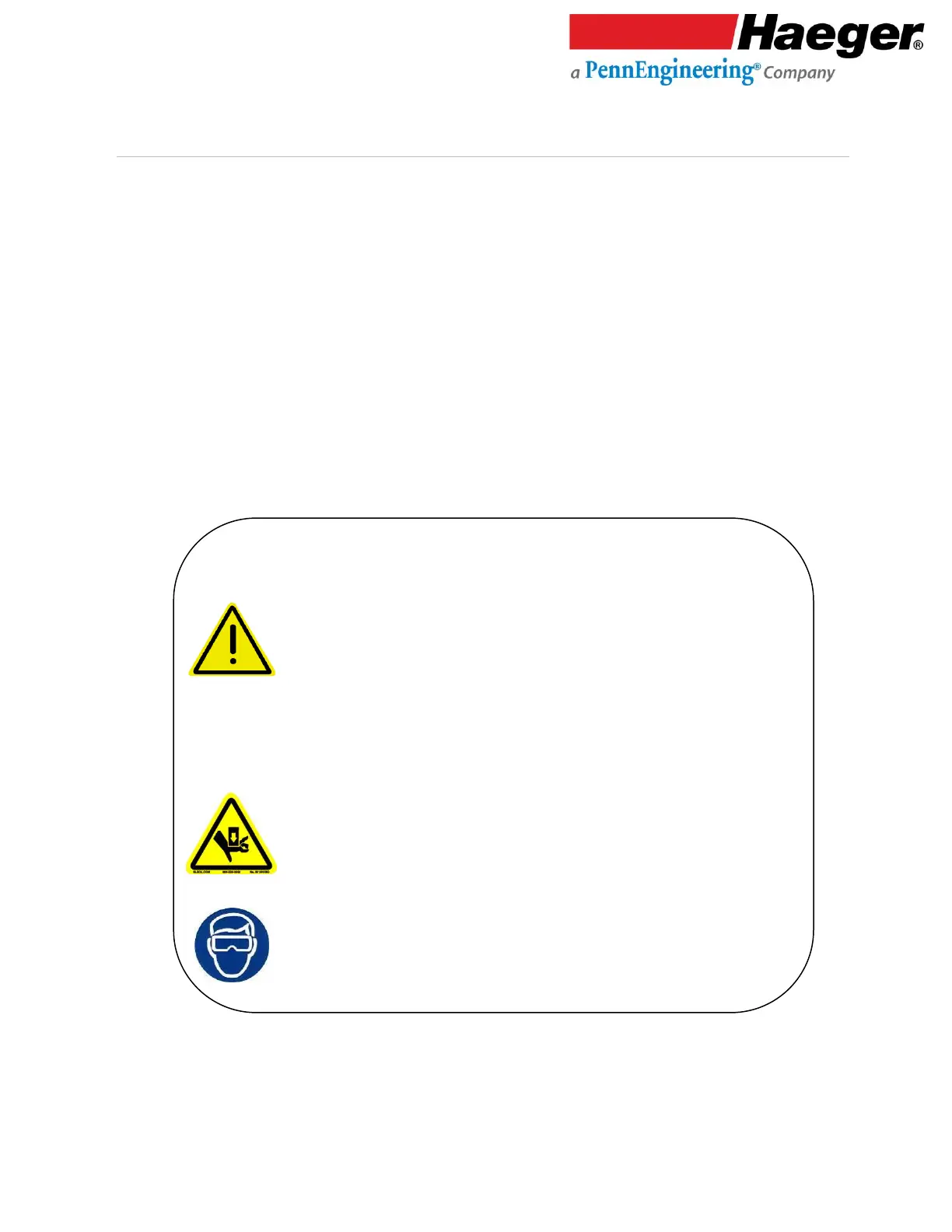
➢ Experienced personnel must test the Safety System at
the beginning of each work shift. See the Safety System
Test in this section of this manual.
➢ NEVER press the Down Footswitch a second time in Non-
Conductive Mode when your hands are in the tooling
area.
➢ Never leave your foot on or above the Down Footswitch
after you have completed a cycle of the machine.
Remove it from the Down Footswitch. Keep your feet
away from the Down Footswitch until your hands are
clear of the tooling area.
Never attempt to test or demonstrate this machine’s Safety
System by placing any portion of your hand or body between
the Upper and Lower tools. Always use the test procedure
outlined in Step 3 of this manual.



 To Next Page