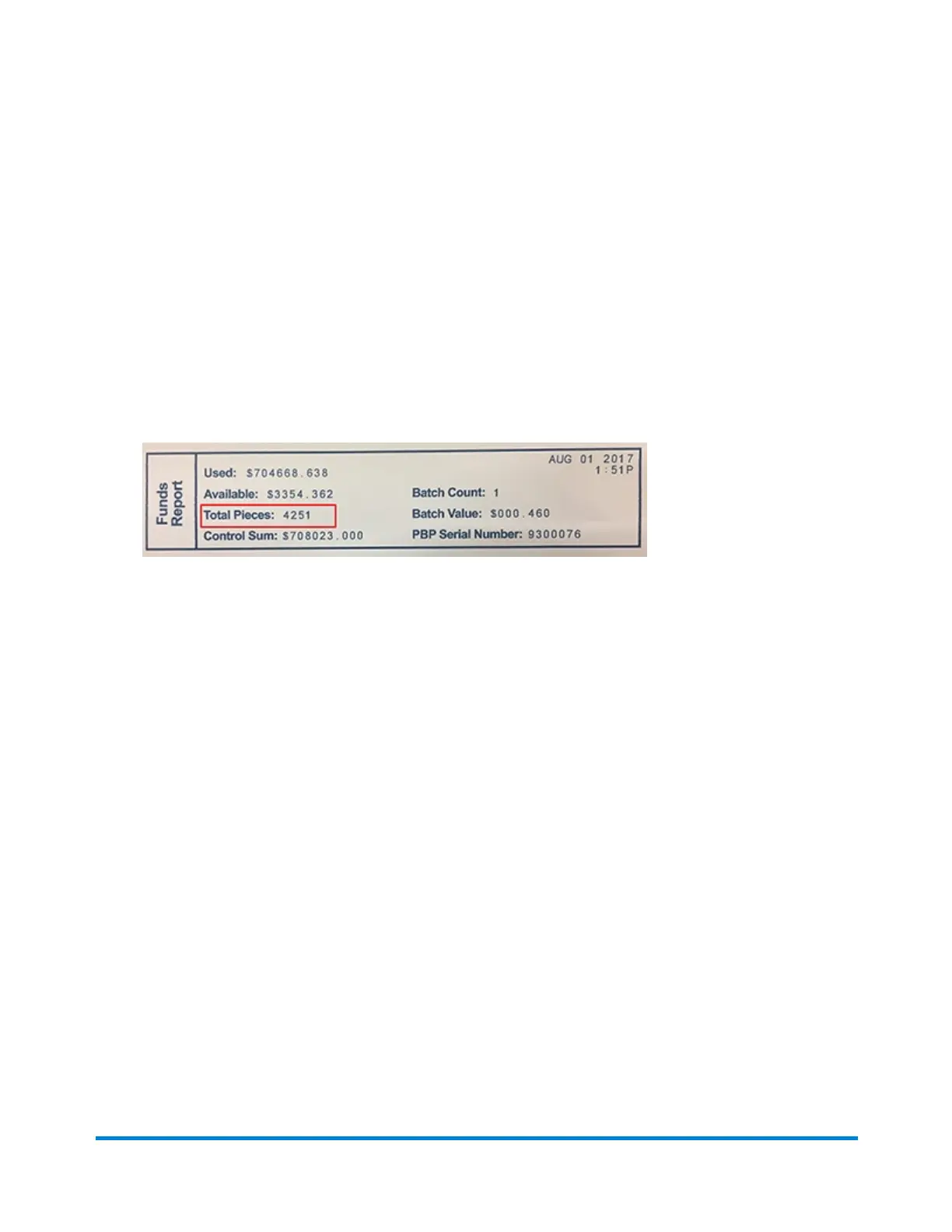
Printing a report for the number of mailpieces sent in
Envelope Printing
1. Tap Envelope Printing on the Home screen.
2. Tap the Pieces button in the Mail screen.
3. Tap Print Report.
4. Feed the envelope through the machine.
5. A funds report prints showing the total number of pieces sent.
View Print Reports
Pitney Bowes Operator Guide June 2018 119












 To Next Page