Performing postal rate updates or software updates for
Envelope Printing
Automatic updates:
The SendPro® C-Series meters update automatically. Please ensure you keep your meter turned on
and connected to your network to get the automatic updates as they are downloaded during the evening
hours.
Manual updates:
To manually download postal rates:
l Tap Rates and Updates on the bottom of the Home screen. You may need to swipe the screen
up to access the second row of buttons. If new rates are available your SendPro® C-Series meter
will begin the download and then install them when the download is complete.
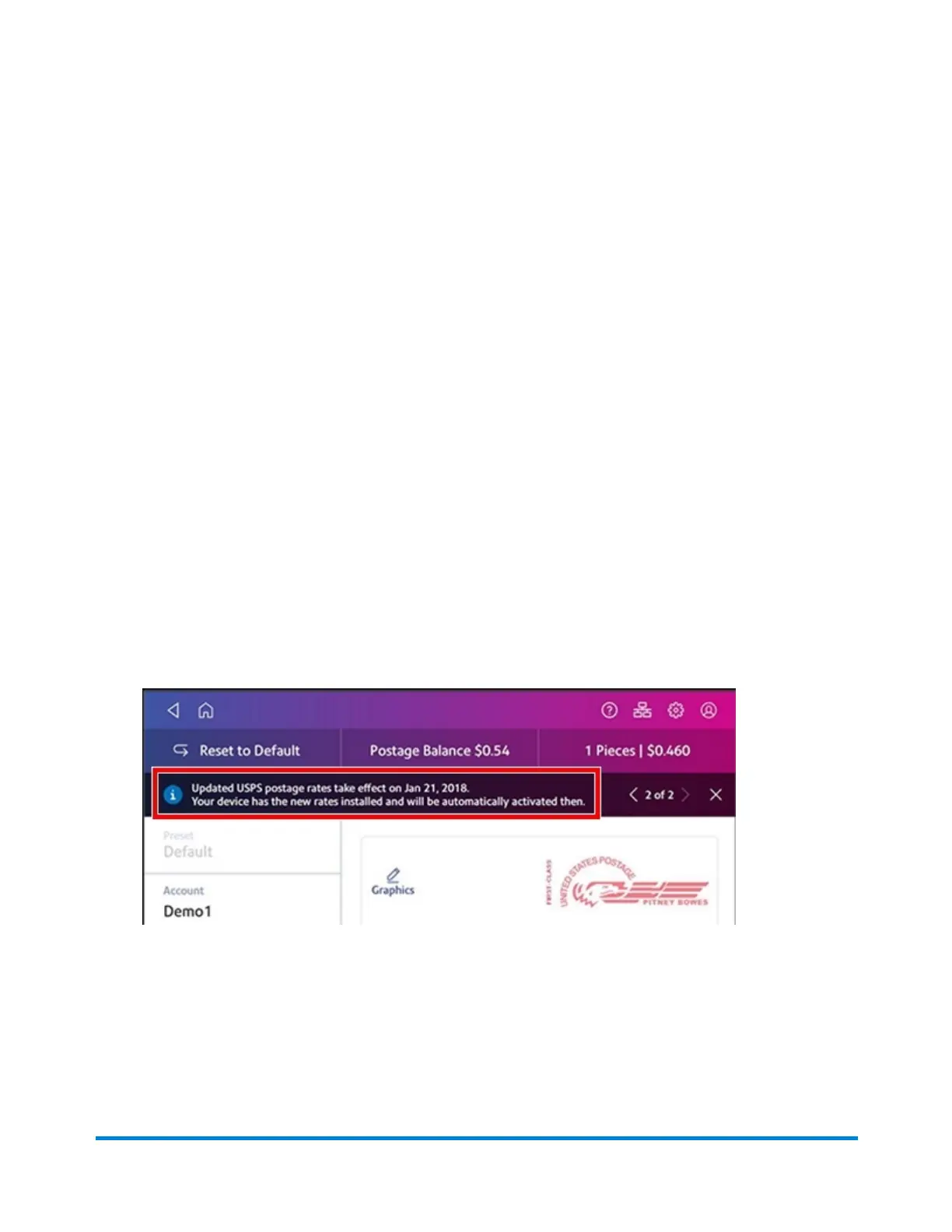
Message when new rates are updated prior to the effective date is shown here.
Managing envelope printing
Pitney Bowes Operator Guide June 2018 97












 To Next Page