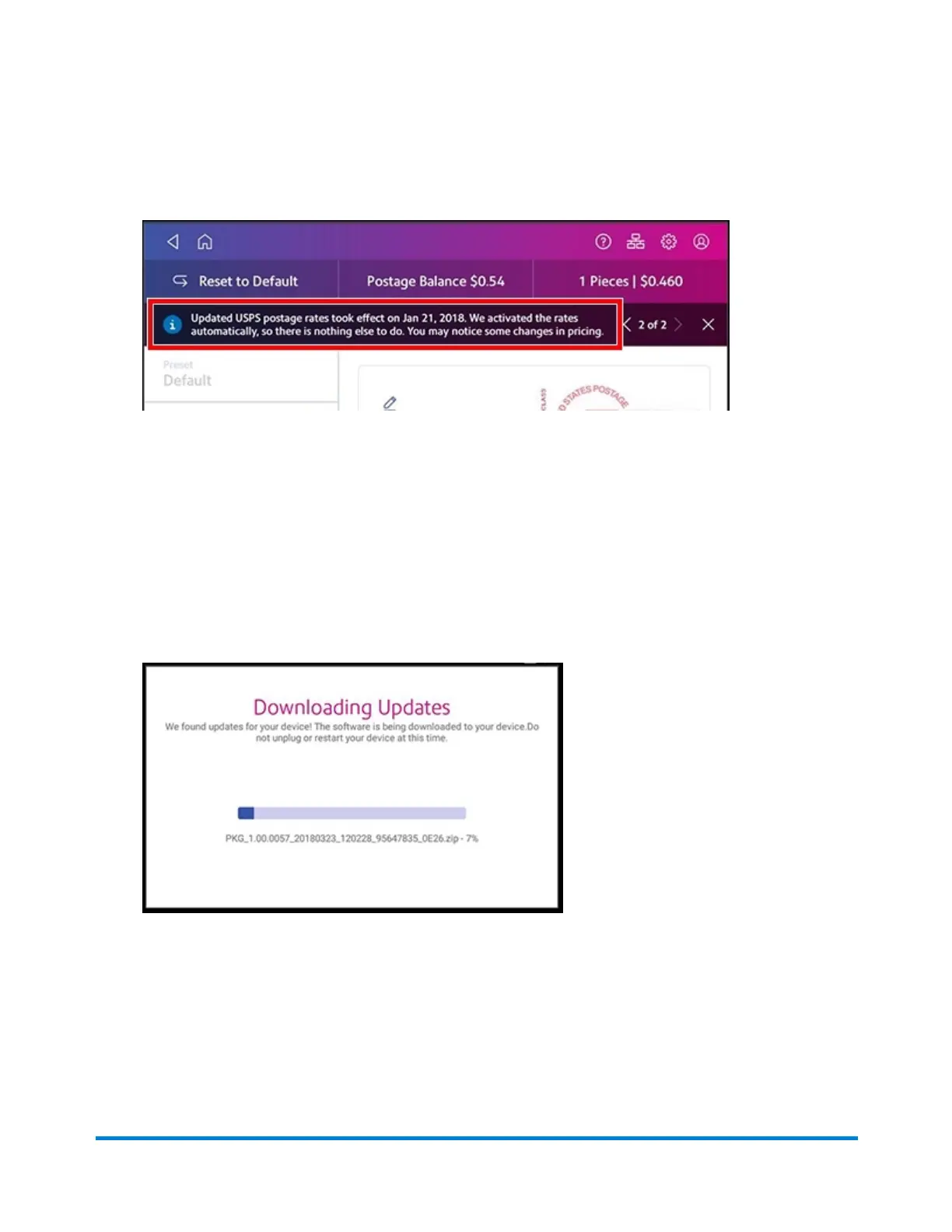
Message when new rates have taken effect (on or after the effective date) is shown here.
Note: Prices and dates are used for reference only. These prices and dates may change with each
postal change.
To manually download software updates:
l Tap Rates and Updates on the bottom of the Home screen. You may need to swipe the screen
up to access the second row of buttons. If an update is available the SendPro® C-Series will
display a progress bar showing the status of the download and installation. Once this process is
complete, you will see a message "Finalizing Update".
Managing envelope printing
Pitney Bowes Operator Guide June 2018 98












 To Next Page