Replacing the printhead
If you have already cleaned the print nozzle and you are still getting a bad test print pattern, replace the
printhead.
1. Tap the Settings (gear) icon in the global toolbar.
2. Tap the Mail Printer Maintenance button in the Mail Settings section.
3. Tap Install Printhead.
4. Lift the cover; the ink cartridge moves to the front position.
5. Flip the ink cartridge guard open.
6. Remove the ink cartridge as shown on the label to the right of the cartridge holder.
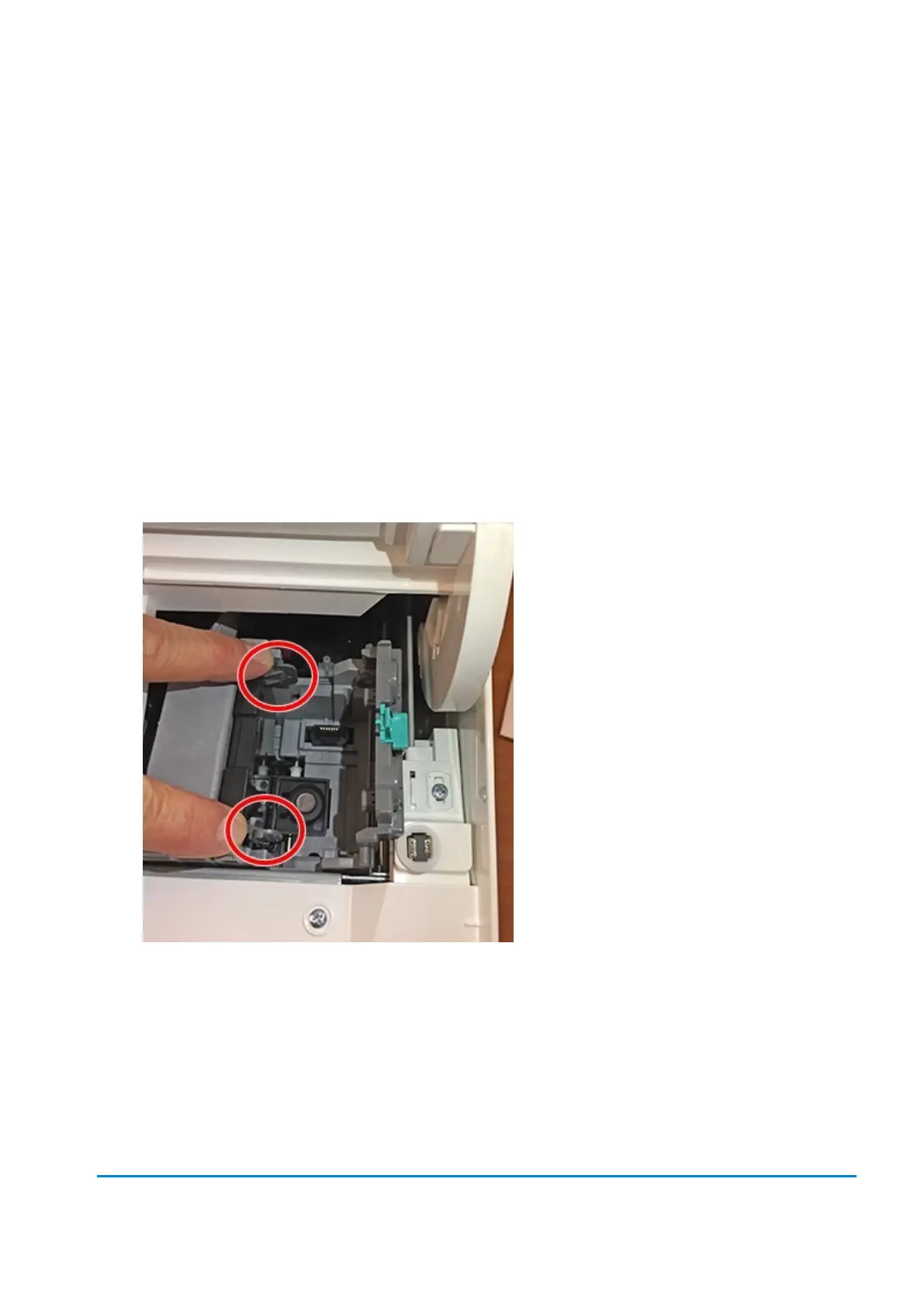
7. Squeeze the tabs on either side of the printhead.
8 • Mail Machine Maintenance












 To Next Page