5. Open the green latch over the ink cartridge.
6. Lift up and remove the ink cartridge.
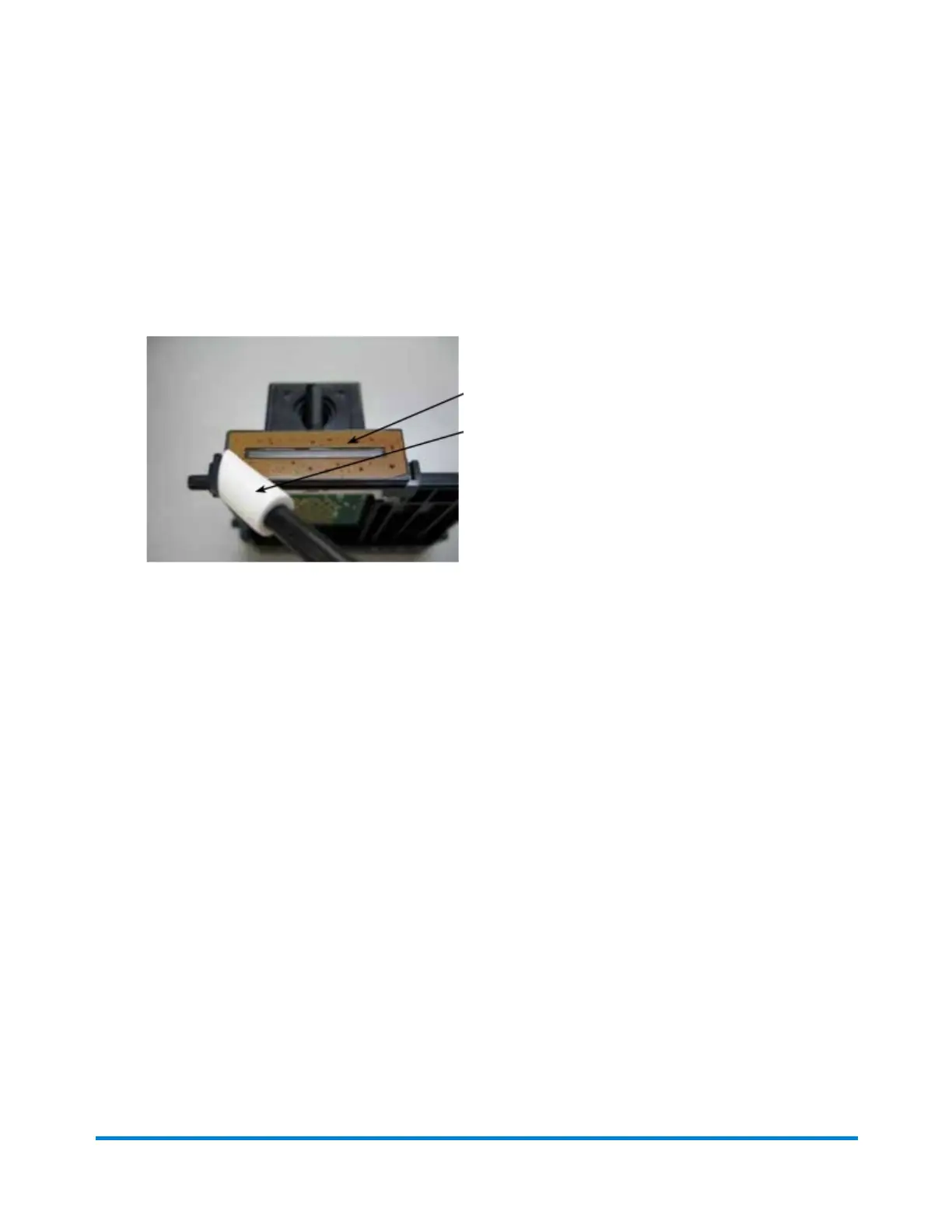
7. While squeezing the two gray tabs on either side of the print head, lift and tilt the print head to the
right as you remove it from the machine.
8. Wipe the copper-colored section of the print head with a dry, lint-free cloth or foam swab.
9. Reinstall the print head in the meter, making sure that it clicks into place.
10. Reinsert the ink cartridge and close the print head cover.
11. Close the ink tank access cover. The ink tank mechanism reinitializes.
Troubleshooting
Pitney Bowes Operator Guide June 2018 178












 To Next Page