1. Tap the Settings (gear) icon in the global toolbar.
2. Tap Sync USPS Transaction Data in the Mail Settings section.
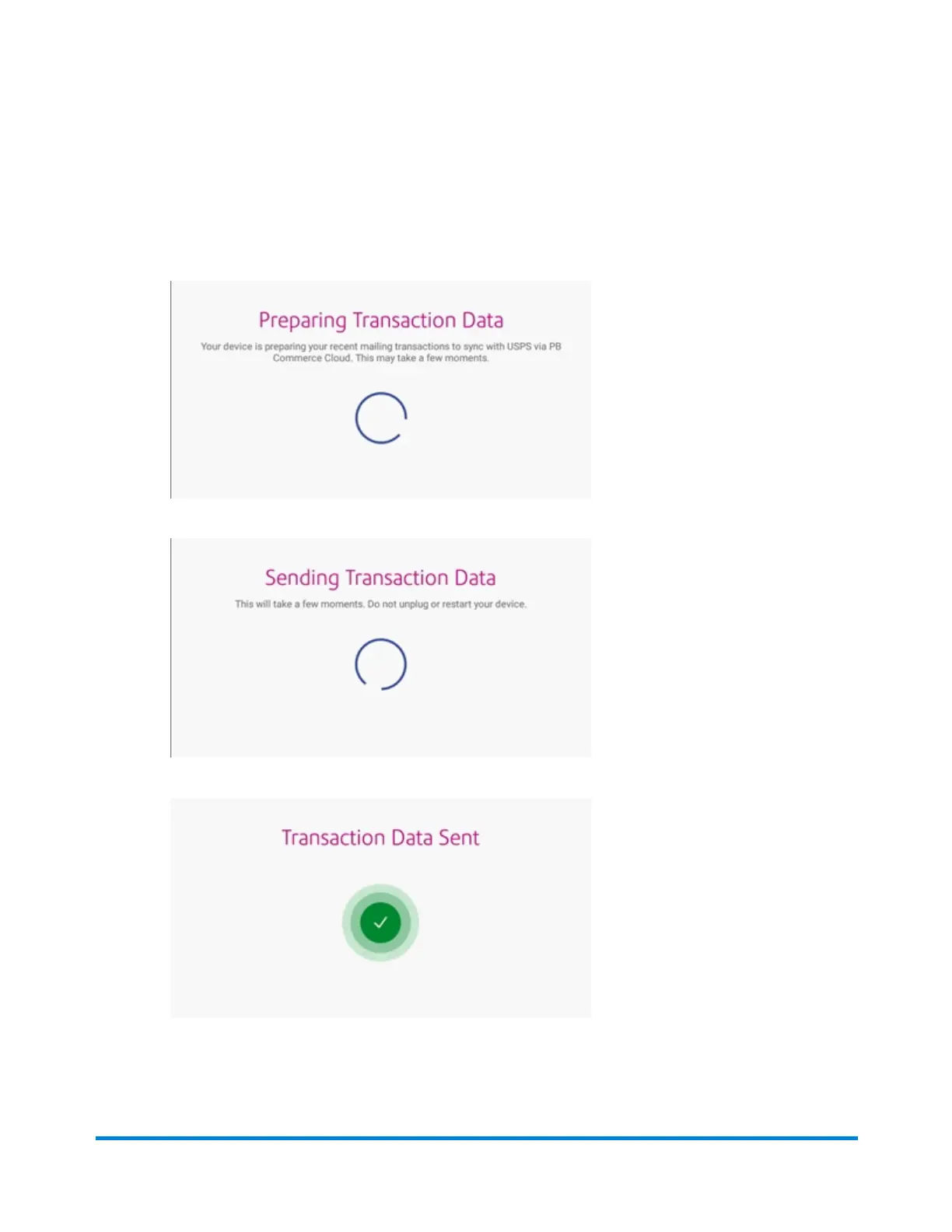
l You see a series of messages appear on the display, starting with "Preparing Transaction
Data" followed by "Sending Transaction Data".
l If there are no new transactions to upload, the message "No Sync Required" appears on the
display.
Managing envelope printing
Pitney Bowes Operator Guide June 2018 94












 To Next Page