5.11
BODY / STEERING / SUSPENSION
5
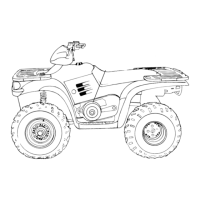
Sportsman Rear Storage Removal /
Installation
1. Follow the “REAR RACK REMOVAL” and “REAR
CAB REMOVAL” procedure to remove the rear storage
compartment. After the rear cab is removed the storage
compartment comes out.
2. Remove the two plastic inserts that hold the rear storage
compartment in place.
3. For installation, reverse the removal steps.
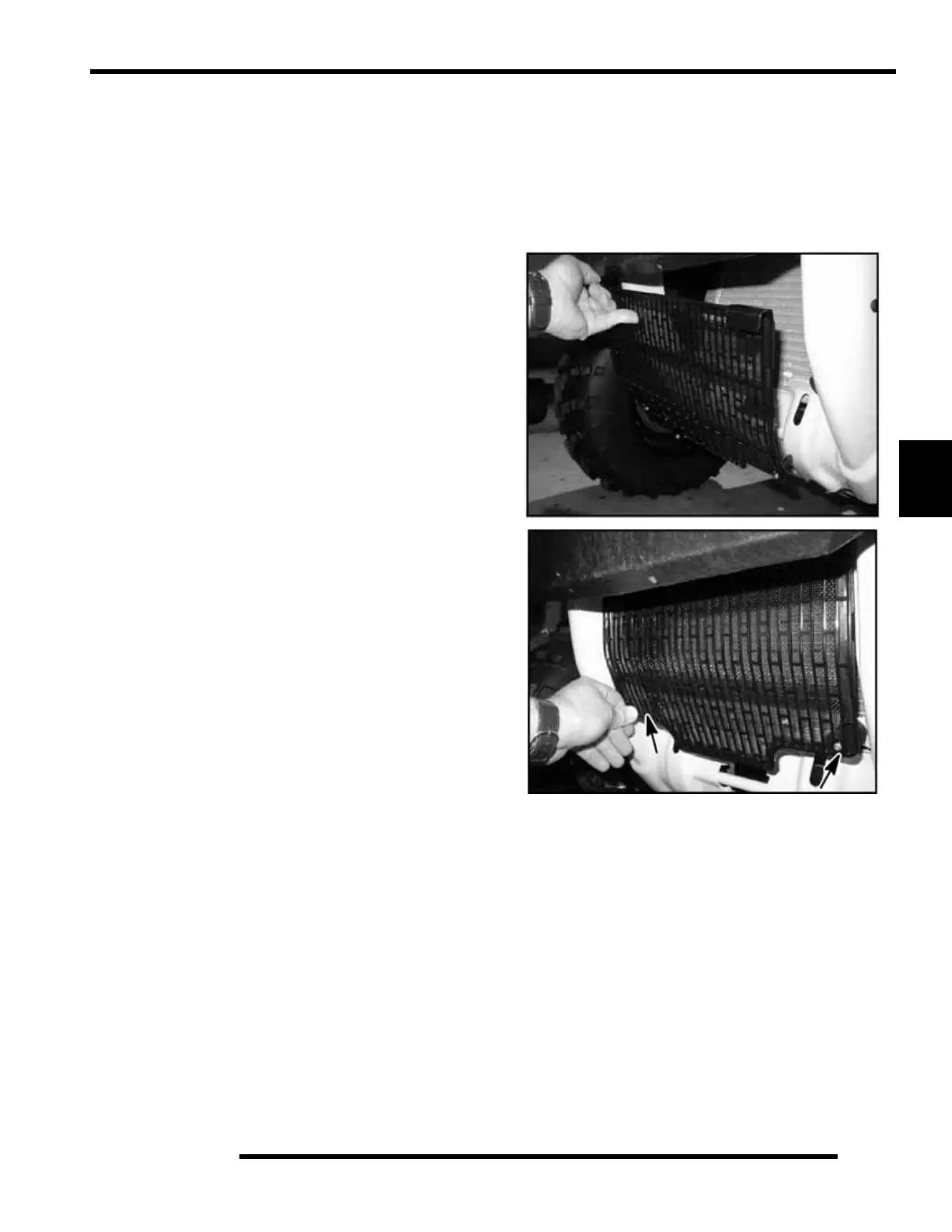
Radiator Screen Removal
1. Pull out slightly on the top of the radiator screen.
2. With the top free, pull out on the bottom of the screen to
remove the screen.
3. To install the screen, simply press the tabs on the screen
back into the mounting grommets. Be sure the screen is
securely in place.


 To Next Page
 Loading...