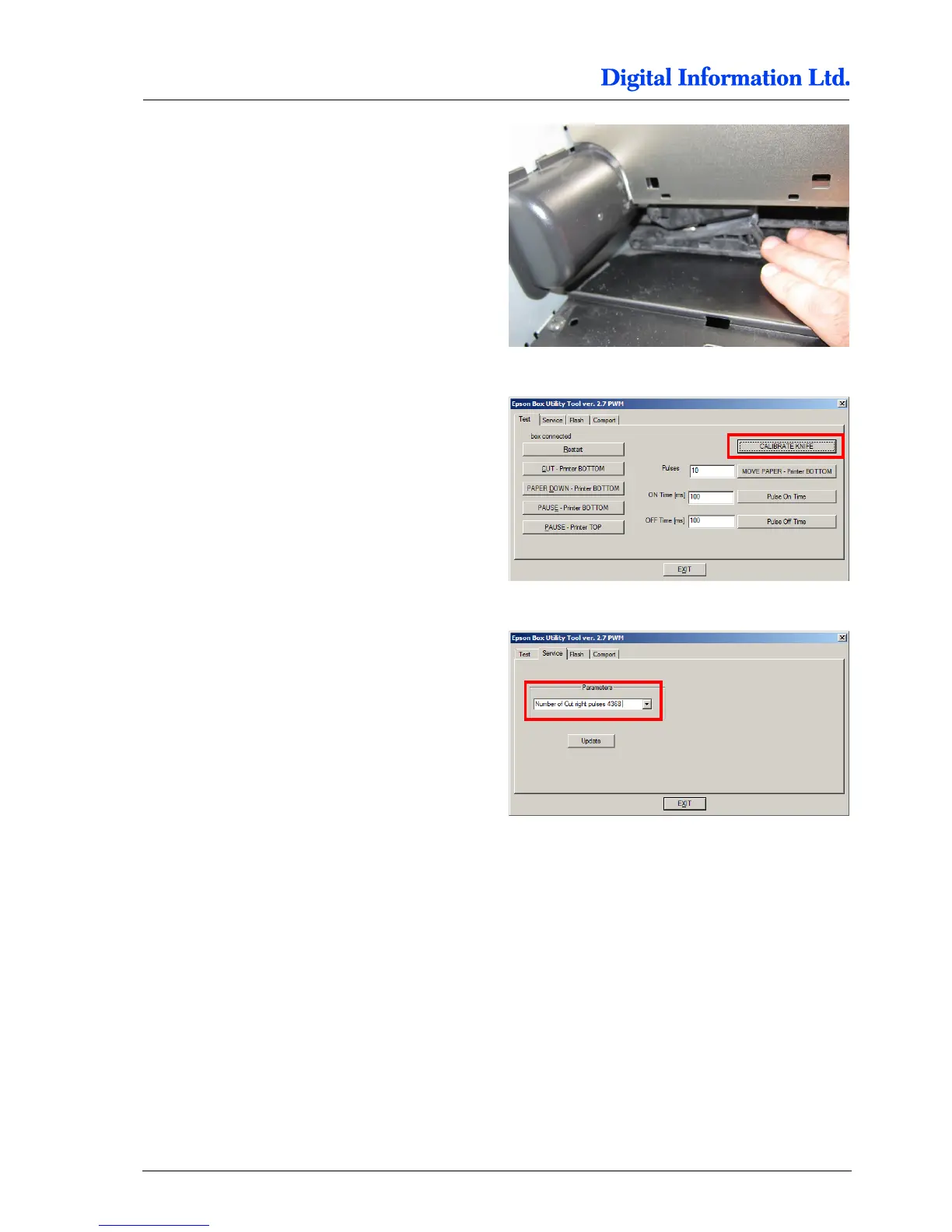
Step 6
Move the cutter manually to the left hand side.
Step 7
Change to the tab “Test”. Press the button “Calibrate
knife”.
The cutter travels back to the home position. When
the home position is reached, the Electronic Box
has calibrated itself with the printer.
Step 8
Change to the tab “Service” and verify the cut
parameter “Number of Cut right pulses”.
The value is the result of the calibration process
from step 7.
9x00 Printer:
The value should be around 4360.
7x00 Printer:
The value should be around 2200.



 To Next Page