Selecting And Running Diagnostic Printer Tests
117
Printing The E-Net Test Page
NOTE: You must set TOF after printing the E-Net Test Page
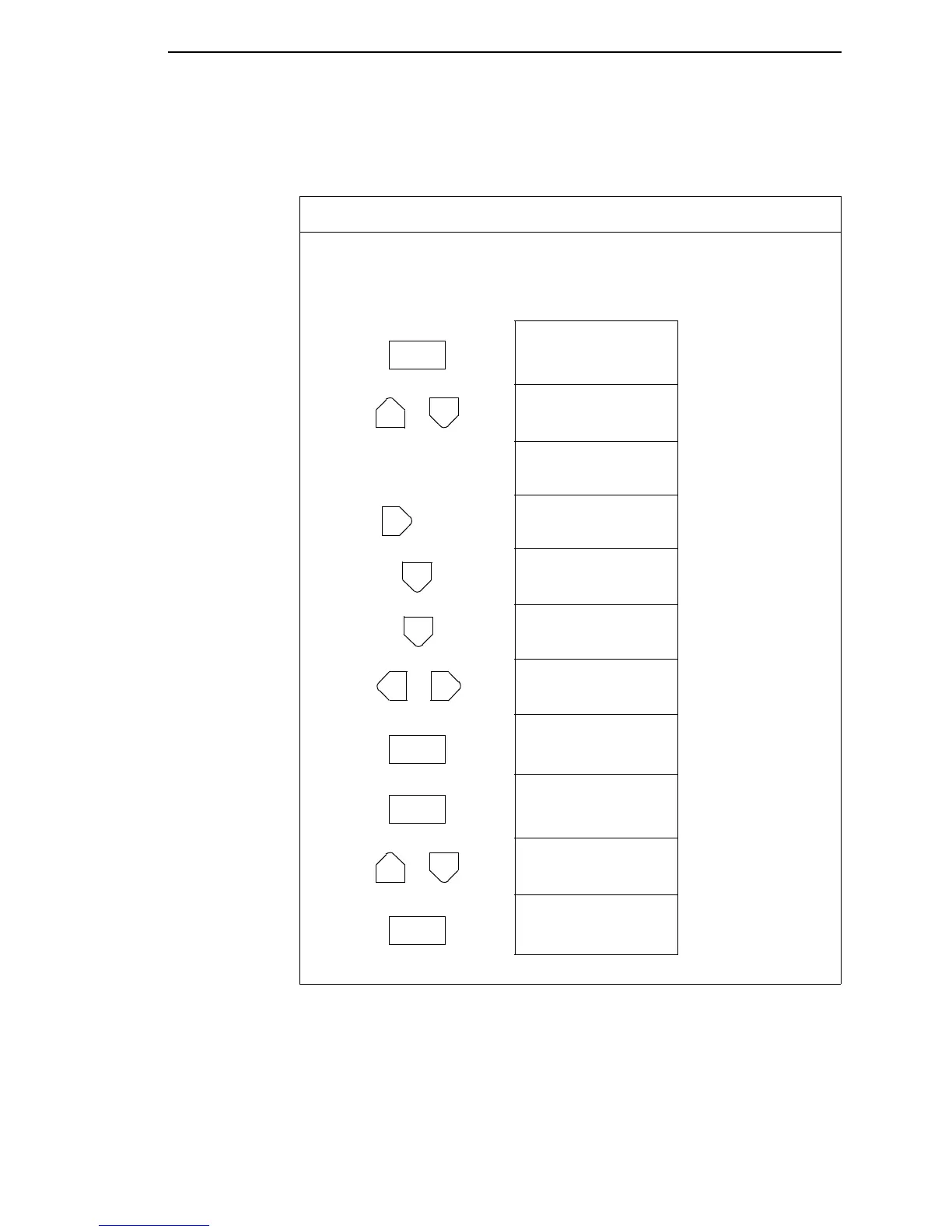
Step Press LCD Result Notes
1. Make sure the printer is on. Raise the printer cover.
2. Load paper.
3. Set TOF. (Refer to the User’s Guide.)
4. OFFLINE
CONFIG. CONTROL
The printer must be
offline to run a print
test.
5. ENTER SWITCH
UNLOCKED
Unlocks ENTER key
and control panel.
OFFLINE
CONFIG. CONTROL
6. OFFLINE
DIAGNOSTICS
7. DIAGNOSTICS
Printer Tests
8. Printer Tests
Shift Recycle
9. Printer Tests
E-Net Test Page
10. Printer Tests
E-Net Test Page*
Starts printing.
11. Printer Tests
E-Net Test Page
Stops printing.
12. ENTER SWITCH
LOCKED
Locks the ENTER key
and control panel.
13. ONLINE
LinePrinter+
Places the printer in
online mode.
14. Set TOF. (Refer to the User’s Guide.)
ON LINE
+
UNTIL
OR
ENTER
ENTER
+
ON LINE













 To Next Page