346
Appendix E Installing The Power Stacker
Installing The Power Stacker
NOTE: This section shows complete installation of the power stacker,
including all cable assemblies and the stacker control panel.
1. Set the printer power switch to O (off).
2. Unplug the power cord.
3. Remove paper.
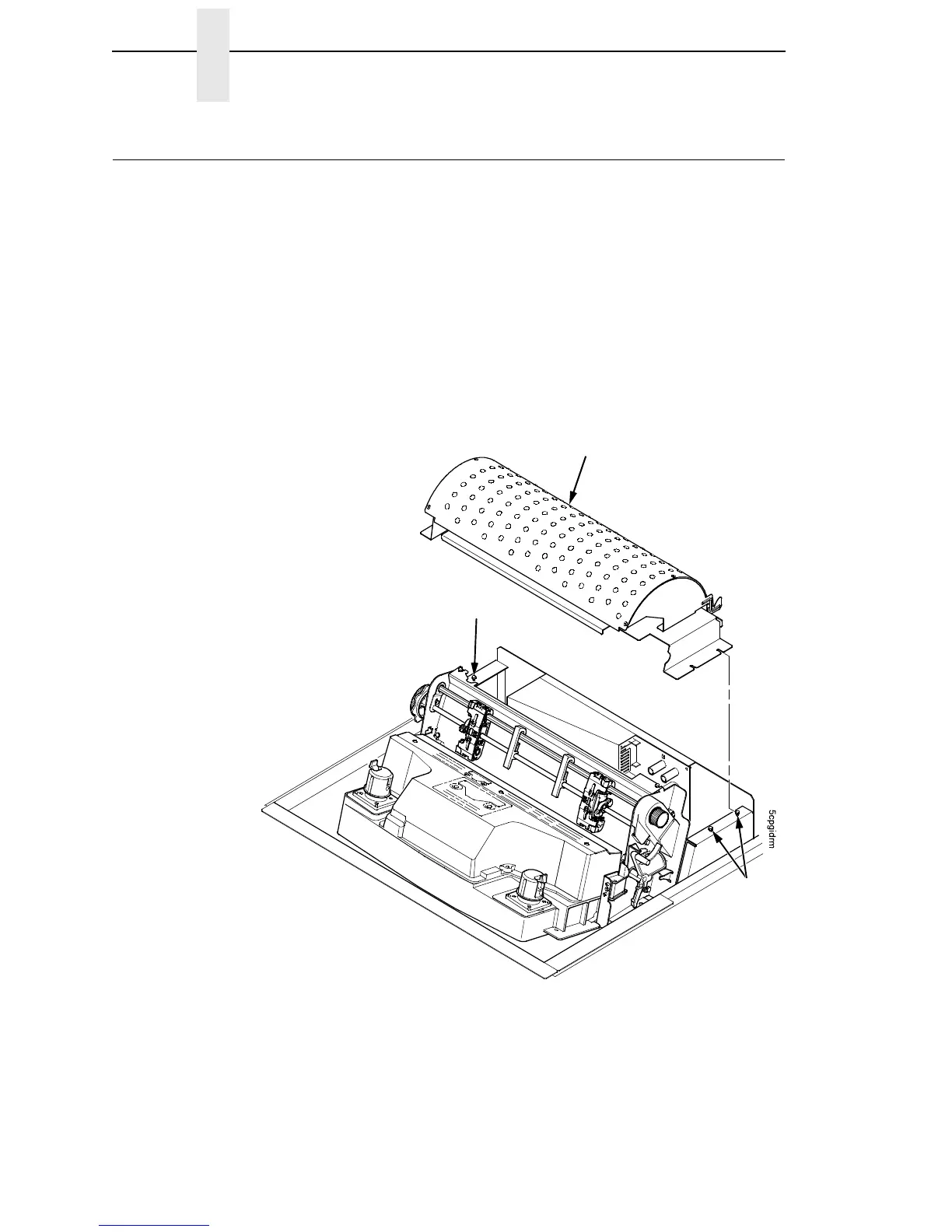
4. Loosen—do not remove—the three paper path hold-down screws. Slide
the paper path to the left and lift it off the card cage. (Figure 71.)
Figure 71. Remove the Paper Path
Paper Path
Screw
Screw













 To Next Page