34
Chapter 2 Cleaning The Card Cage Fan Assembly
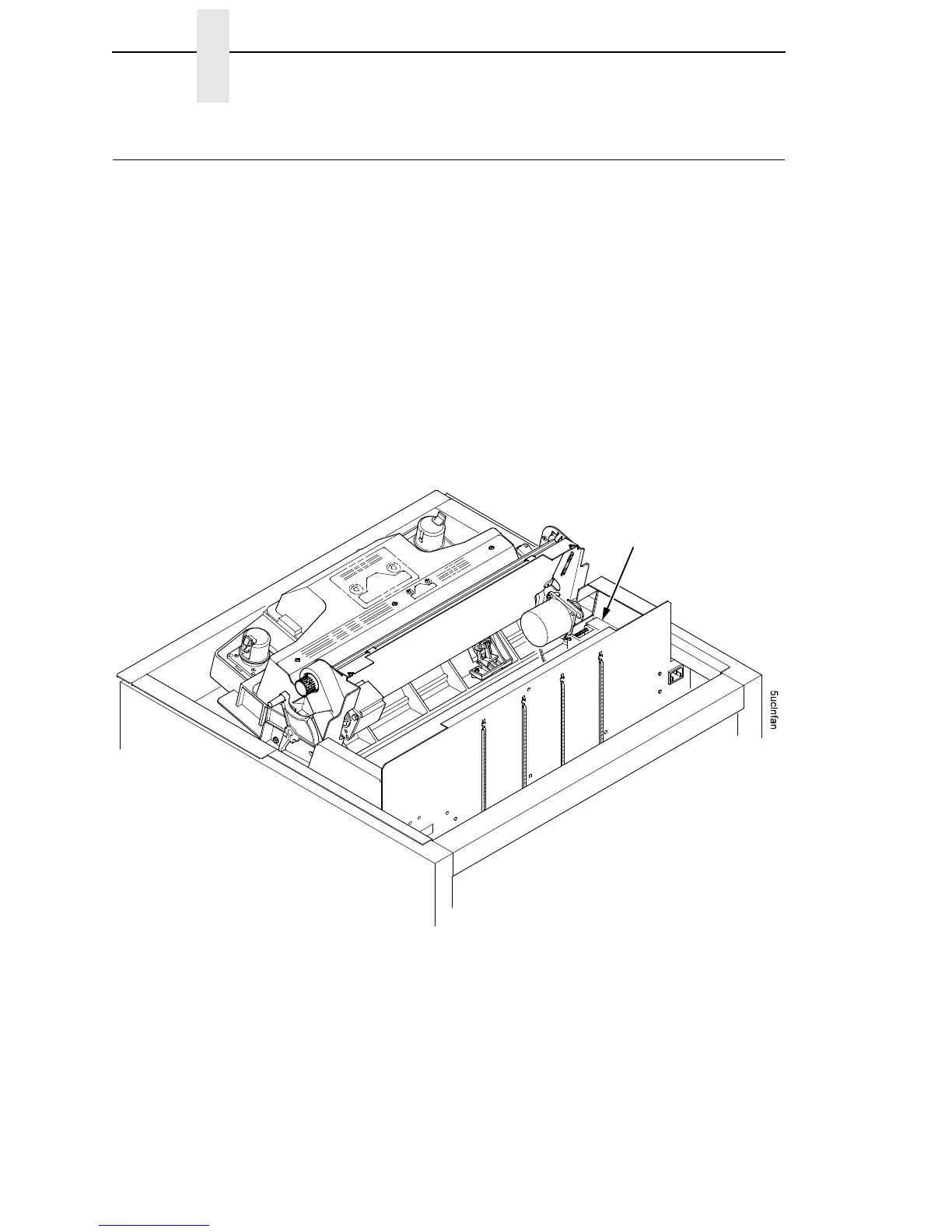
Cleaning The Card Cage Fan Assembly
1. Cabinet Models: Remove the paper path (page 199).
Pedestal Models: Remove the top cover assembly (page 179).
2. Vacuum the card cage fan assembly and surrounding areas to remove
paper particles, dust, and lint. (See Figure 7.)
3. Cabinet Models: Install the paper path (page 199)
Pedestal Models: Install the top cover assembly (page 179).
4. Return the printer to normal operation (page 133).
Figure 7. Cleaning the Card Cage Fan Assembly
Card Cage Fan
NOTE: A cabinet model is
shown here. The procedure is
the same for pedestal models.













 To Next Page