122
Chapter 3 Hex Code Printout
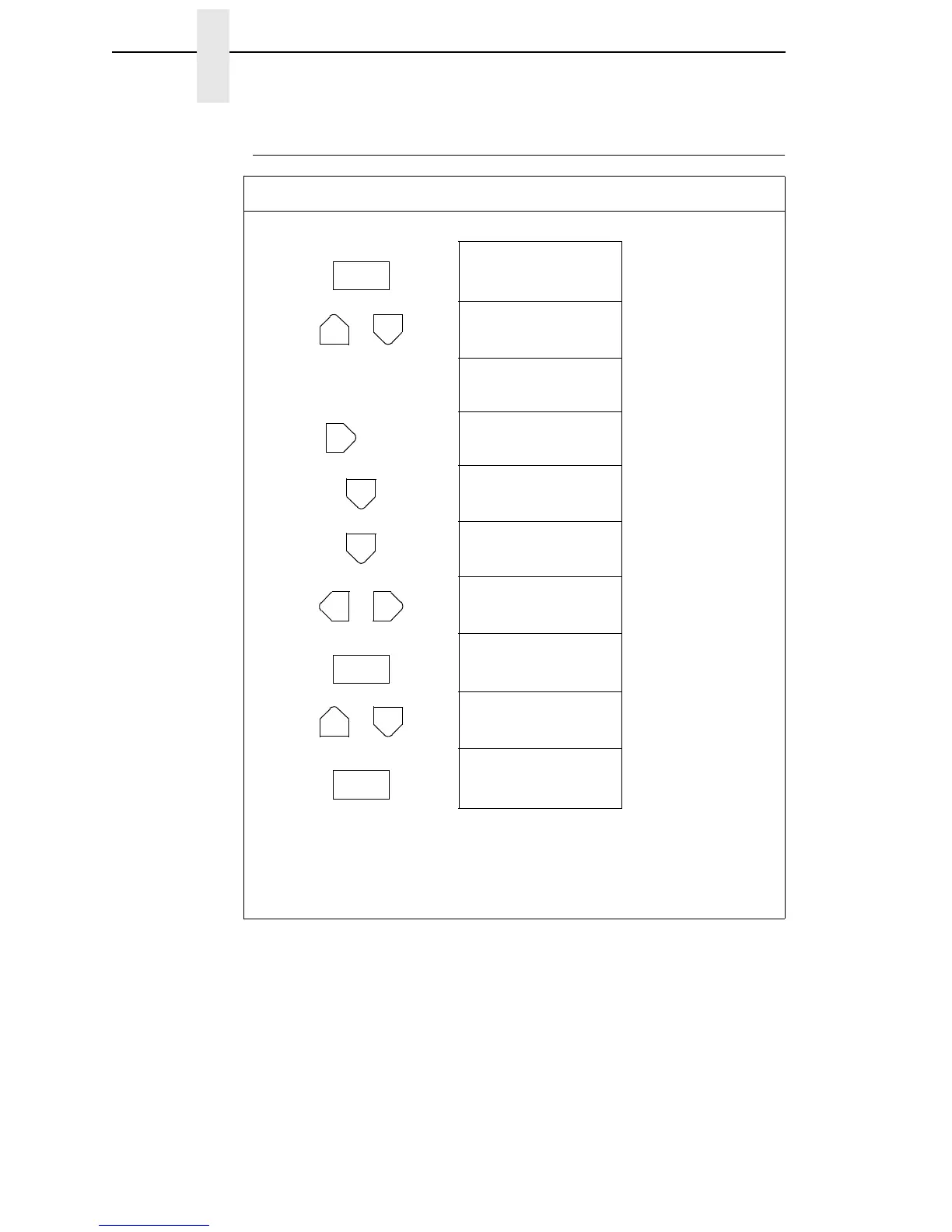
How To Print A Hex Dump
Step Press LCD Result Notes
1. Make sure the printer is on. Raise the printer cover.
2. OFFLINE
CONFIG. CONTROL
3. ENTER SWITCH
UNLOCKED
Unlocks the ENTER
key and control panel.
OFFLINE
CONFIG. CONTROL
4. OFFLINE
MAINT / MISC
5. MAINT / MISC
Hex Dump Mode
6. Hex Dump Mode
Disable*
Default
7. Hex Dump Mode
Enable
Cycle through choices.
8. Hex Dump Mode
Enable*
Asterisk (*) indicates
choice is active.
9. ENTER SWITCH
LOCKED
Locks the ENTER key
and control panel.
10. ONLINE
LinePrinter+
Places the printer in
on-line mode.
11. Send a file from the host computer. the printer outputs a hex dump. Refer to
the ASCII chart on page 123.
12. When the hex dump is complete, take the printer off-line and change the
Hex Dump Mode back to Disable. Follow the steps outlined above and
select Disable.
ON LINE
+
UNTIL
OR
ENTER
+
ON LINE













 To Next Page