262
Chapter 6 Control Panel
Control Panel
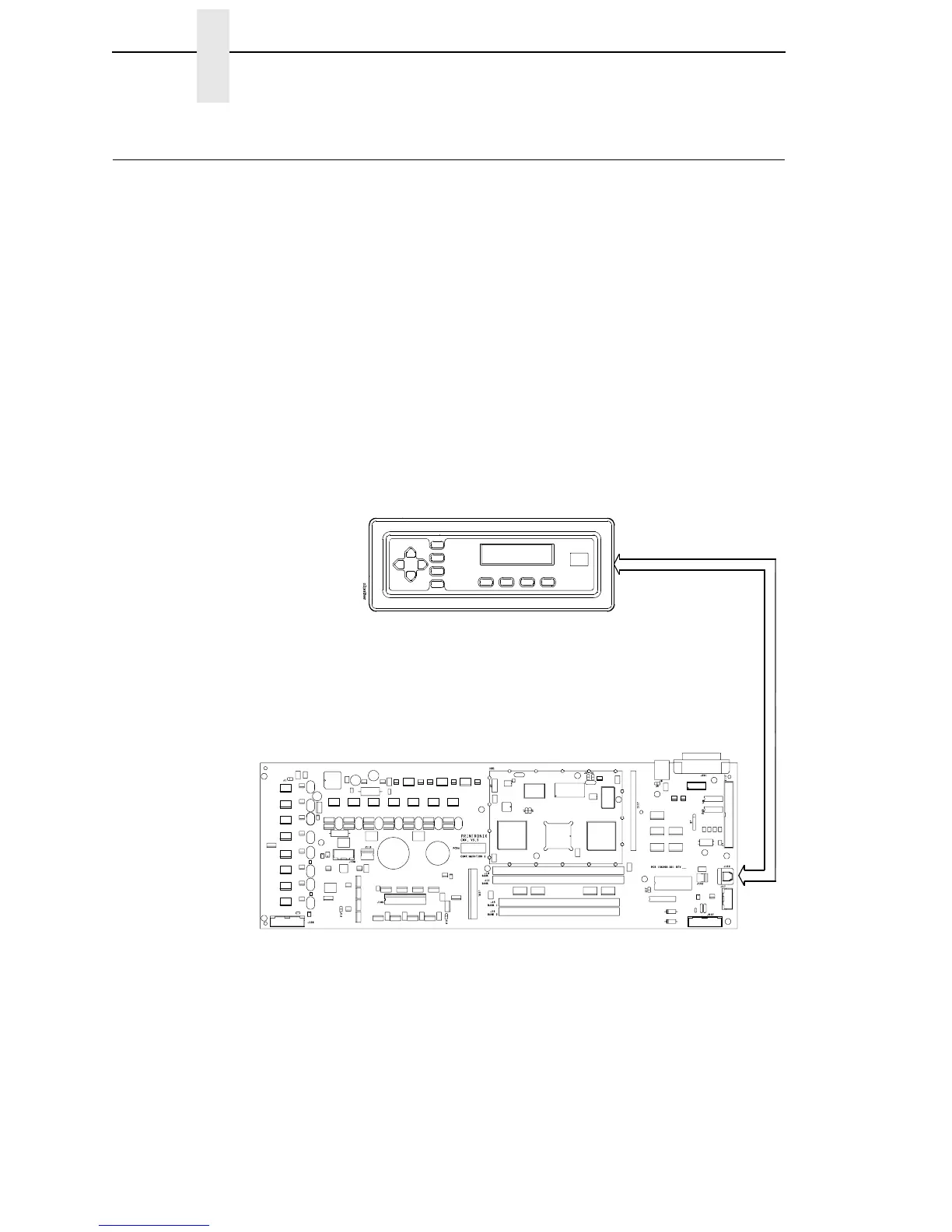
The user communicates with the printer by pressing keys on the control
panel. The keys are momentary contact switches. The control panel
processes and sends key closure information to the controller board and
displays information from the controller on the LCD. A status indicator next to
the LCD also conveys printer status information to the user.
The LCD, status indicator, and keys are mounted on a printed circuit board
assembly enclosed in a protective housing.
Figure 55. Control Panel Functional Overview
Control Panel
Controller Board
• Data
• Control
• Key
(Switch)
Closures













 To Next Page