EasyManua.ls Logo

Printronix P5000 - Start Here...

Printronix P5000
406 pages
Print Icon
To Next Page IconTo Next Page
To Previous Page IconTo Previous Page
Loading...
36
Chapter 3 Start Here...
Start Here...
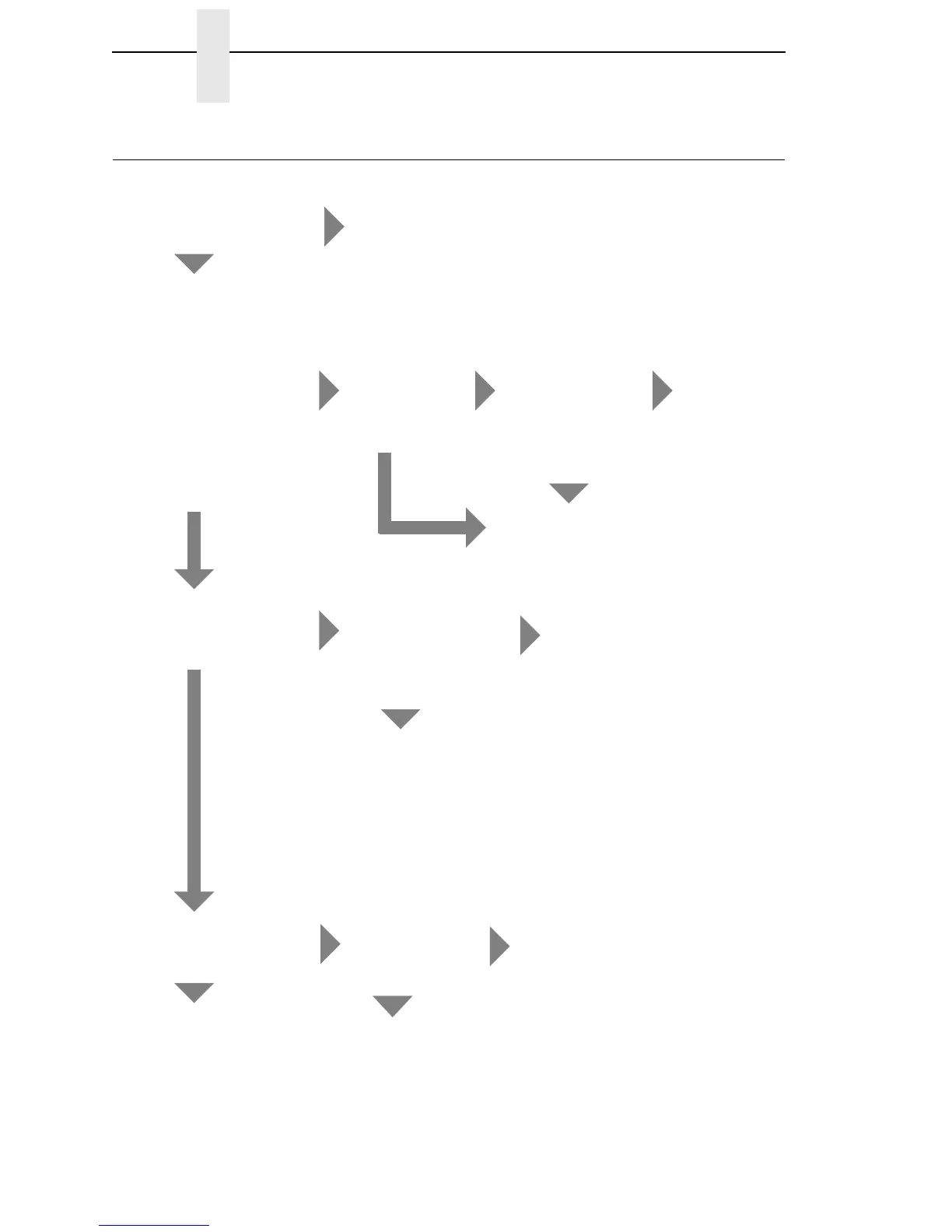
Are you here because of an
error message?
YES
NO
Go to Troubleshooting Display
Messages, page 37.
Power on the printer and
observe the control panel
for the following sequence
of events (retry as
required):
1. All black squares
appear on the display.
2. Display goes blank.
3. TESTING HARDWARE
PLEASE WAIT appears
on display.
Power on the printer.
Did steps 1, 2, and 3
occur?
NO
Did the fans come on after
10 seconds?
YES
After about 10
seconds did
the fans come
on?
YES
YES
NO
Did the status
indicator lamp
come on and
ONLINE appear
on the display? (If
default is
OFFLINE, status
indicator will not
come on.)
NO
YES
Printer initialized
successfully.
Other symptoms
are listed in
Table 3 page 90.
Go to Printer
does not
initialize, page 95.
Did ANY of steps 1 thru 3
occur?
NO
Press ON LINE.
Press PRT CONFIG.
Press ENTER.
Does machine
configuration
print?
YES
NO
Go to the Control
Panel section of
Table 3 page 90.
The Control Panel
is not functioning
(Table 3 page 90)
—OR—
Printer does not
initialize, page 95.
Go to No power, and
control panel is blank,
and card cage fan is not
running, page 94.
YES
NO
Are there black
squares on the
control panel?
NO
Go to Printer does not
initialize, page 95.
YES
Go to Black squares
on control panel
display, page 92.

Table of Contents

Other manuals for Printronix P5000

Related product manuals