Selecting And Running Diagnostic Printer Tests
121
Hex Code Printout
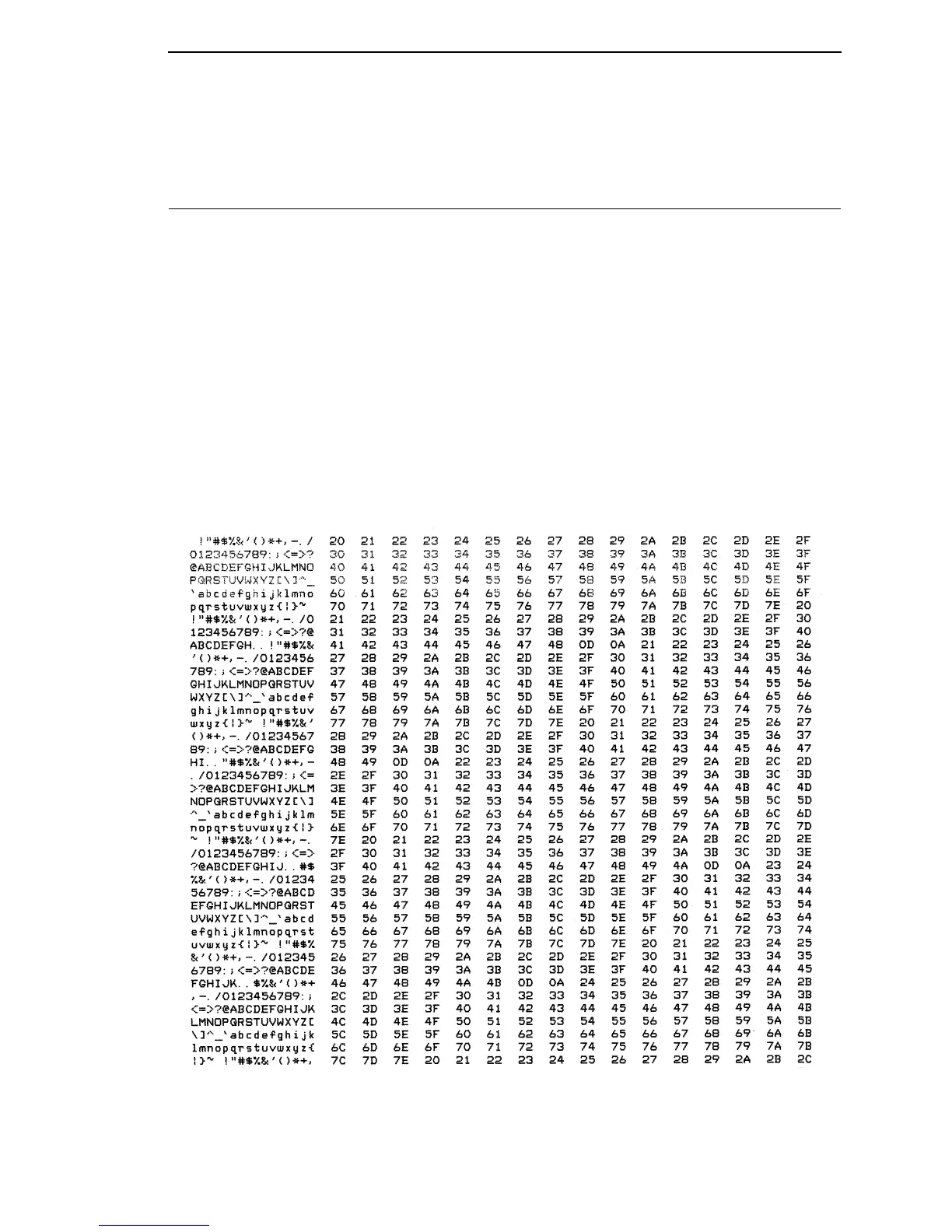
A hex code printout (or “hex dump”) prints every ASCII data character
received from the host computer, and lists its corresponding two-digit
hexadecimal code. (See Figure 9 below.) You can use hex dumps as an aid in
troubleshooting data reception problems.
In a hex dump every printable character is printed both as its assigned symbol
and as its hex equivalent. Every unprintable (ASCII control) character is
printed out as a period (.) and its hex equivalent. If the printer is using a
parallel interface, the letter “p” before a hex code indicates an active Paper
Instruction (PI) line, and a blank space before a hex code indicates an inactive
PI line.
To convert an ASCII character to its corresponding hex code, or vice versa,
refer to the ASCII code chart on page 123. To make a hex code printout, refer
to the procedure on page 122.
Figure 9. Sample Hex Dump













 To Next Page