345
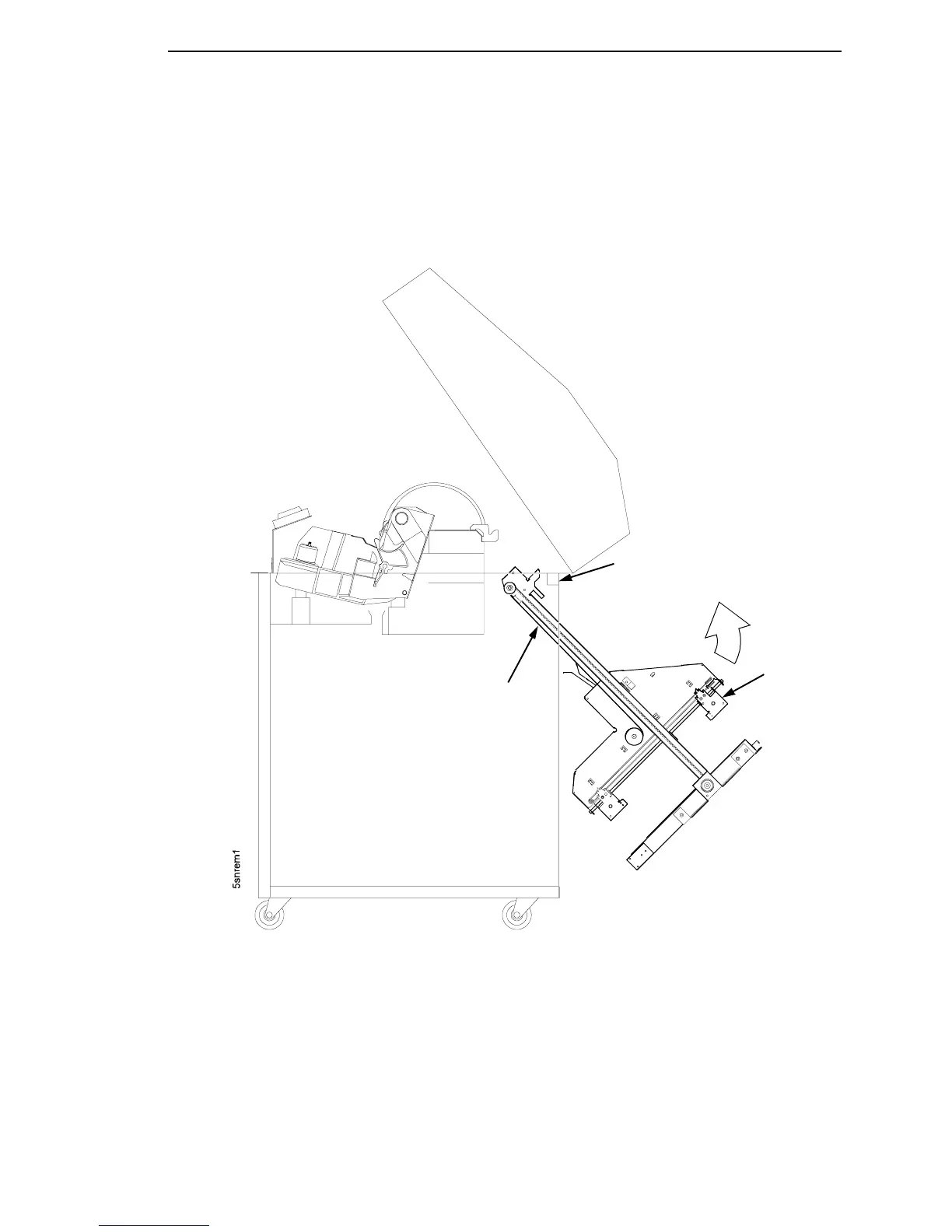
15. Slide the stacker assembly slightly to the right to clear the air exhaust
duct. Tilt the vertical rails toward the front of the printer until they clear the
upper frame cross-member. Lift and slide the stacker assembly to the
rear and angle it out of the cabinet, as shown in Figure 70.
Figure 70. Removing the Stacker Assembly
Vertical Rail
Upper Frame
Cross-Member
Elevator
Assembly













 To Next Page