152
Chapter 4 Loading Flash Memory
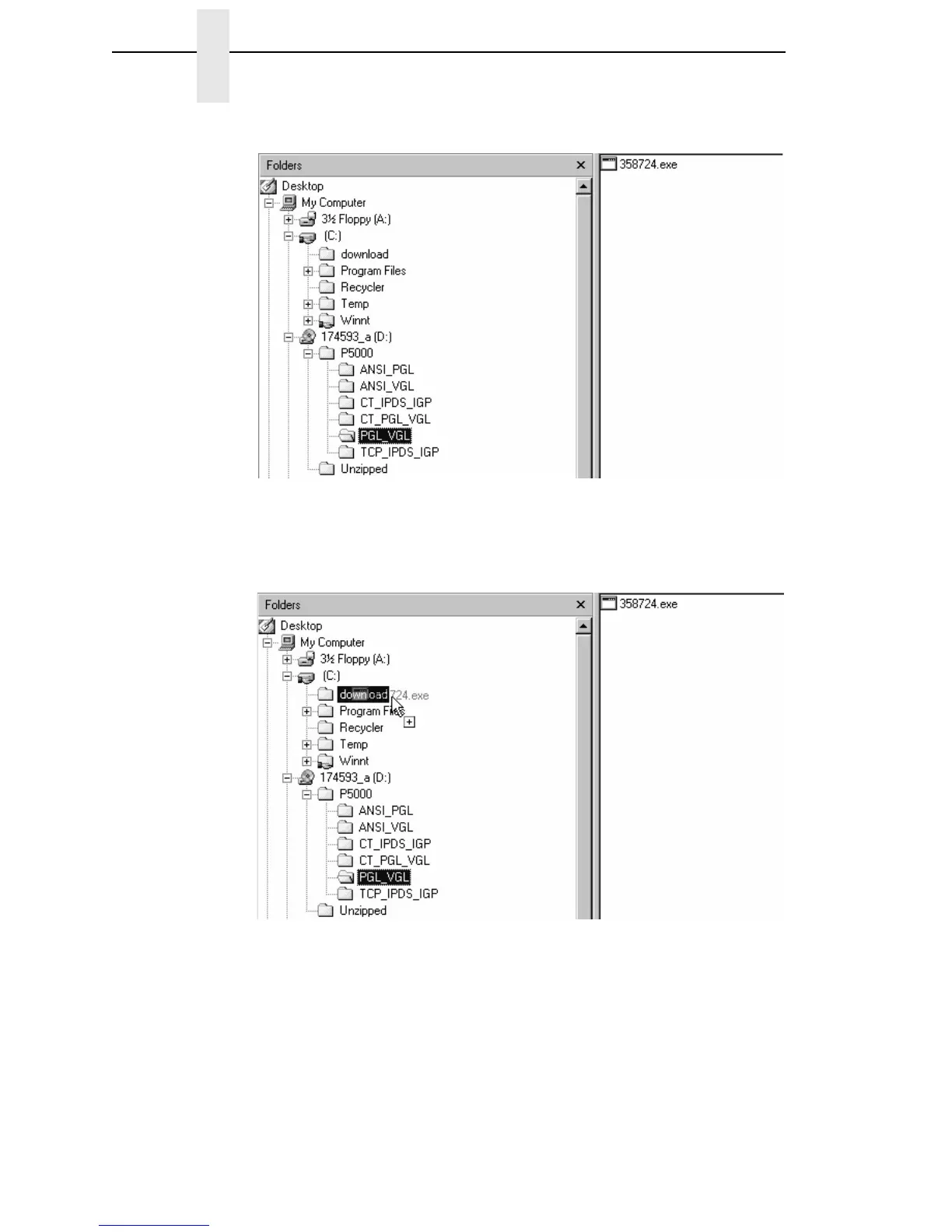
Figure 16. Navigating to the Appropriate Emulation File on the CD
19. Copy the file to the download directory. You may need to hold the Ctrl key
to make sure a + appears to the right of the pointer. (See Figure 17.)
Figure 17. Copying the Emulation File to the Download Directory
20. Start a command prompt session. (The Start Menu icon is usually labeled
MS-DOS Prompt or Command Prompt.)
21. At the command prompt type:
C:<Enter>
cd \download<Enter>
22. At the command prompt on the computer type:
filename.exe -pb<Enter>













 To Next Page