If further alterations are required then move the highlight bar to select a new device and press the
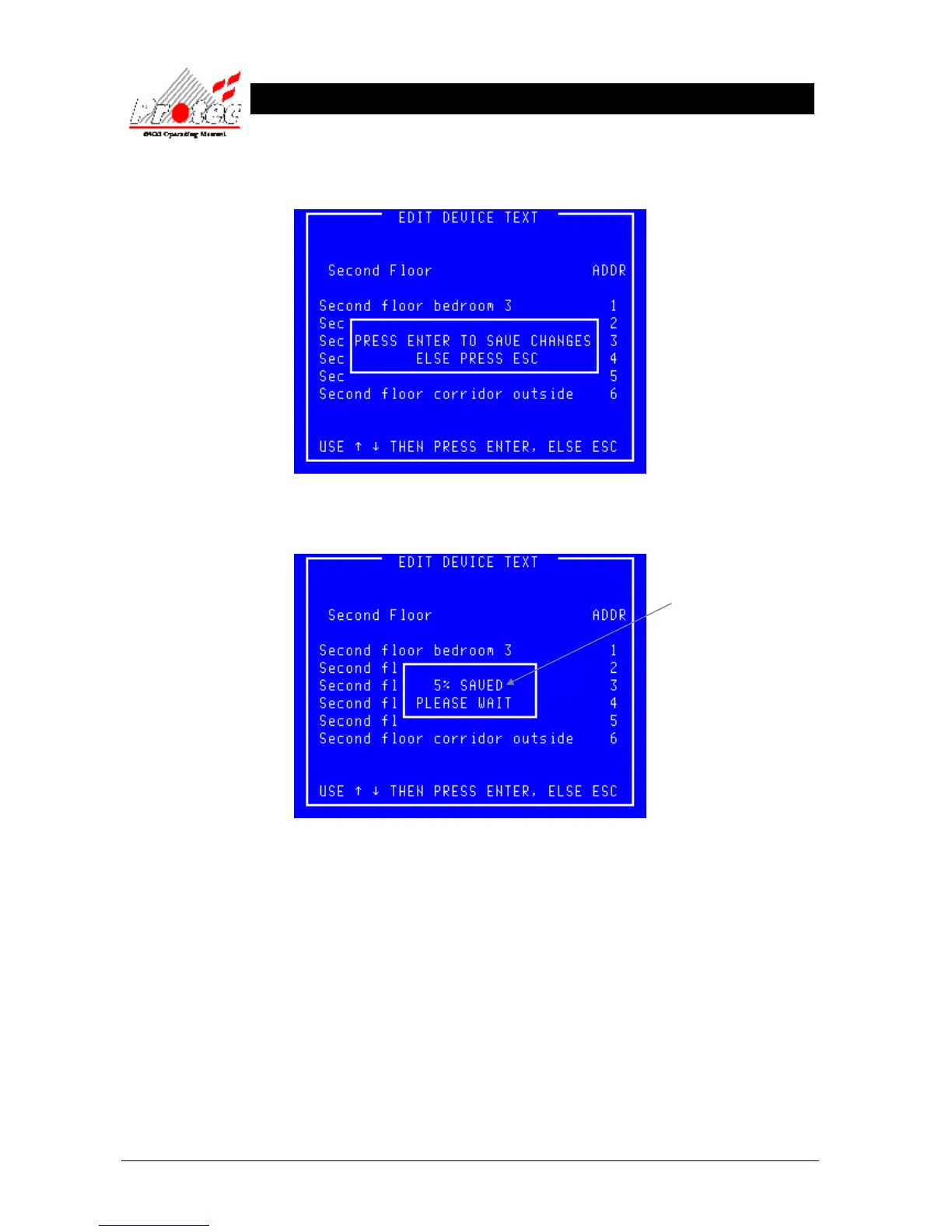
ENTER key. To exit press the ESC button. The display will show :-
• Exiting Option : To abandon the changes press the ‘Esc’ key.
• Saving Data : Press the ENTER Key to save the above changes to memory. The display will show :-
Once all the new alterations have been saved to memory, the LCD returns back to
the ‘Text Editor Menu’ options.



 To Next Page