QLS-4100 Xe 8-7
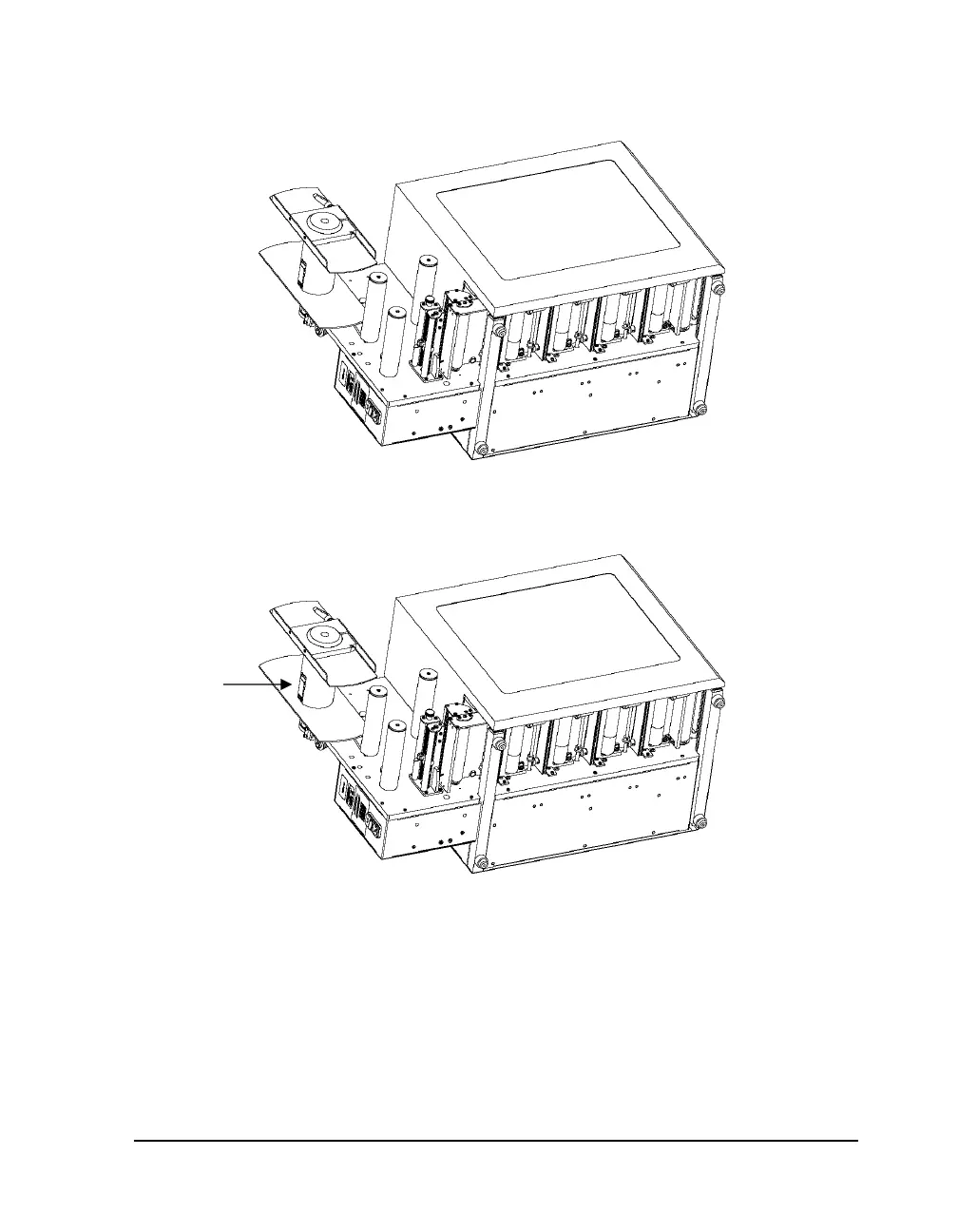
3 Position the QLS-4100 Xe as indicated in the following illustration. The
printer is heavy and it is suggested that at least two people lift it.
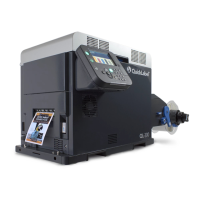
4 Remove the two #6 binder head screws (10658610) from the spring clip
on the media supply mandrel.
Replace the spring clip (00058-DA) with spring clip (14589000).
5 Remove the four rubber bumper feet (12007001) and hardware. Discard
these parts. Hand tighten the four spacer feet (14599350).


 To Next Page