QLS-4100 Xe 4-37
Ribbon Menu
Ribbon options are accessed via the Ribbon menu. The following sections
detail each of the features within this menu category.
Ribbon Type
Selecting a ribbon type allows you to select a printhead heat and history
profile that has been tailored to a specific media and ribbon combination.
This feature enables the QLS-4100 Xe to print on an even wider range of
specialty materials.
To change the ribbon type:
1 If the printer is in a Ready state, press the PRINT/PAUSE key to pause
the printer.
2 Press the NEXT or PREVIOUS key until the Ribbon menu is displayed.
Then press the SELECT key.
3 Press the NEXT or PREVIOUS key until the Ribbon Type menu is
displayed.
4 Press the + or – key until the desired ribbon type is displayed. You can
choose from standard or resin/synthetic ribbon.
5 Press the SELECT key to confirm your ribbon choice.
Note: The standard profile should be selected for most applications unless
otherwise specified by QuickLabel.
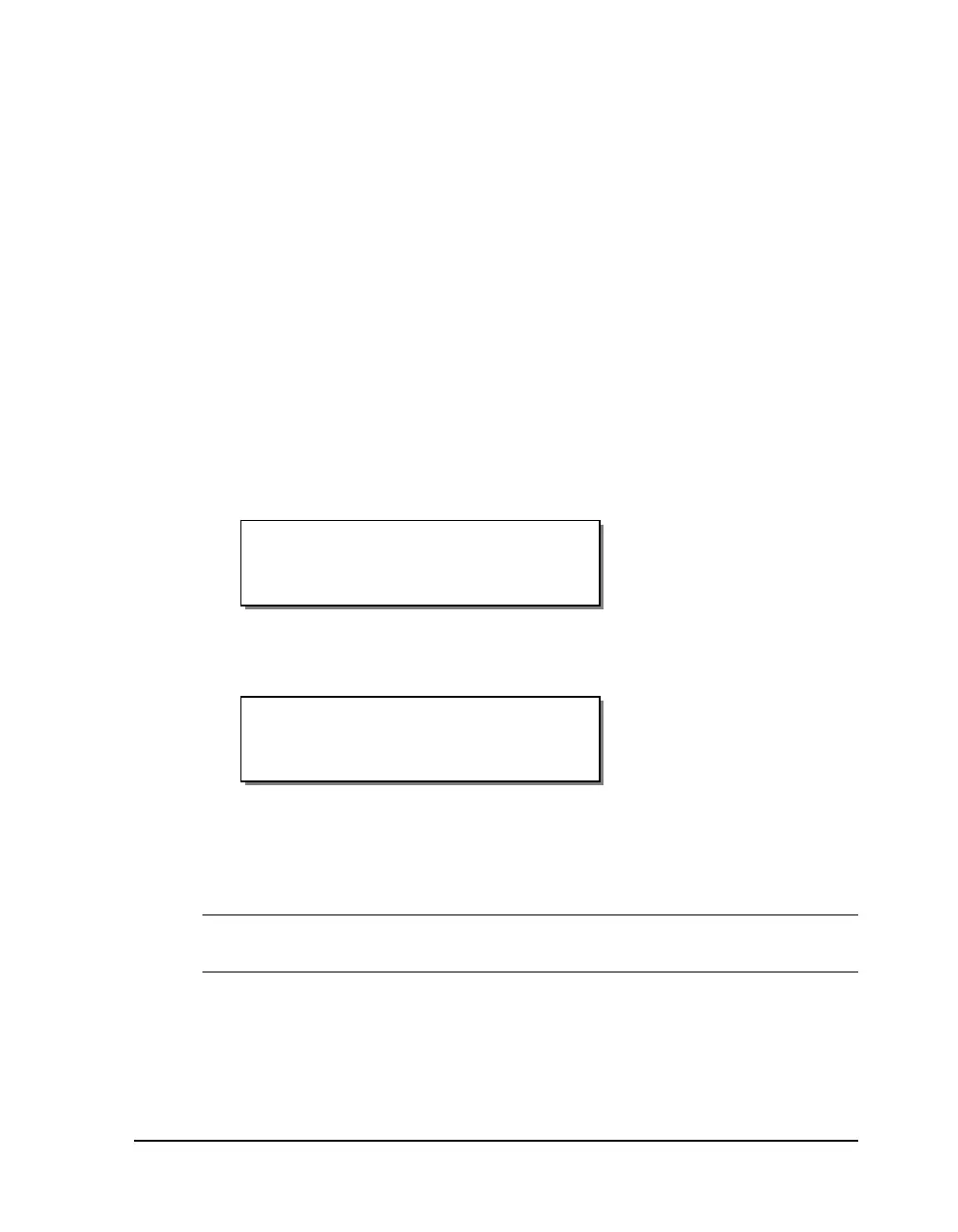
Ribbon Type
Standard
Pause: Ribbon
Press SELECT


 To Next Page