QLS-4100 Xe 4-29
Variable Maximum Gap
This function allows you to set the maximum gap between labels to a value
between 1-200mm. This feature is useful when using small labels (< 50mm
long) and can be used to ensure that a missing label on the roll will not go
undetected.
To adjust the maximum gap:
1 If the printer is in a Ready state, press the PRINT/PAUSE key to pause
the printer.
2 Press the NEXT or PREVIOUS key until the Cal & Setup menu is
displayed. Then press the SELECT key.
3 Press the NEXT or PREVIOUS key until the Maximum Gap menu is
displayed.
4 Press the + or – key to set the maximum gap from 1-200mm.
5 Press the SELECT key to confirm.
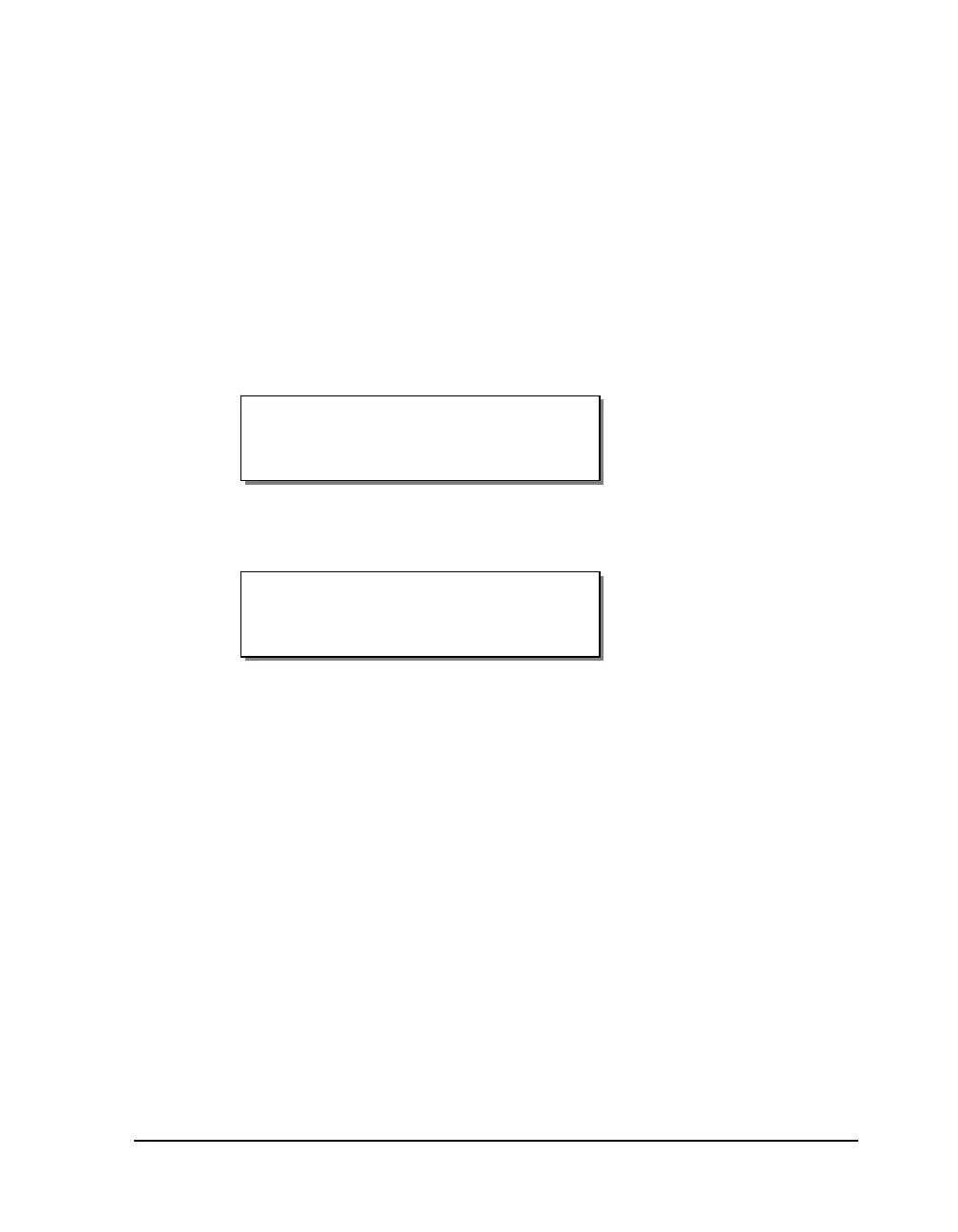
Maximum Gap (mm)
Max Gap = 200
Pause: Cal & Setup
Press SELECT


 To Next Page