Page 133 of 254
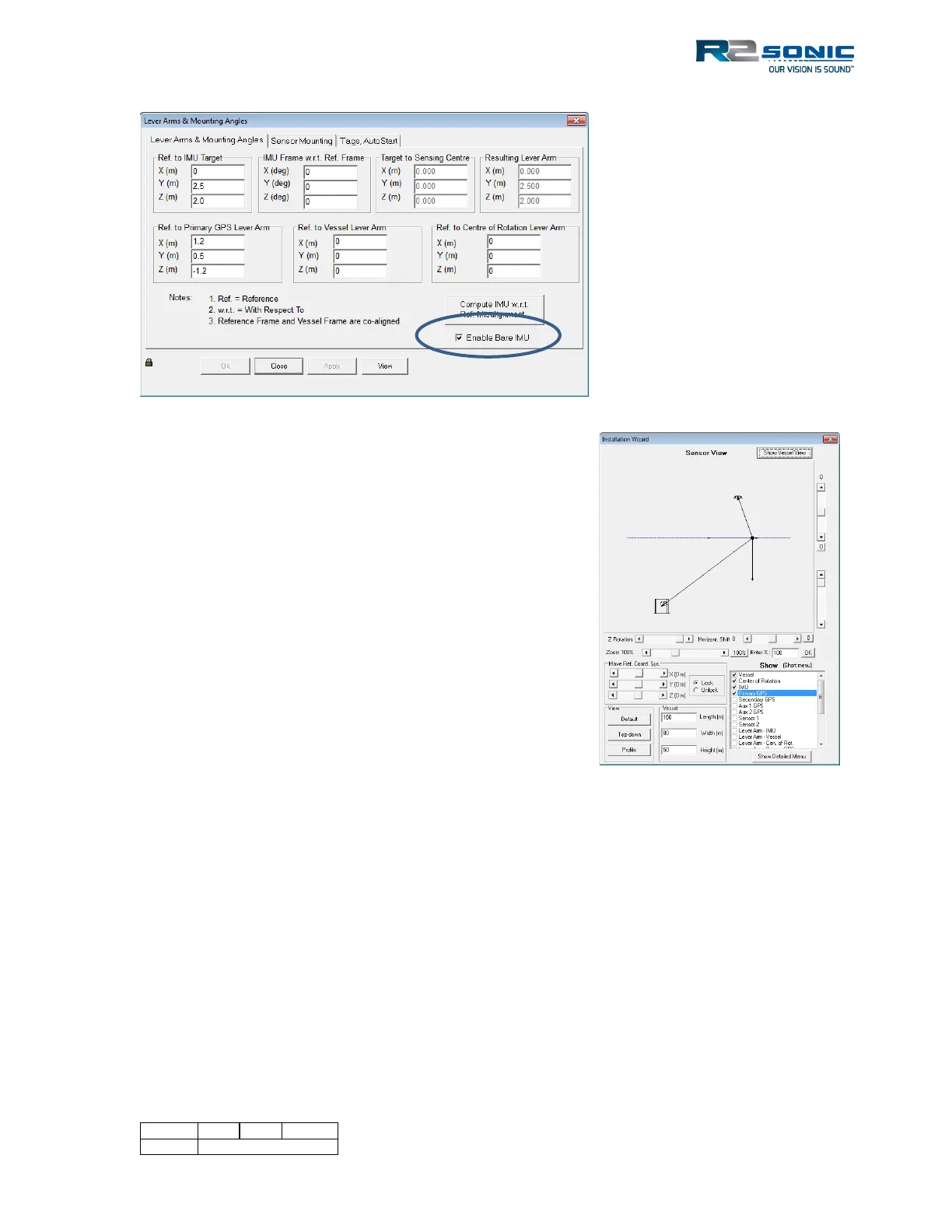
Figure 159: POSView Lever Arm setup
Figure 160: View of installation with the entered offsets
If the chosen Reference point is NOT the COG of the vessel, input the offsets from the ref to the COG
in the “Ref. to Centre of Rotation” fields. This step is critical for accurate heave information to be
reported.
Use the View, when entering offsets, so that the
correct sign is confirmed. This figure represents
the physical installation, using the offsets that
are seen in the above figure.



 To Next Page