Page 61 of 254
5.3 Settings Menu
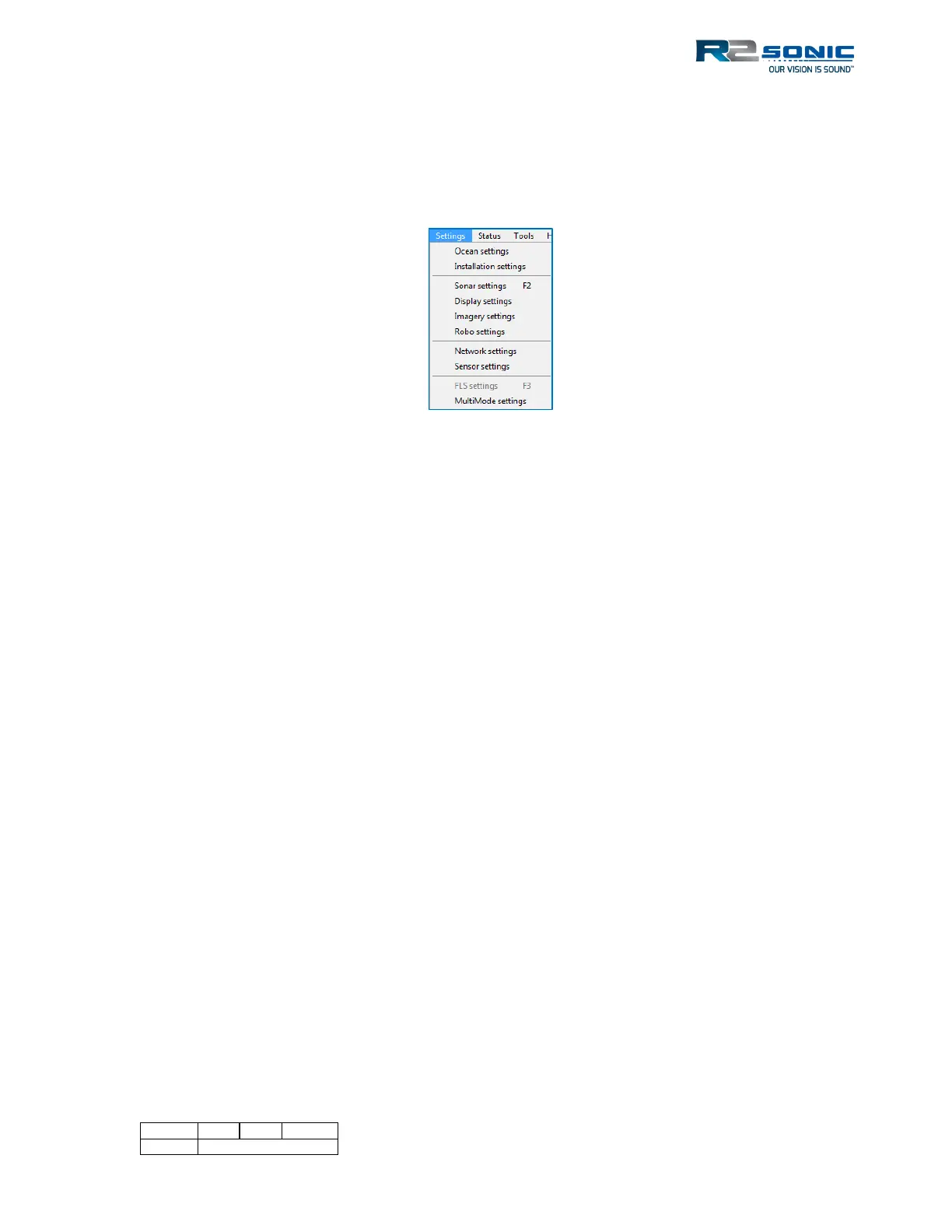
The Settings Menu provides access to the sonar setup and configuration. Each selection will be
detailed. The order of the menu selections is not the order of setup. The initial sonar setup involves
establishing communications between the sonar head, Sonic Control, and the SIM.
Figure 46: Settings Menu
5.4 Network Setup
All communication between the Sonic MBES and the SIM and data collection computer is via
Ethernet. The first step in setting up the sonar system is to establish the correct Ethernet
parameters, which include the IP (Internet Protocol), Subnet Mask and UDP (User Datagram
Protocol) base port under Settings | Network settings.
5.4.1 Initial Computer setup for Communication
Before starting Sonic Control 2000 for the first time, the computer’s network parameters must be
set correctly to establish the first communication.
Open the computer’s network connections. Identify the NIC (Network Interface Card) that is being
used for the Sonic system and select Properties (usually by using the right mouse button context
menu, highlight the Internet Protocol (TCP/IP) and select properties. Select ‘Use the following IP
address’ and enter:
IP address: 10.0.1.102
Subnet mask: 255.0.0.0



 To Next Page