Page 78 of 254
Part No. 96000001
Figure 70: Enable Acoustic Image in the wedge display
5.6.9.2 Forward Looking Sonar (Sonic 2024/2022-Requires Type 1004 projector)
Forward looking mode can be in one of two configurations. FLS Wide uses the 20° projector within
the Type 1004 projector. FLS Narrow uses the 1° standard projector. The wide mode, using the 20°
projector, will have a lower source level, but is very good for near field use. The narrow mode
allows for full source level to be used (221dB) but is more critical in aiming towards the target due to
the 1° transmit pattern.
Figure 71: FLS Wide mode
5.6.9.2.1 FLS Mode adjustments
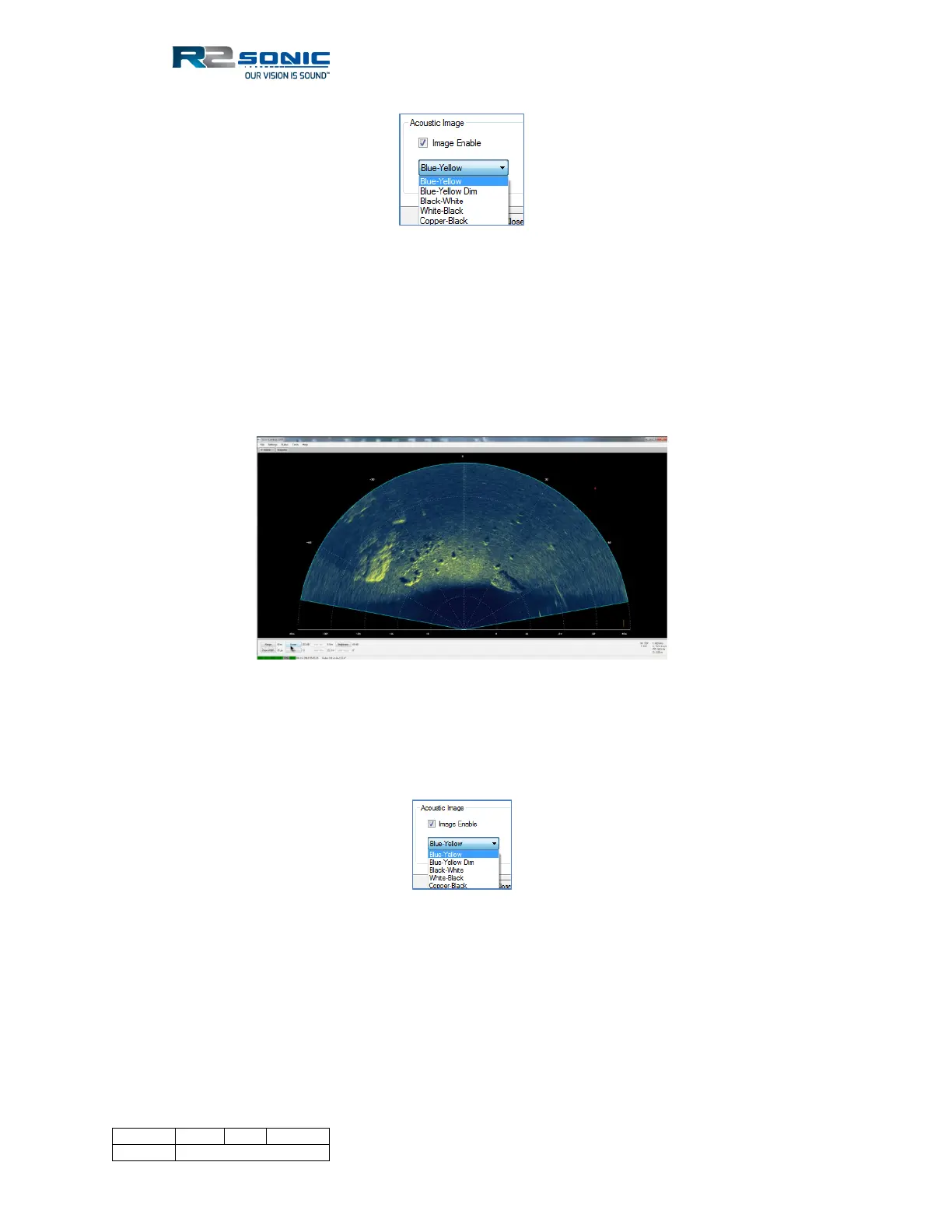
In FLS mode, the Brightness button adjusts the image ‘gain’ up to 80dB. The colour palette is
selected in the Display options, under Acoustic Image.
Figure 72: Imagery palette selection in Display Options
The FLS grid visibility is set in the Display | Grid settings. When in FLS mode, the range rings are
turned on and off by the Horizontal Grid Line selection. The angle markers (from nadir) are
controlled by the Vertical Grid Line selection.
5.6.9.2.2 Stealth Mode
The FLS can be operated in a stealth mode, where the only time the system transmits is when the
user manually triggers the sonar using the Ping button. In Sensor Settings, the ‘Trigger In’ option has



 To Next Page