Page 95 of 254
5.10.2 Saturation Monitor
Figure 100: Status | Saturation Monitor
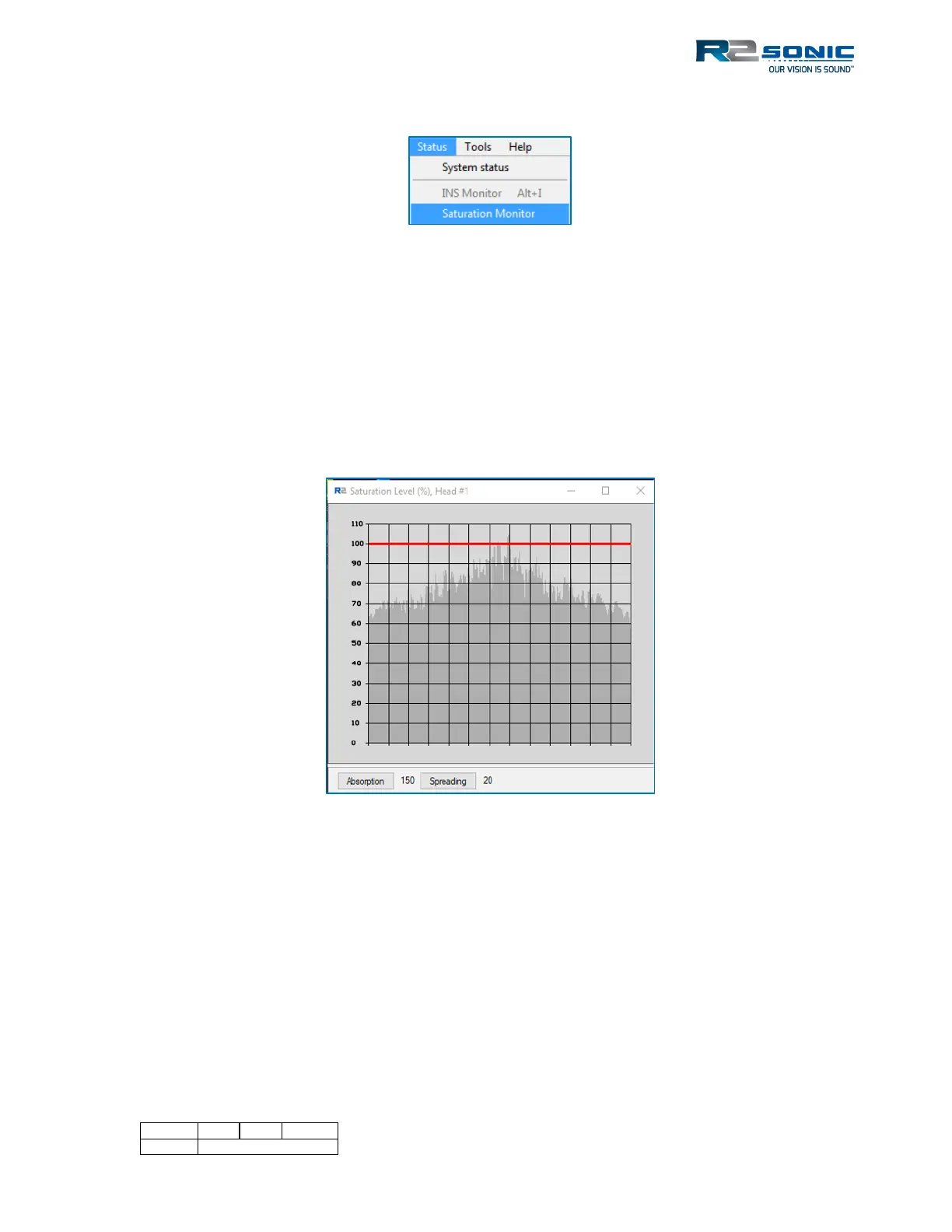
The Saturation Monitor provides the user with the means of monitoring the sonar’s receiver signal
level. The Saturation Monitor was developed by R2Sonic based on the work and input of Dr
Jonathan Beaudoin (then with Centre for Coastal Mapping, University of New Hampshire).
The Saturation Monitor enables the user to set sonar parameters to collect meaningful backscatter;
maintaining signal levels that keep the receivers within their linear region of response. The
Saturation Monitor allows the user to maintain consistent intensity levels. When the Saturation
Monitor is enabled, the Intensity Enable (Sonar Settings) will be automatically enabled.
Figure 101: Saturation Monitor
The factors that control intensity are:
• Power
• Pulse Width
• Gain
• TVG Parameters
o Spreading Loss
o Absorption
When the Saturation Monitor is opened, the user can adjust the above parameters to maintain
signal levels below the red 100% saturation line. The TVG parameters can be changed, directly in
the monitor window, without having to go to the Settings | Ocean menu.



 To Next Page