Page 100 of 254
Part No. 96000001
associated keystrokes and LMB). The head will stop uplinking data (spinner stops) while the transmit
firmware is being loaded. When the firmware is updated, the sonar will start pinging normally.
5.11.3 Snapshot and Reset Sector Rotate
Both of these features can be activated using hotkeys. Snapshot will capture a single image of the
GUI. Unless a folder is selected, on the Imagery Tab, the captured image will be stored within the
GUI files. The Snapshot also requires that ffmpeg is installed. A snapshot can be taken by using Alt
X. With the ability to orientate the swath to port or starboard, an easy way to return the swath to
zero rotation is by using Alt Z.
5.12 Help
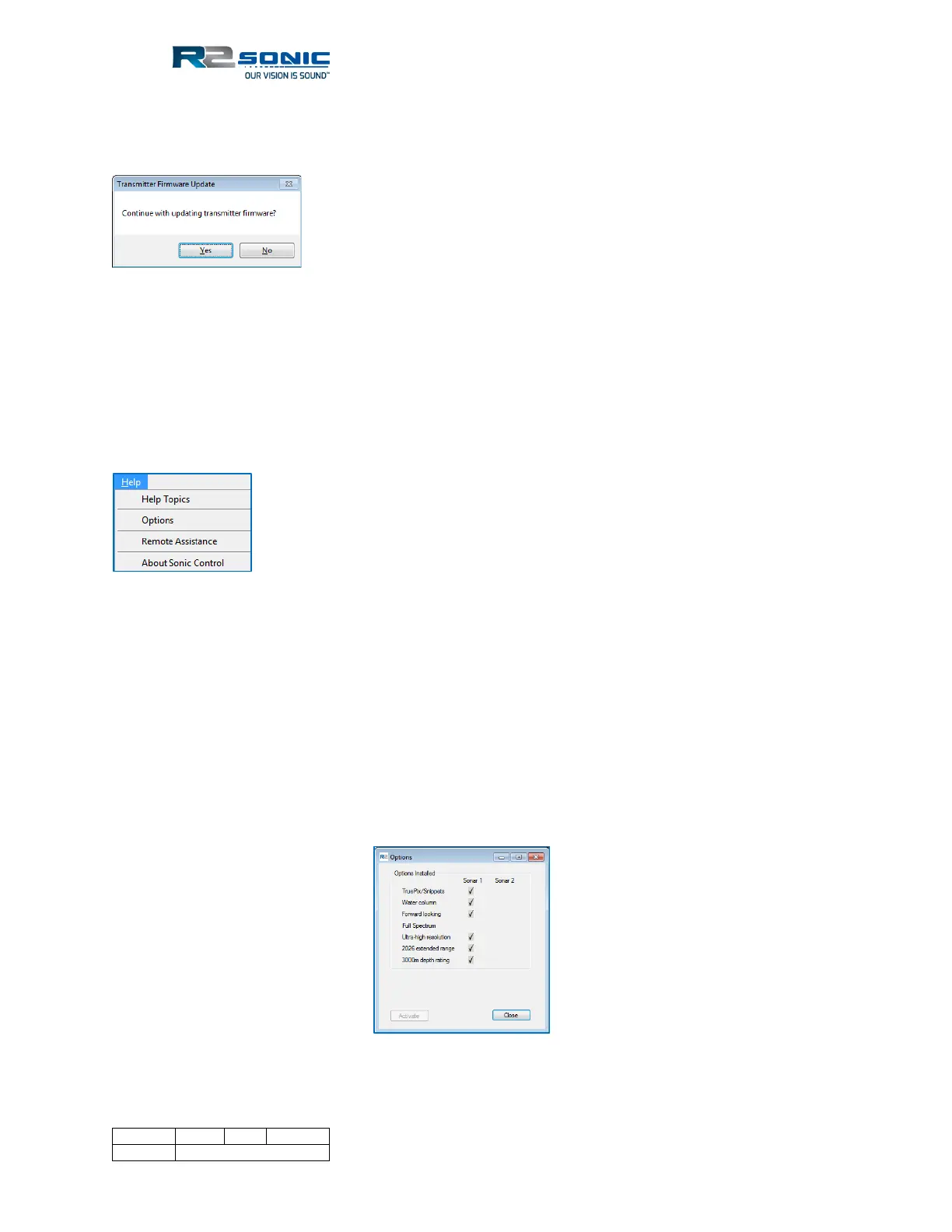
Figure 111: The Help Menu
5.12.1 Help Topics
Selecting Help Topics will bring up an electronic copy of the Operation Manual. This is the same as
the paper version of the Operation Manual.
5.12.2 Options
The Options display shows the upgrades that have been installed in the system. The installed
options are enabled or disabled, as required, in the Sonar Settings (except for the 3000m depth
rating upgrade); this display merely shows what is available for the system. Enabling an installed
option’s output is done in Sonar Settings.
Figure 112: Installed Options



 To Next Page