Page 99 of 254
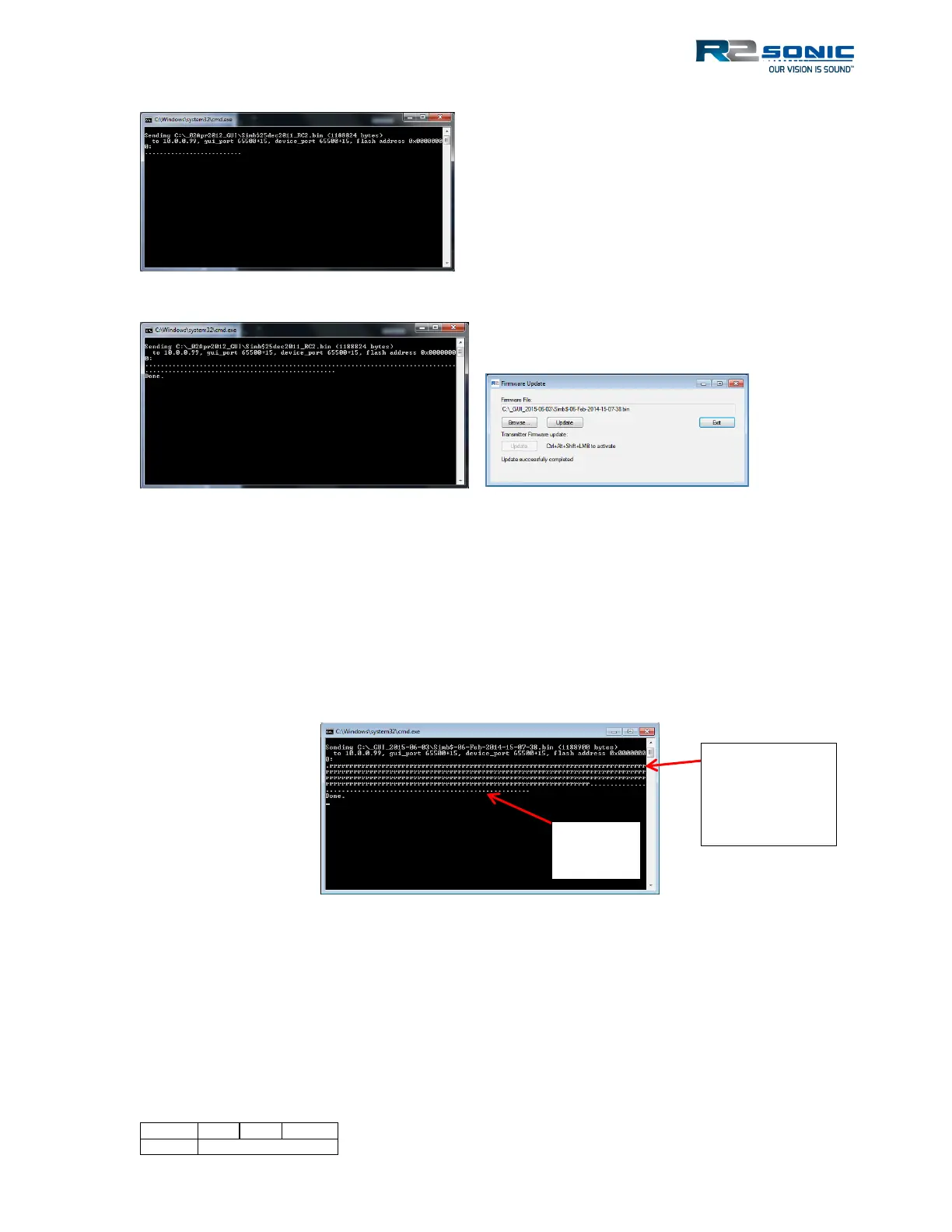
Figure 108: The start of a firmware update. A series of dots represents the update progress.
Figure 109: Firmware update completed.
5.11.2.1 Firewall and Virus Checker Issues
A major problem can arise from having a firewall turned on (either Windows or a third party) and
virus checkers. Having a firewall on will cause a window to pop up, from the firewall, during the
upgrade procedure requesting permission to run the upgrade; selecting yes (to allow) it proceeds. In
the CMD window, a series of ‘r’ will appear to show the update procedure is trying to perform the
update but is being prevented from doing so. Once the firewall has been turned off or trained, the
‘r’ will change to the normal update dots.
Figure 110: Indication of attempts to update the firmware
5.11.2.2 Transmitter Firmware Update
When the transmitter firmware is to be updated, it is a special update. Being a special update, more
steps have to be taken, which is why a series of keys and mouse clicks have to be used to activate
the update. The transmitter firmware is embedded with the normal sonar head firmware. If the
transmitter firmware is to be updated, click the transmitter firmware update button (with
update
firmware



 To Next Page