Instrument Functions
R&S
®
NRP2
83User Manual 1173.9157.02 ─ 03
The performance of the sensors can effectively be improved by this measure with respect
to linearity errors when applying signals with high peak-to-average ratios. However, there
is a certain downside regarding speed and noise. If an offset value of e.g. -10 dB is
entered, this means that paths can be underdriven by an amount of 10 dB with respect
to the default setting. This way, the amount of inherent sensor noise will become more
evident or the settling time will increase if one counteracts with a higher averaging num-
ber. That is why there is little point in entering offsets less than -10 dB. As a rule of thumb,
linearity errors introduced by signals with high peak-to-average ratios, are reduced
according to the offset value, e.g. by a factor of four when entering -6 dB.
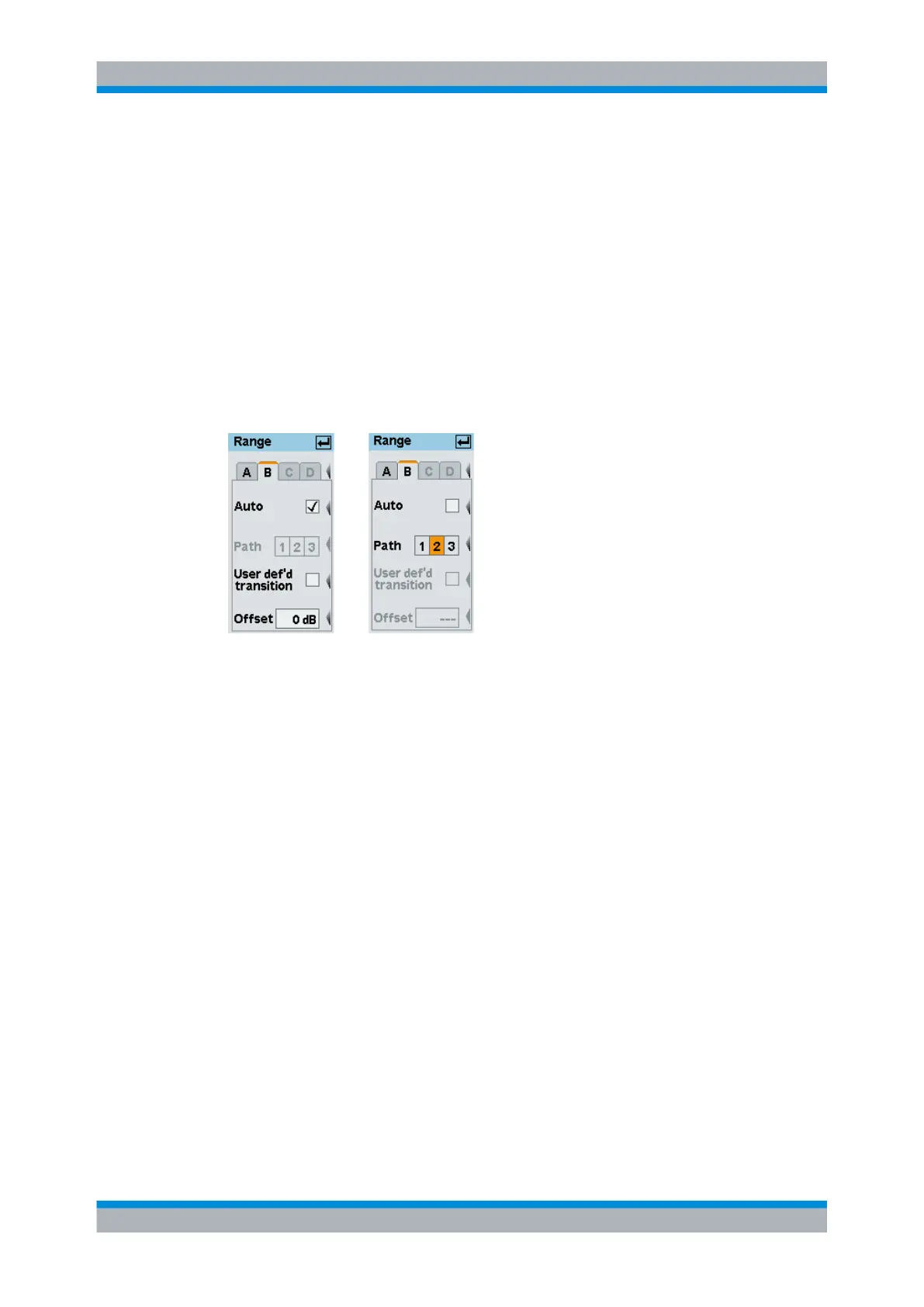
Manual path selection can be chosen by deactivating the "Auto" checkbox and selecting
the preferred path in the "Path" selection box. Testing the drive range of an individual
path or avoiding the noise contribution of the adjacent path may be a good reason for
selecting manual operation.
Fig. 4-18: Range dialog box
A | B | C | D
Tabs for selecting the sensor.
Note: In remote-control commands, select the sensor with the suffix in command
SENSe<[1]..4>:..., i.e. choose suffix 1 for channel A, channel 2 for B, and so on.
Auto
Turns the "Auto" range function on/off.
SCPI command:
[SENSe<[1]..4>][:POWer][:AVG]:RANGe:AUTO on page 271
Path 1 2 3
Selects a measurement path when the "Auto" range function is off.
SCPI command:
[SENSe<[1]..4>][:POWer][:AVG]:RANGe on page 271
User def'd transition
Activates a shift of the transition region(s).
SCPI command:
[SENSe<[1]..4>][:POWer][:AVG]:RANGe:CLEVel on page 271
Data acquisition and parameters



 To Next Page