Instrument Functions
R&S
®
NRP2
110User Manual 1173.9157.02 ─ 03
4.4.4.1 Relative
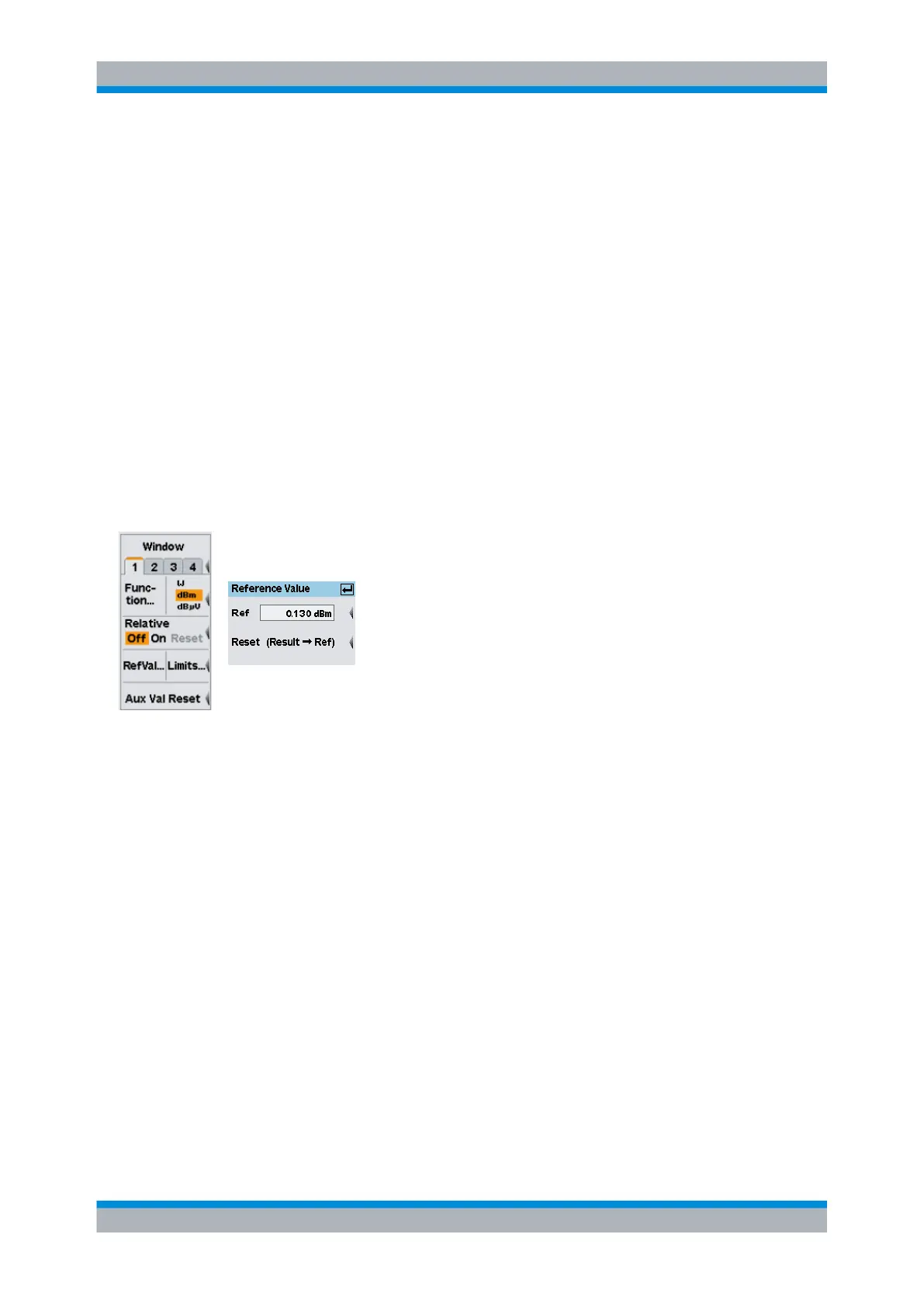
The "Relative" settings activate or deactivate relative power measurement, or assign a
measurement result as reference.
Off On Reset
Relates a power or a power ratio to a reference value.
"Off"
Absolute power measurement or measurement of the power ratio of two
measurement channels using the "Ratio" function is performed.
"On"
Relative power measurement or relative power ratio measurement.
"Reset"
Assigns the current measurement result as reference value.
SCPI command:
CALCulate<[1]..8>:RELative:STATe on page 232
CALCulate<[1]..8>:RELative[:MAGNitude]:AUTO on page 231
4.4.4.2 Setting the reference value manually
The reference value can be directly entered or edited using the "Reference Value" dialog
box. Open the dialog box with the "RefVal" softkey.
Fig. 4-42: Reference value dialog box
Ref
Enter a reference value or modify a previously set value.
SCPI command:
CALCulate<[1]..8>:RELative[:MAGNitude] on page 230
Reset
The current measurement result is transferred to the reference value memory of the active
window and is displayed. This function can also be started from the "Measurement" menu
by using the "Reset" softkey.
SCPI command:
CALCulate<[1]..8>:RELative[:MAGNitude]:AUTO on page 231
4.4.5 Limit Monitoring
An upper and a lower limit for each window with digital ("Dig") or digital/analog ("D&A")
result display can be set in the "Limits" dialog box. If either limit is violated, a warning is
issued.
Configuring measurements



 To Next Page