Getting Started
R&S
®
NRP2
29User Manual 1173.9157.02 ─ 03
2.4 Measuring average power (Cont Av mode)
In the following example for measuring the average power the following steps are per-
formed:
●
Setting up the measurement
●
Setting the frequency
●
Setting the unit for the measurement result
●
Setting a fixed offset correction
●
Performing a relative power measurement
●
Checking the settings with full height window
●
Selecting the display mode
●
Selecting the indication of auxiliary values
Setting up the measurement
To set up the measurement
1.
Put the R&S NRP2 into operation as described in chapter 1, "Putting into Opera-
tion", on page 7 and connect a sensor to connector A.
2.
Preset the R&S NRP2 and execute Zero A.
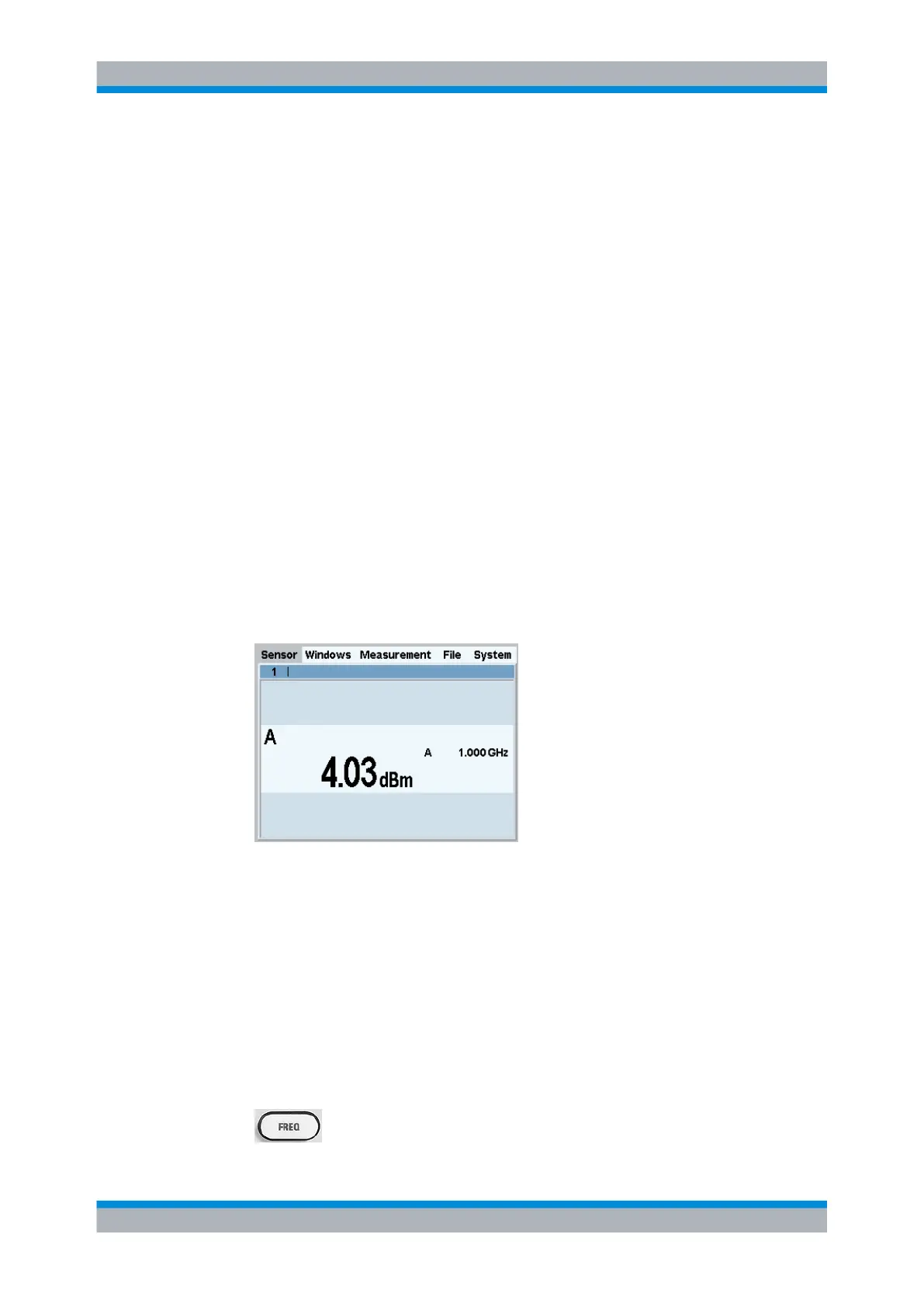
After preset, one result window indicates the result (in dBm) obtained with sensor A.
Fig. 2-3: Result window (dBm)
Setting the frequency
The R&S NRP2 must be set to the carrier frequency of the applied signal if the specified
measurement accuracy is to be reached.
To set the frequency
1.
Connect an unmodulated signal with a level between –10 dBm and +10 dBm to the
sensor.
2. Press the FREQ hardkey.
Measuring average power (Cont Av mode)



 To Next Page