Getting Started
R&S
®
NRP2
28User Manual 1173.9157.02 ─ 03
Turn off all test signals before zeroing. An active test signal during zeroing causes an
error.
To zero the meter
1. Connect the sensor to a signal source
2. Switch off the power
3. Press the ZERO hardkey.
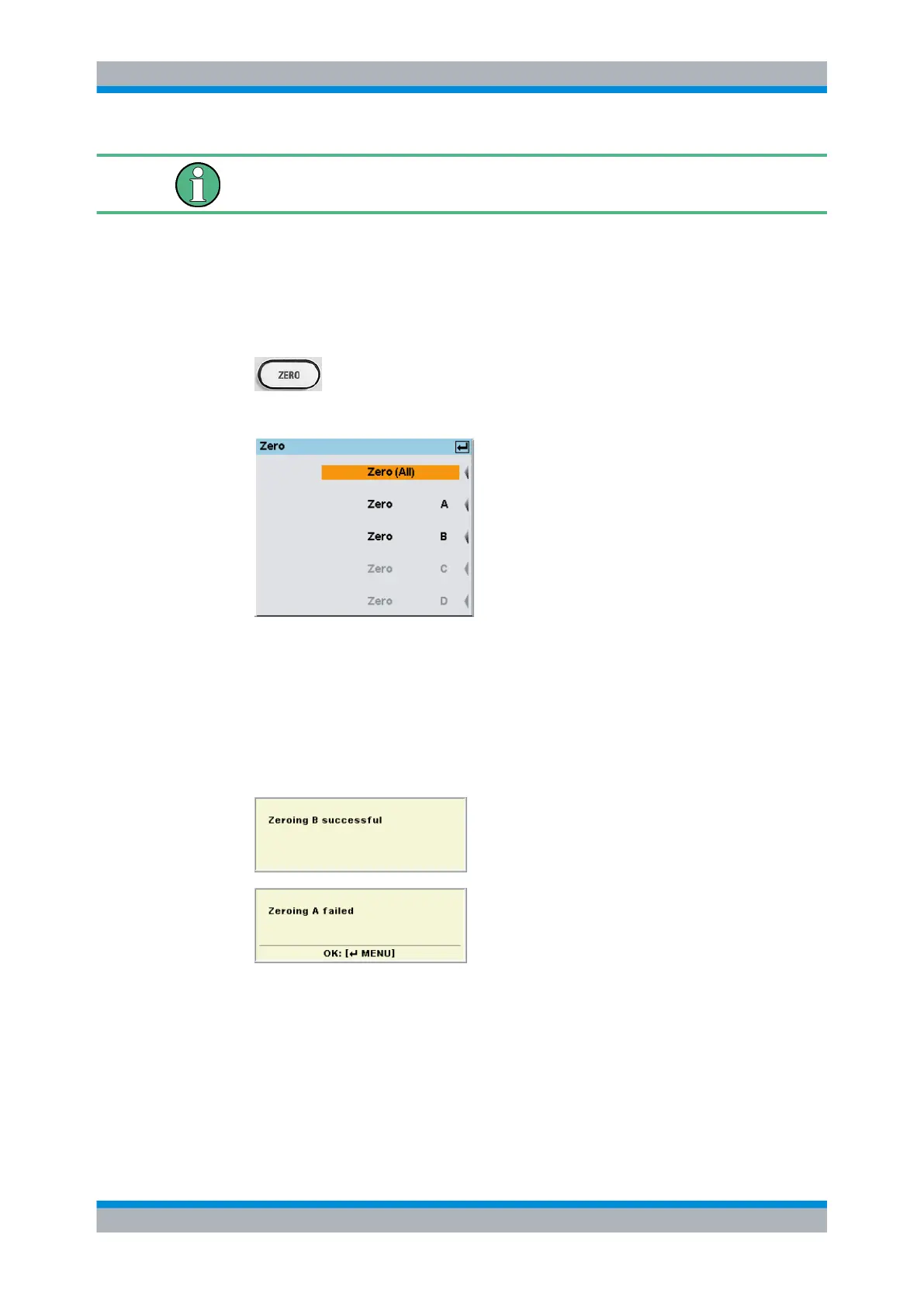
The "Zero" dialog box is displayed.
Fig. 2-2: Zeroing dialog box
4. Press the ZERO hardkey again to perform zeroing of all connected sensor channels
("Zero (All)") or press the appropriate softkey to select a specific sensor for zeroing.
Zeroing of all connected sensors is performed.
The correction measurement takes several seconds. When completed, the
R&S NRP2 displays a message indicating success or failure of zeroing.
If zeroing fails, the most frequent cause for this error is a signal that is applied to the
sensor and prevents zeroing.
Preset and zeroing



 To Next Page