Manual Operation
R&S
®
NRP2
58User Manual 1173.9157.02 ─ 03
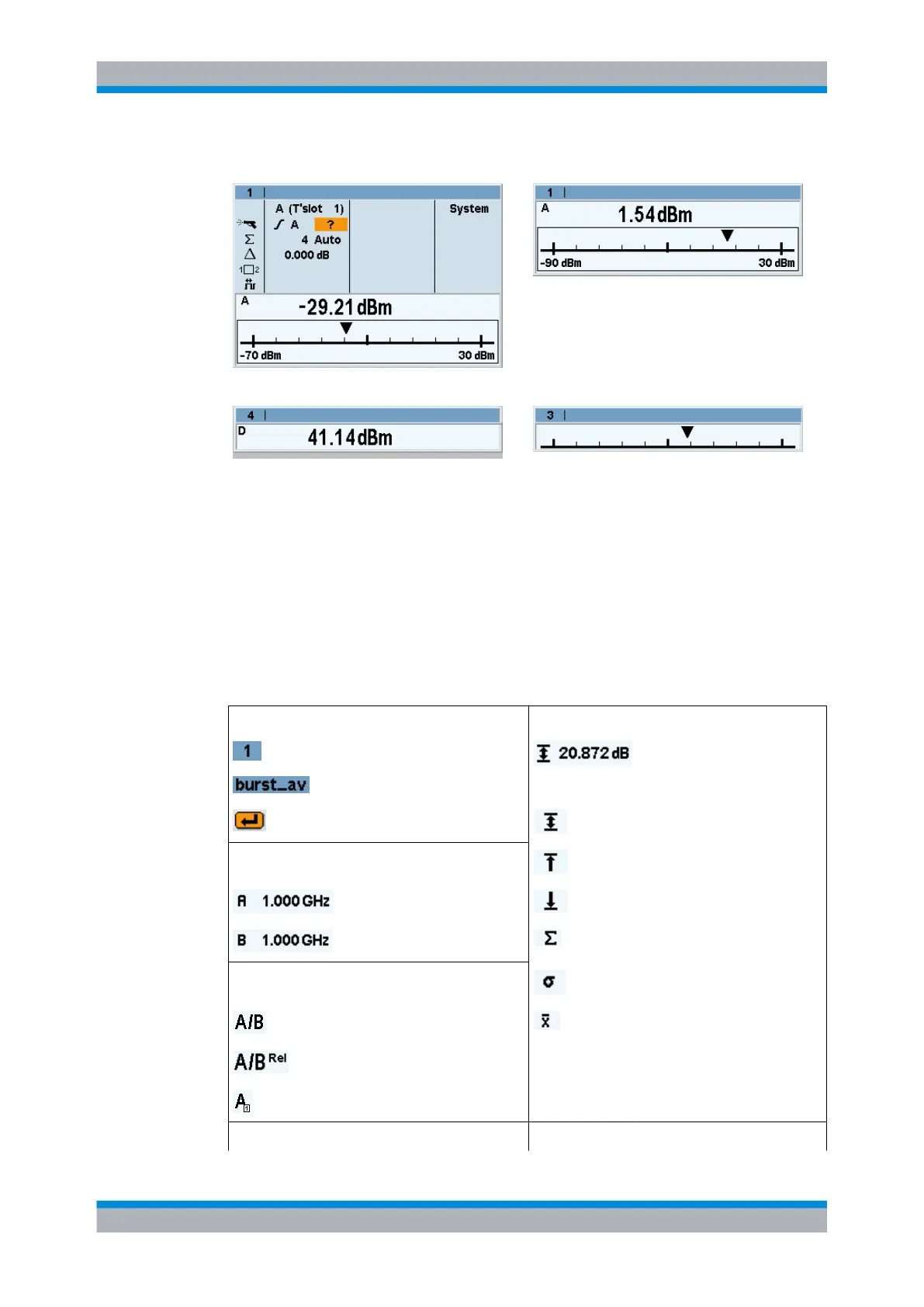
"D&A" window, full height "D&A" window, half height
"Dig" window, quarter height "D&A" window, quarter height
You can expand all opened windows to full height by activating the "Expand" function
from the "Windows" menu. In this state, the full-height windows can be displayed con-
secutively using the window "1 2 3 4" menu item. The opened windows can be reduced
to their previous sizes with the "Arrange" menu item. Otherwise, it is not possible to
change the size of the windows – the window size is determined by the number of win-
dows.
3.6.2 Special symbols
Table 3-1: Special symbols
Window Auxiliary values
Window number Auxiliary value; here, max-min
Window name
Confirm with the ↵ MEN key
Max-Min
Display values
Max
Frequency in the primary and Min
secondary channel No. of measurement values
Measurement function
Standard deviation
Measurement function Mean value
Relative measurement active
Timeslot or gate measurement
Correction functions Trigger
Display windows



 To Next Page