Getting Started
R&S
®
NRP2
35User Manual 1173.9157.02 ─ 03
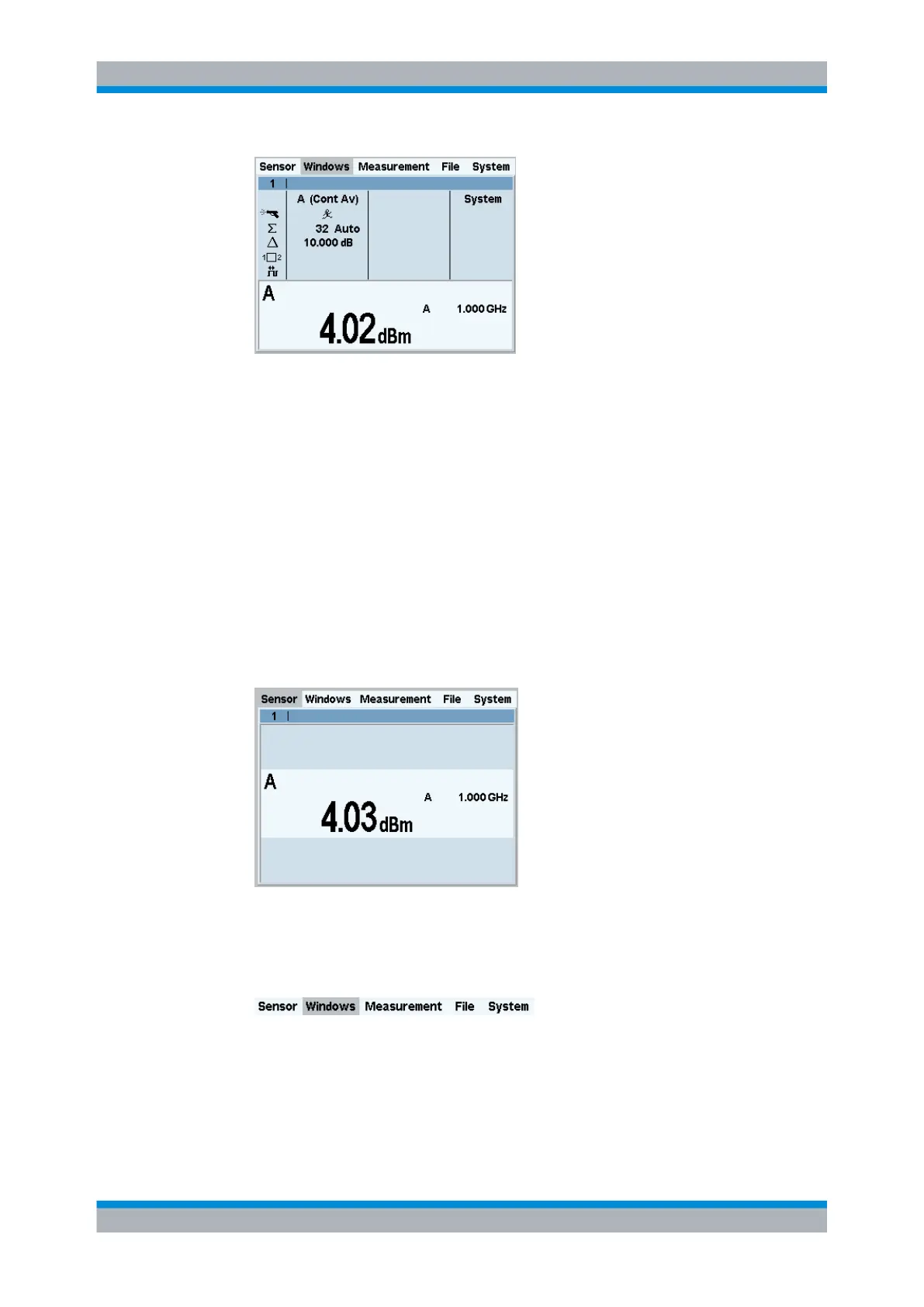
Fig. 2-15: Result window / key measurement parameters
4. To return the window to its normal size, open the "Windows" menu with the
↵MENU hardkey and press the "Arrange" softkey.
2.5 Window handling
Up to four windows can be indicated simultaneously on the R&S NRP2‘s display. Each
window can be configured for a separate measurement. The following examples show
how to handle windows.
Opening, expanding and closing windows.
1. Press the (PRE)SET hardkey twice.
Fig. 2-16: Result window
A display window indicating the result (in dBm) from sensor A appears.
2. Select the "Windows" menu with the topmost softkey or the cursor keys.
The "Window" softkey selects the window. The settings in the "Windows" menu and
in the "Measurement" menu are valid for the selected window.
Window handling



 To Next Page