Getting Started
R&S
®
NRP2
34User Manual 1173.9157.02 ─ 03
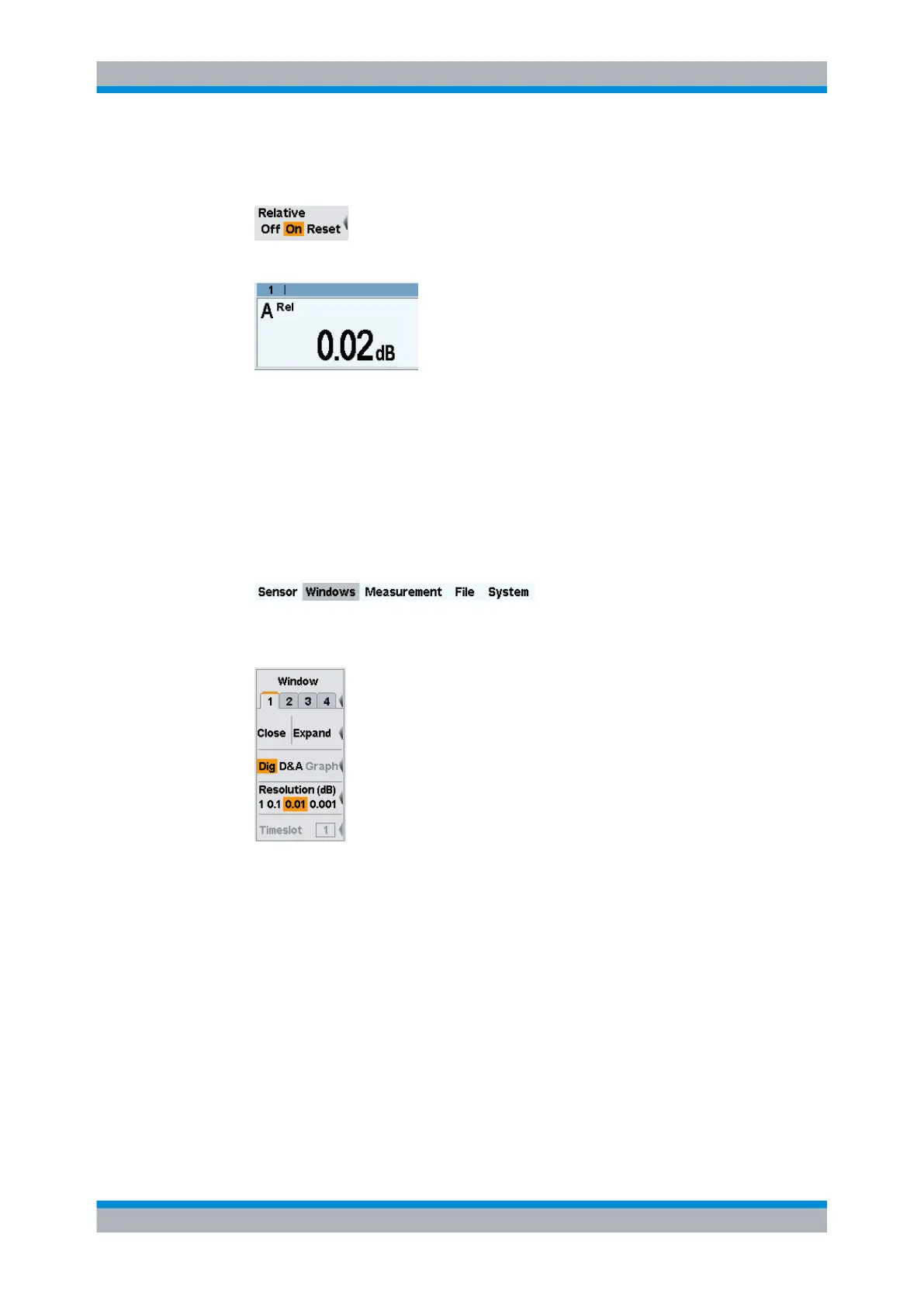
"Reset" will set the current power result as new reference value. After the reset, rel-
ative measurement is automatically active again.
If the power has not changed in the meantime, the indicated value is close to 0 dB.
Fig. 2-13: Result window / Reset relative
5. If an attenuator is still connected, remove it now and connect the sensor directly to
the signal source.
The displayed value should now equal the offset that has been entered.
Checking the settings with full height window
1. Select and open the "Windows" menu.
The "Windows" menu contains all the functions required for opening, closing and
configuring windows.
Fig. 2-14: Window menu / Digital
2.
Check if window 1 has been selected.
3. Press the "Expand" softkey.
Window 1 now expands to full size below the menu bar and displays all relevant
settings:
- measurement modes of contributing channels (A (ContAV))
- Trigger mode (auto)
- averaging number and mode (32 Auto)
- Offset (10 dB)
- S parameter device (none)
- duty cycle correction (none)
Measuring average power (Cont Av mode)



 To Next Page